







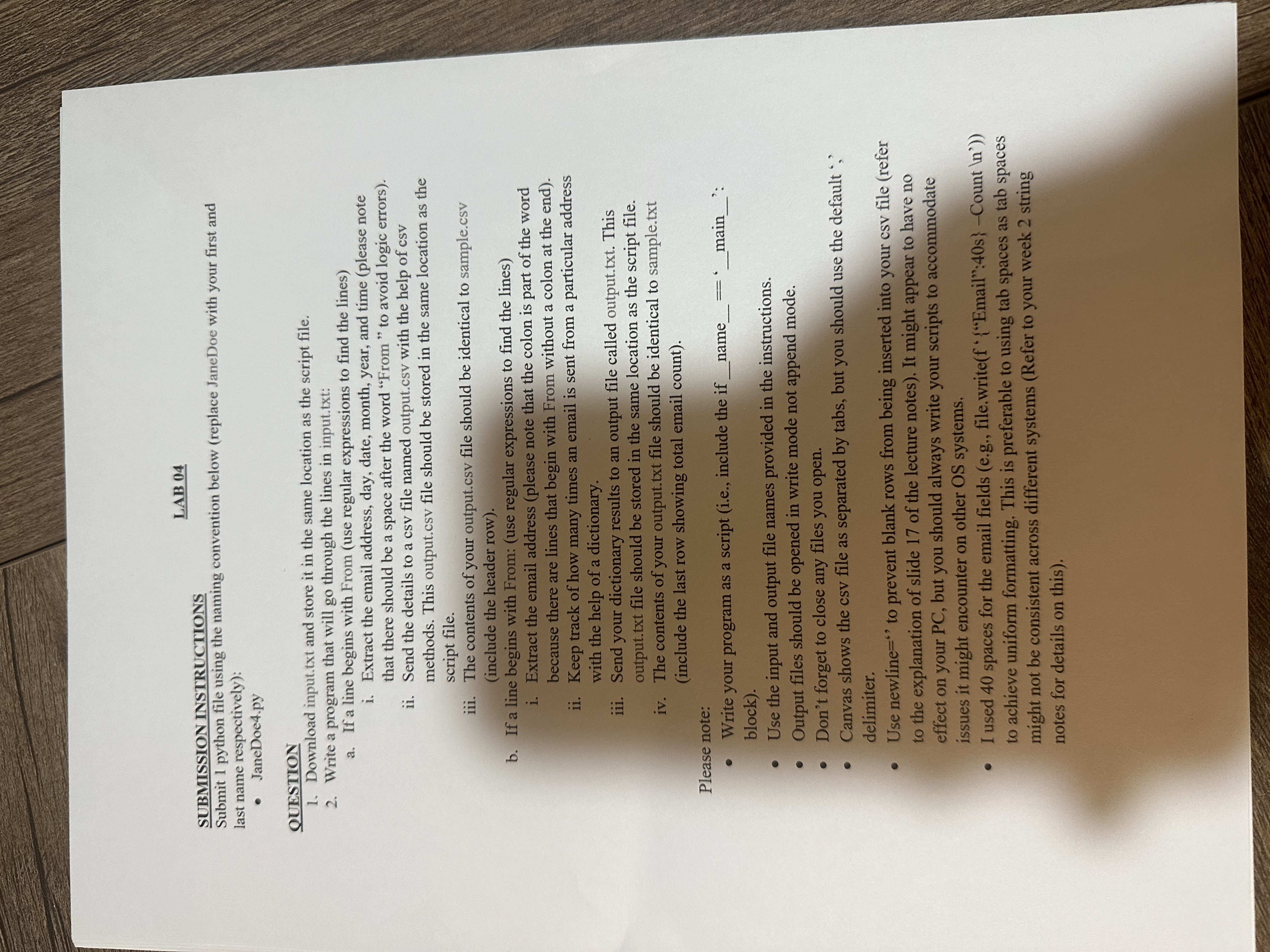
Question: SUBMISSION INSTRUCTIONS Submit 1 python file using the naming convention below ( replace JaneDoe with your first and last name respectively ) : JaneDoe 4
SUBMISSION INSTRUCTIONS
Submit python file using the naming convention below replace JaneDoe with your first and
last name respectively:
JaneDoepy
QUESTION
Download input.txt and store it in the same location as the script file.
Write a program that will go through the lines in input.txt:
a If a line begins with From use regular expressions to find the lines
i Extract the email address, day, date, month, year, and time please note
that there should be a space after the word "From" to avoid logic errors
ii Send the details to a csv file named output.csv with the help of csv
methods. This output.csv file should be stored in the same location as the
script file.
iii. The contents of your output.csv file should be identical to sample.csv
include the header row
b If a line begins with From: use regular expressions to find the lines
i Extract the email address please note that the colon is part of the word
because there are lines that begin with From without a colon at the end
ii Keep track of how many times an email is sent from a particular address
with the help of a dictionary.
iii. Send your dictionary results to an output file called output.txt This
output.txt file should be stored in the same location as the script file.
iv The contents of your output.txt file should be identical to sample.txt
include the last row showing total email count
Please note:
Write your program as a script ie include the if name:
block
Use the input and output file names provided in the instructions.
Output files should be opened in write mode not append mode.
Don't forget to close any files you open.
Canvas shows the csv file as separated by tabs but you should use the default ;
delimiter.
Use newline to prevent blank rows from being inserted into your csv file refer
to the explanation of slide of the lecture notes It might appear to have no
effect on your PC but you should always write your scripts to accommodate
issues it might encounter on other OS systems.
I used spaces for the email fields eg file.writef Email: s Count
to achieve uniform formatting. This is preferable to using tab spaces as tab spaces
might not be consistent across different systems Refer to your week string
notes for details on this
Step by Step Solution
There are 3 Steps involved in it
1 Expert Approved Answer
Step: 1 Unlock

Question Has Been Solved by an Expert!
Get step-by-step solutions from verified subject matter experts
Step: 2 Unlock
Step: 3 Unlock
 Study Help