







Question: SUBMISSION REQUIREMENTS Note: PowerShell script will be run in various exercises to assist you with verifying that all portions of the Guided Practice are completed,
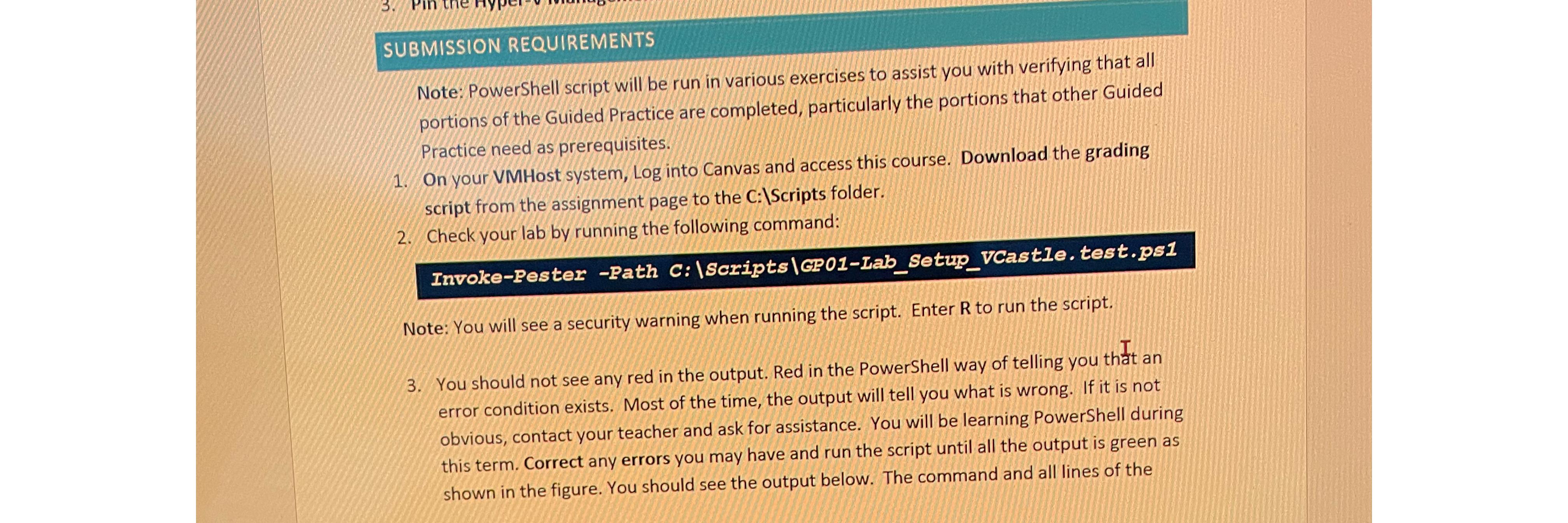
SUBMISSION REQUIREMENTS\ Note: PowerShell script will be run in various exercises to assist you with verifying that all portions of the Guided Practice are completed, particularly the portions that other Guided Practice need as prerequisites.\ On your VMHost system, Log into Canvas and access this course. Download the grading script from the assignment page to the
C:IScripts folder.\ Check your lab by running the following command:\ Invoke-Pester-Path C:|Scripts|GP01-Iab_Setup_VCastle.test.ps1\ Note: You will see a security warning when running the script. Enter
Rto run the script.\ 3. You should not see any red in the output. Red in the PowerShell way of telling you that an error condition exists. Most of the time, the output will tell you what is wrong. If it is not obvious, contact your teacher and ask for assistance. You will be learning PowerShell during this term. Correct any errors you may have and run the script until all the output is green as shown in the figure. You should see the output below. The command and all lines of the
SUBMISSION REQUIREMENTS Note: PowerShell script will be run in various exercises to assist you with verifying that all portions of the Guided Practice are completed, particularly the portions that other Guided Practice need as prerequisites. 1. On your VMHost system, Log into Canvas and access this course. Download the grading script from the assignment page to the C: IScripts folder. 2. Check your lab by running the following command: Invoke-Pester -Path C:|Scripts|GP01-Iab_Setup_VCastIe.test.ps1 Note: You will see a security warning when running the script. Enter R to run the script. 3. You should not see any red in the output. Red in the PowerShell way of telling you that an error condition exists. Most of the time, the output will tell you what is wrong. If it is not obvious, contact your teacher and ask for assistance. You will be learning PowerShell during this term. Correct any errors you may have and run the script until all the output is green as shown in the figure. You should see the output below. The command and all lines of the
Step by Step Solution
There are 3 Steps involved in it

Get step-by-step solutions from verified subject matter experts
 Study Help