







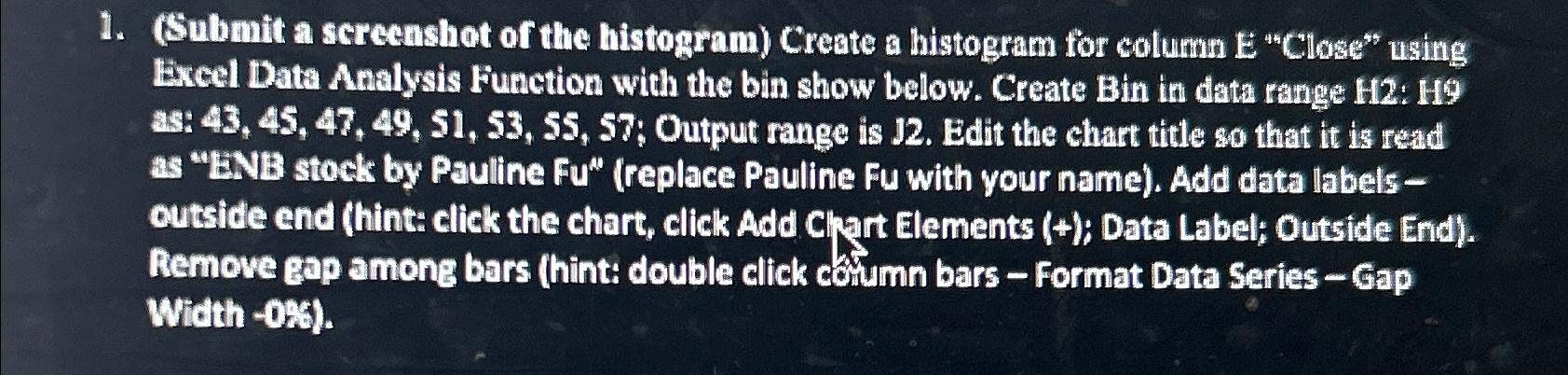
Question: ( Submit a screenshot of the histogram ) Create a histogram for column E C l o s e u s i n g Excel
Submit a screenshot of the histogram Create a histogram for column Excel Data Analysis Function with the bin show below. Create Bin in data range H: H as: Output range is J Edit the chart title so that it is read as BNB stock by Pauline Fureplace Pauline Fu with your name Add data labels outside end hint: click the chart, click Add Chart Elements ; Data Label; Outside End Remove gap among bars hint: double click coumn bars Format Data Series Gap Width
Step by Step Solution
There are 3 Steps involved in it
1 Expert Approved Answer
Step: 1 Unlock

Question Has Been Solved by an Expert!
Get step-by-step solutions from verified subject matter experts
Step: 2 Unlock
Step: 3 Unlock
 Study Help