







Question: Suppose you are debugging your code within Visual Studio Code. You have added one breakpoint at line 10. This line of code calls a suspicious
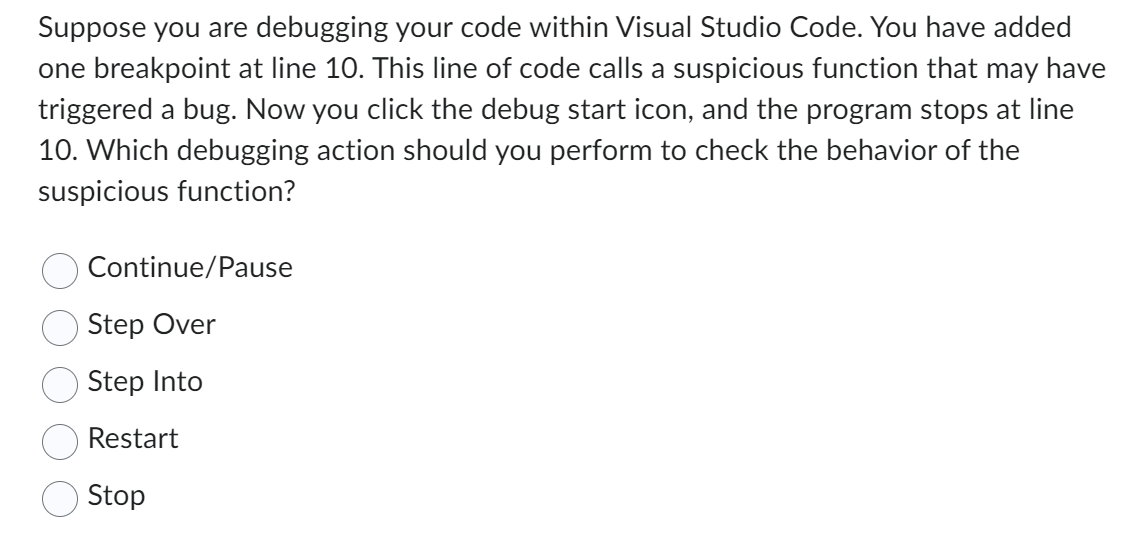
Suppose you are debugging your code within Visual Studio Code. You have added one breakpoint at line 10. This line of code calls a suspicious function that may have triggered a bug. Now you click the debug start icon, and the program stops at line 10. Which debugging action should you perform to check the behavior of the suspicious function? Continue/Pause Step Over Step Into Restart Stop
Step by Step Solution
There are 3 Steps involved in it
1 Expert Approved Answer
Step: 1 Unlock

Question Has Been Solved by an Expert!
Get step-by-step solutions from verified subject matter experts
Step: 2 Unlock
Step: 3 Unlock
 Study Help