







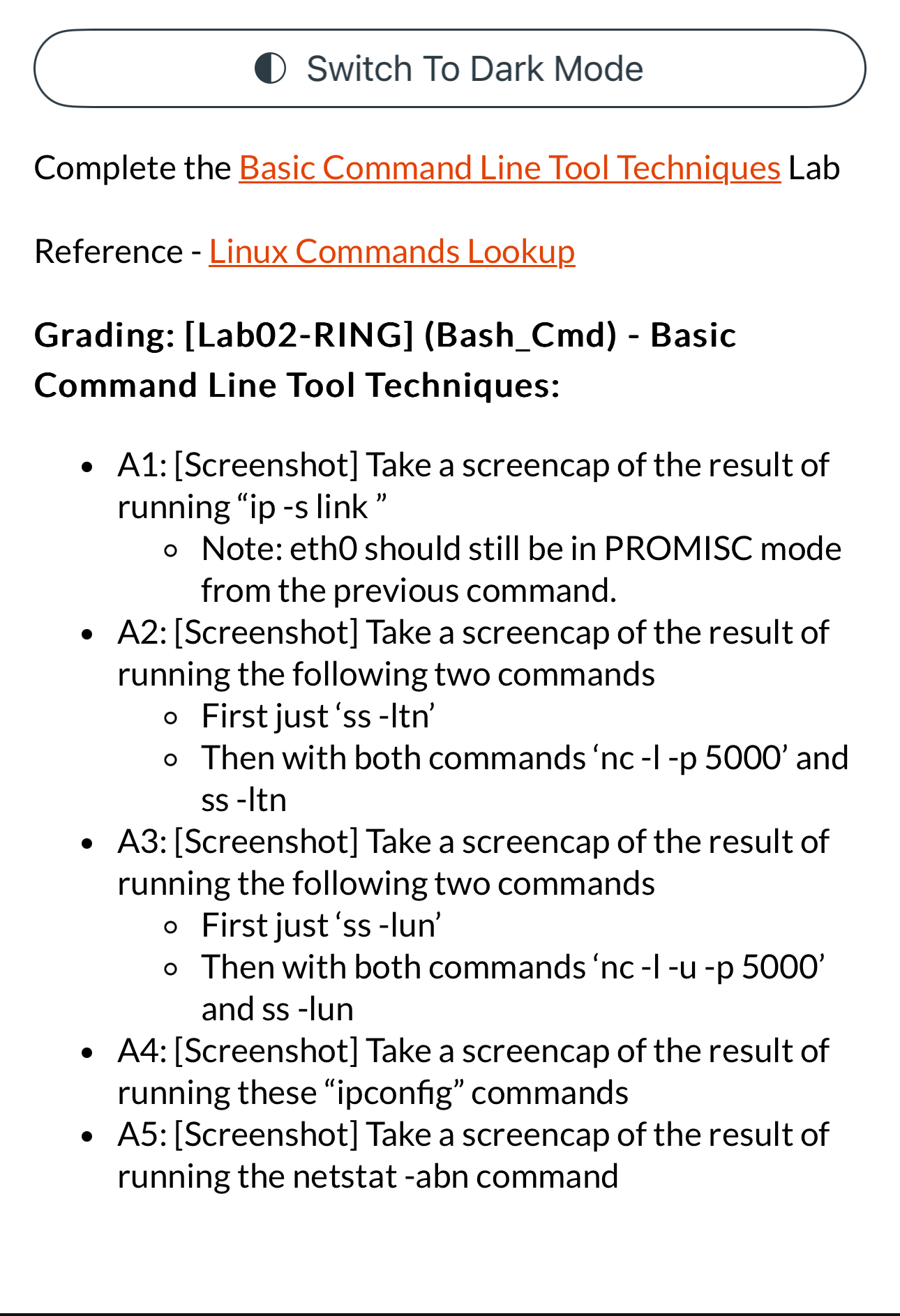
Question: Switch To Dark Mode Complete the Basic Command Line Tool Techniques Lab Reference - Linux Commands Lookup Grading: [ Lab 0 2 - RING ]
Switch To Dark Mode
Complete the Basic Command Line Tool Techniques Lab
Reference Linux Commands Lookup
Grading: LabRINGBashCmd Basic
Command Line Tool Techniques:
A: Screenshot Take a screencap of the result of running ip s link"
Note: eth should still be in PROMISC mode from the previous command.
A: Screenshot Take a screencap of the result of running the following two commands
First just ss Itn'
Then with both commands and ss Itn
A: Screenshot Take a screencap of the result of running the following two commands
First just ss lun'
Then with both commands and ss lun
A:Screenshot Take a screencap of the result of running these "ipconfig" commands
A: Screenshot Take a screencap of the result of running the netstat abn command
Step by Step Solution
There are 3 Steps involved in it
1 Expert Approved Answer
Step: 1 Unlock

Question Has Been Solved by an Expert!
Get step-by-step solutions from verified subject matter experts
Step: 2 Unlock
Step: 3 Unlock
 Study Help