







Question: Switch to Datasheet view and use the Find command to locate the record for 6 UserID 822680. Add the downloaded Word document named 822680.doc and
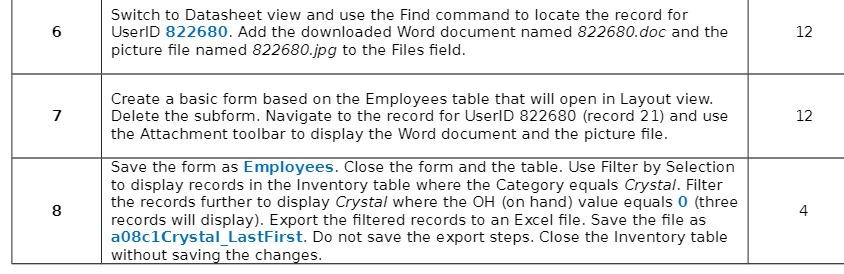
Switch to Datasheet view and use the Find command to locate the record for 6 UserID 822680. Add the downloaded Word document named 822680.doc and the 12 picture file named 822680.jpg to the Files field. Create a basic form based on the Employees table that will open in Layout view. 7 Delete the subform. Navigate to the record for UserID 822680 (record 21) and use 12 the Attachment toolbar to display the Word document and the picture file. Save the form as Employees. Close the form and the table. Use Filter by Selection to display records in the Inventory table where the Category equals Crystal. Filter 8 the records further to display Crystal where the OH (on hand) value equals 0 (three records will display). Export the filtered records to an Excel file. Save the file as 4 a08clCrystal_LastFirst. Do not save the export steps. Close the Inventory table without saving the changes
Step by Step Solution
There are 3 Steps involved in it

Get step-by-step solutions from verified subject matter experts
 Study Help