







Question: Switching stdout between the 'screen' and output file: Write a C program that keeps on printing a default message either on the screen or into
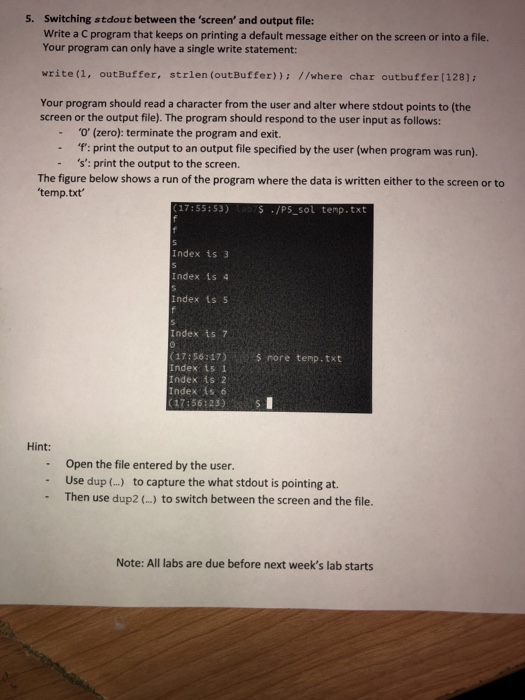
Switching stdout between the 'screen' and output file: Write a C program that keeps on printing a default message either on the screen or into a file. Your program can only have a single write statement: 5. write (1, outBuffer, strlen (outBuffer)): //where char outbuffer [128]: Your program should read a character from the user and alter where stdout points to (the screen or the output file). The program should respond to the user input as follows: '0' (zero): terminate the program and exit. - : print the output to an output file specified by the user (when program was run). 's': print the output to the screen. The figure below shows a run of the program where the data is written either to the screen or to temp.txt (17:55:53) S/P5 sol temp.txt Index ts 3 Index is 4 Index ts 5 Index is 7 (17:56:47)rore temp.txt Index 1s 1 Index is 2 Index is 6 (17:56:23S Hint: Open the file entered by the user. - Use dup ...) to capture the what stdout is pointing at. - Then use dup2 (.) to switch between the screen and the file. Note: All labs are due before next week's lab starts
Step by Step Solution
There are 3 Steps involved in it

Get step-by-step solutions from verified subject matter experts
 Study Help