







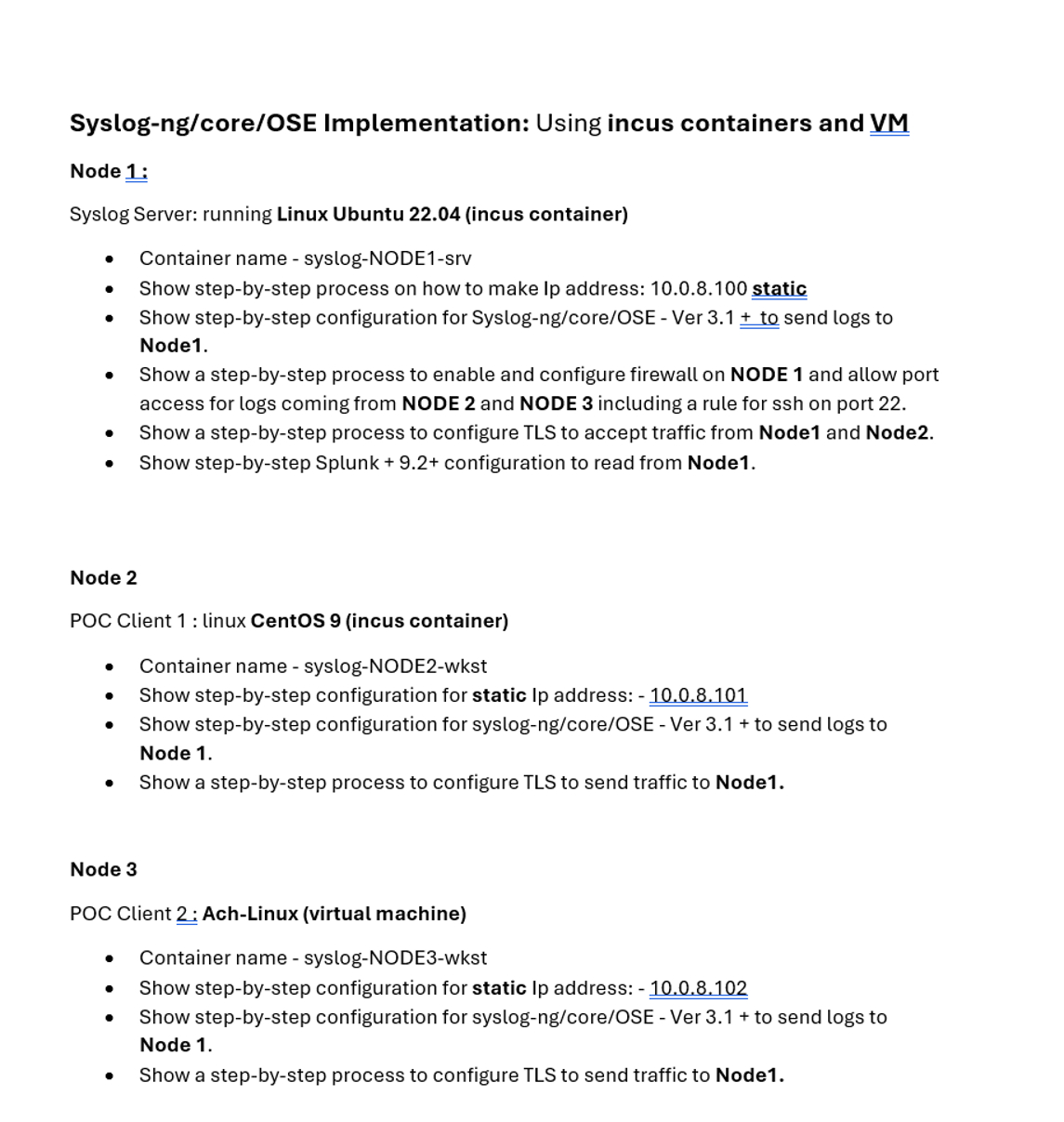
Question: Syslog - ng / core / OSE Implementation: Using two incus containers and a VM Node 1 : Syslog Server: running Linux Ubuntu 2 2
SyslogngcoreOSE Implementation: Using two incus containers and a VM
Node : Syslog Server: running Linux Ubuntu incus container
Container name syslogNODEsrv
Show stepbystep process on how to make Ip address: static
Show stepbystep configuration for SyslogngcoreOSE Ver send logs to
Node
Show a stepbystep process to enable and configure firewall on NODE and allow port access for logs coming from NODE and NODE including a rule for ssh on port
Show a stepbystep process to configure TLS to accept traffic from Node and Node
Show stepbystep Splunk configuration to read from Node
Node POC Client : linux Centos incus container
Container name syslogNODEwkst
Show stepbystep configuration for static Ip address:
Show stepbystep configuration for syslogngcoreOSE Ver to send logs to
Node
Show a stepbystep process to configure TLS to send traffic to Node
Node POC Client : AchLinux virtual machine
Container name syslogNODEwkst
Show stepbystep configuration for static Ip address:
Show stepbystep configuration for syslogngcoreOSE Ver to send logs to
Node
Show a stepbystep process to configure TLS to send traffic to Node
Step by Step Solution
There are 3 Steps involved in it
1 Expert Approved Answer
Step: 1 Unlock

Question Has Been Solved by an Expert!
Get step-by-step solutions from verified subject matter experts
Step: 2 Unlock
Step: 3 Unlock
 Study Help