







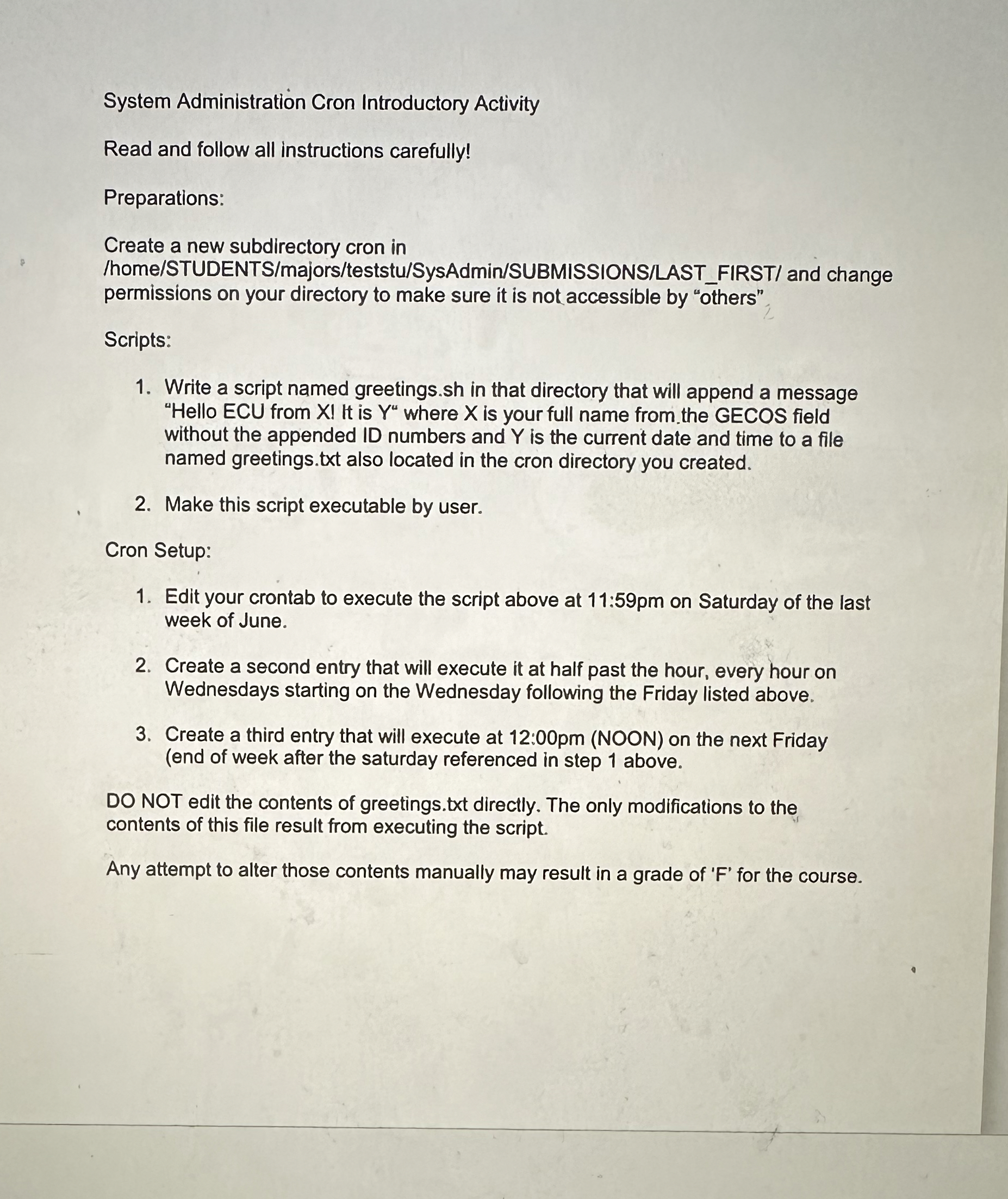
Question: System Administration Cron Introductory Activity Read and follow all instructions carefully! Preparations: Create a new subdirectory cron in / home / STUDENTS / majors /
System Administration Cron Introductory Activity
Read and follow all instructions carefully!
Preparations:
Create a new subdirectory cron in
homeSTUDENTSmajorsteststuSysAdminSUBMISSIONSLASTFIRST and change permissions on your directory to make sure it is not accessible by "others",
Scripts:
Write a script named
greetings.sh in that directory that will append a message without the appended ID numbers and is the current date and time to a file named greetings.txt also located in the cron directory you created.
Make this script executable by user.
Cron Setup:
Edit your crontab to execute the script above at : on Saturday of the last week of June.
Create a second entry that will execute it at half past the hour, every hour on Wednesdays starting on the Wednesday following the Friday listed above.
Create a third entry that will execute at :pm NOON on the next Friday end of week after the saturday referenced in step above.
DO NOT edit the contents of greetings.txt directly. The only modifications to the contents of this file result from executing the script.
Any attempt to alter those contents manually may result in a grade of for the course. Im
Step by Step Solution
There are 3 Steps involved in it
1 Expert Approved Answer
Step: 1 Unlock

Question Has Been Solved by an Expert!
Get step-by-step solutions from verified subject matter experts
Step: 2 Unlock
Step: 3 Unlock
 Study Help