







Question: Task 1 (29 points+ 4 points for commenting): Write two versions of a computer code; one that performs the False-Position method and one that performs
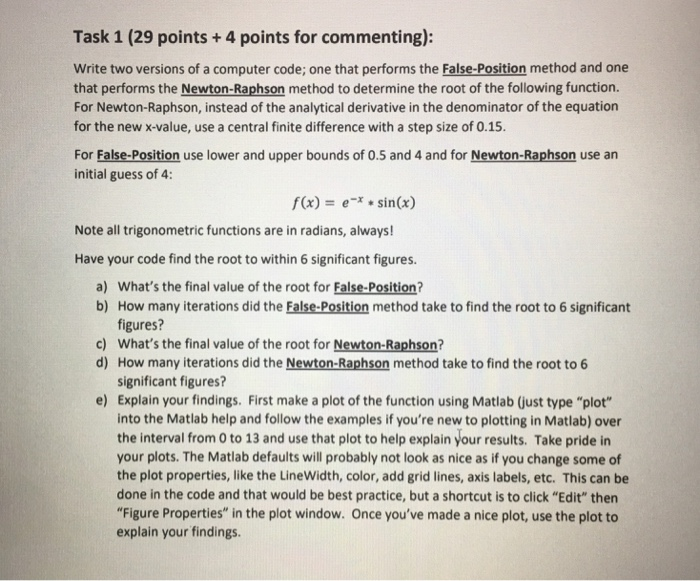
Task 1 (29 points+ 4 points for commenting): Write two versions of a computer code; one that performs the False-Position method and one that performs the Newton-Raphson method to determine the root of the following function. For Newton-Raphson, instead of the analytical derivative in the denominator of the equation for the new x-value, use a central finite difference with a step size of 0.15 For False-Position use lower and upper bounds of 0.5 and 4 and for Newton-Raphson use an initial guess of 4: f(x) = e-x * sin(x) Note all trigonometric functions are in radians, always! Have your code find the root to within 6 significant figures. a) What's the final value of the root for False-Position b) How many iterations did the False-Position method take to find the root to 6 significant figures? What's the final value of the root for Newton-Raphson? How many iterations did the Newton-Raphson method take to find the root to 6 significant figures? Explain your findings. First make a plot of the function using Matlab (just type "plot" into the Matlab help and follow the examples if you're new to plotting in Matlab) over the interval from 0 to 13 and use that plot to help explain your results. Take pride in your plots. The Matlab defaults will probably not look as nice as if you change some of the plot properties, like the LineWidth, color, add grid lines, axis labels, etc. This can be done in the code and that would be best practice, but a shortcut is to click "Edit" then "Figure Properties" in the plot window. Once you've made a nice plot, use the plot to explain your findings. c) d) e)
Step by Step Solution
There are 3 Steps involved in it

Get step-by-step solutions from verified subject matter experts
 Study Help