







Question: Task# 1 Configure a static route to the adjacent LAN, LAN - A to LAN - B . Use the IP addresses provided in Table
Task#
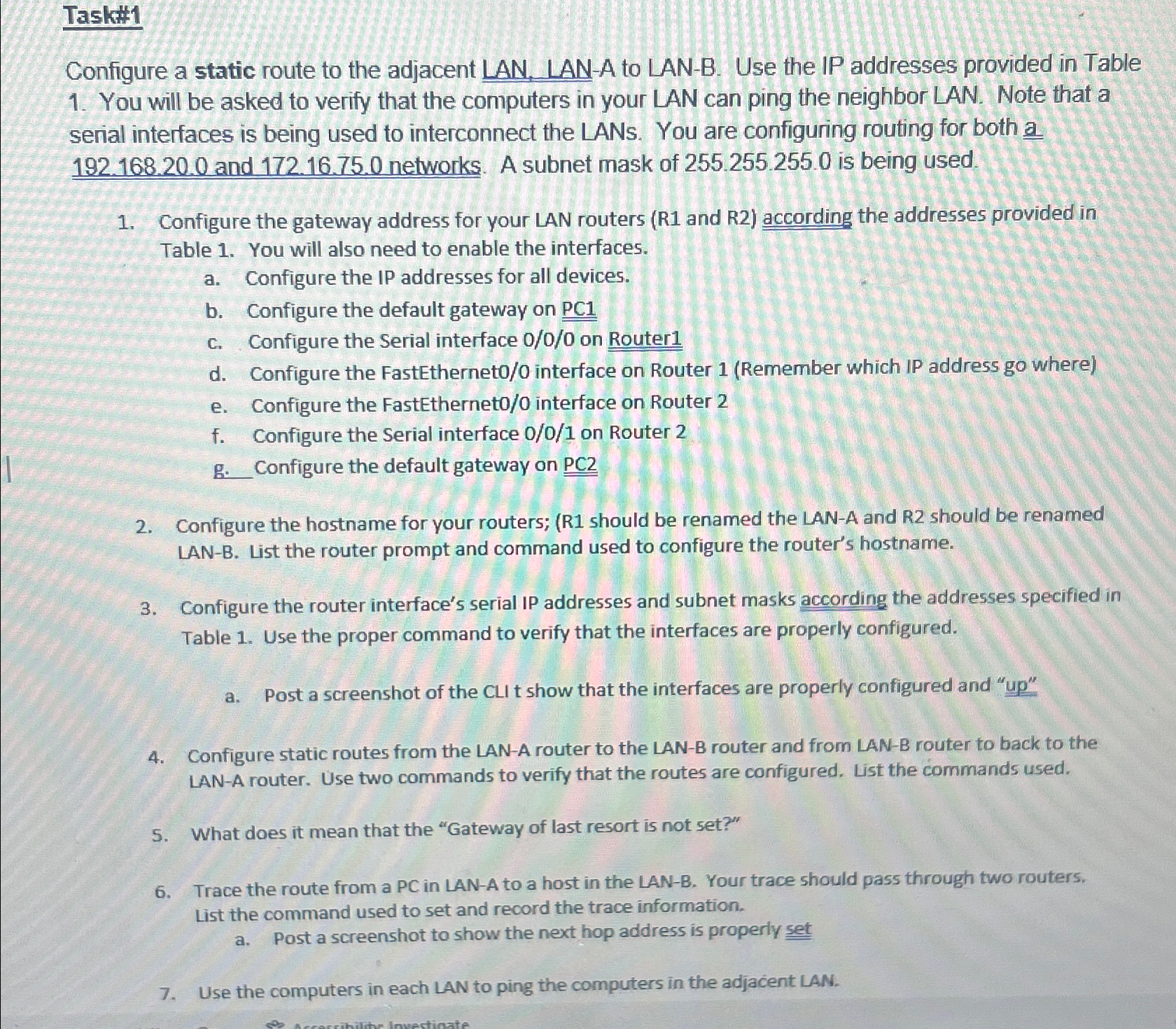
Configure a static route to the adjacent LAN, LANA to LANB Use the IP addresses provided in Table You will be asked to verify that the computers in your LAN can ping the neighbor LAN. Note that a serial interfaces is being used to interconnect the LANs. You are configuring routing for both a and networks. A subnet mask of is being used.
Configure the gateway address for your LAN routers R and according the addresses provided in Table You will also need to enable the interfaces.
a Configure the IP addresses for all devices.
b Configure the default gateway on PC
c Configure the Serial interface on Router
d Configure the FastEtherneto interface on Router Remember which IP address go where
e Configure the FastEtherneto interface on Router
f Configure the Serial interface on Router
g Configure the default gateway on
Configure the hostname for your routers; R should be renamed the LANA and R should be renamed LANB List the router prompt and command used to configure the router's hostname.
Configure the router interface's serial IP addresses and subnet masks according the addresses specified in Table Use the proper command to verify that the interfaces are properly configured.
a Post a screenshot of the CLI t show that the interfaces are properly configured and up
Configure static routes from the LANA router to the LANB router and from LANB router to back to the LANA router. Use two commands to verify that the routes are configured. List the commands used.
What does it mean that the "Gateway of last resort is not set?"
Trace the route from a PC in LANA to a host in the LANB Your trace should pass through two routers. List the command used to set and record the trace information.
a Post a screenshot to show the next hop address is properly set
Use the computers in each LAN to ping the computers in the adjacent LAN.
Step by Step Solution
There are 3 Steps involved in it
1 Expert Approved Answer
Step: 1 Unlock

Question Has Been Solved by an Expert!
Get step-by-step solutions from verified subject matter experts
Step: 2 Unlock
Step: 3 Unlock
 Study Help