







Question: Task 1: Converting from RGB to Gray Scale Image Create the gray scale image, represented by the 2D Numpy array image_gray from the RGB image
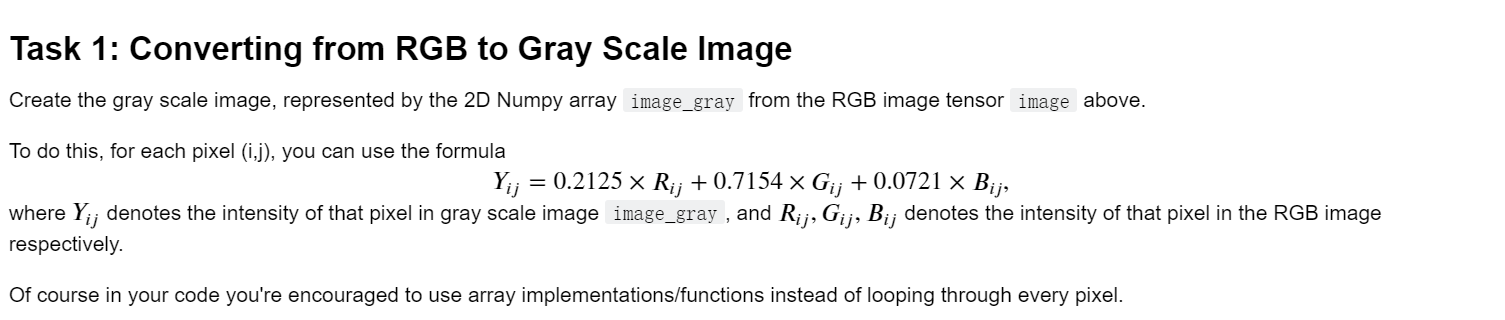
Task 1: Converting from RGB to Gray Scale Image Create the gray scale image, represented by the 2D Numpy array image_gray from the RGB image tensor image above. To do this, for each pixel (1,3), you can use the formula = 0.2125 x Rij +0.7154 x Gij + 0.0721 x Bij, where Yij denotes the intensity of that pixel in gray scale image image_gray , and Rij, Gij, Bij denotes the intensity of that pixel in the RGB image respectively. Of course in your code you're encouraged to use array implementations/functions instead of looping through every pixel
Step by Step Solution
There are 3 Steps involved in it
1 Expert Approved Answer
Step: 1 Unlock

Question Has Been Solved by an Expert!
Get step-by-step solutions from verified subject matter experts
Step: 2 Unlock
Step: 3 Unlock
 Study Help