







Question: Task 1 Download python interpreters (version 3.6.x, 3.7.x, and 3.8.x) onto your computer from www.python.org. Create a screenshot to show what you have done. Task
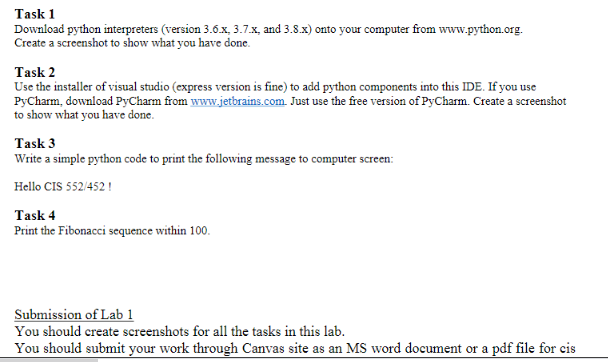
Task 1 Download python interpreters (version 3.6.x, 3.7.x, and 3.8.x) onto your computer from www.python.org. Create a screenshot to show what you have done. Task 2 Use the installer of visual studio (express version is fine) to add python components into this IDE. If you use PyCharm, download PyCharm from www.jetbrains.com Just use the free version of PyCharm. Create a screenshot to show what you have done. Task 3 Write a simple python code to print the following message to computer screen: Hello CIS 552/452! Task 4 Print the Fibonacci sequence within 100. Submission of Lab 1 You should create screenshots for all the tasks in this lab. You should submit your work through Canvas site as an MS word document or a pdf file for cis
Step by Step Solution
There are 3 Steps involved in it

Get step-by-step solutions from verified subject matter experts
 Study Help