







Question: Task: 1. Logon to Linux (either atlas server or your own installed Lubuntu Linux VM). Create a directory Unix under your home directory. 2. Command(s):
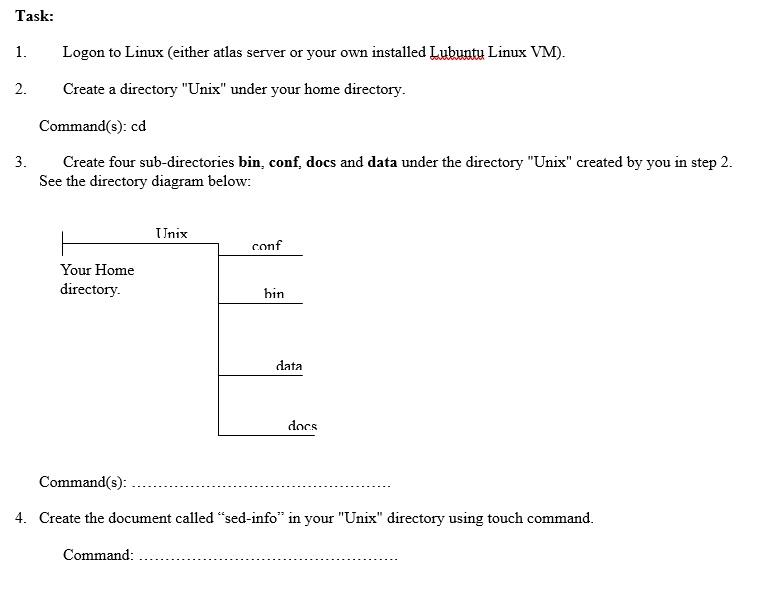
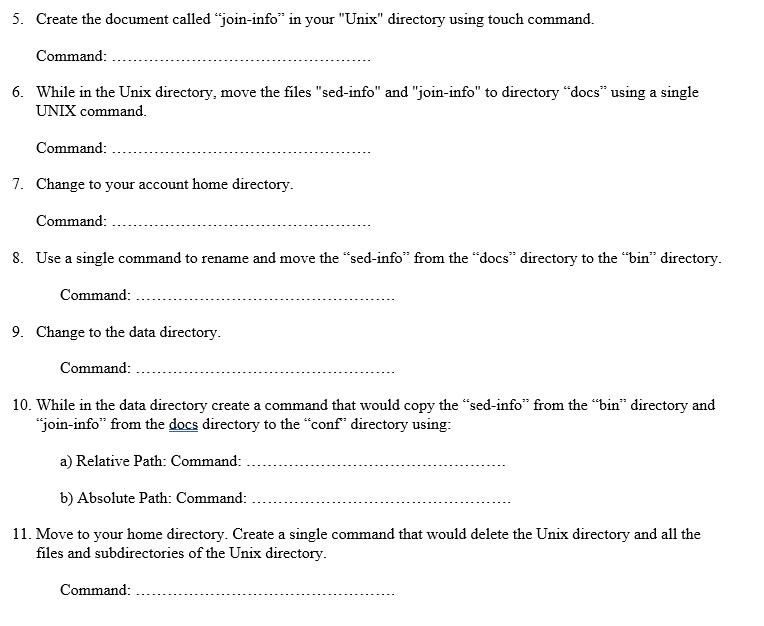
Task: 1. Logon to Linux (either atlas server or your own installed Lubuntu Linux VM). Create a directory "Unix" under your home directory. 2. Command(s): cd 3. Create four sub-directories bin, conf, docs and data under the directory "Unix" created by you in step 2. See the directory diagram below: Unix conf Your Home directory bin data docs Command(s): 4. Create the document called "sed-info" in your "Unix" directory using touch command. Command: 5. Create the document called "join-info" in your "Unix" directory using touch command. Command: 6. While in the Unix directory, move the files "sed-info" and "join-info" to directory "docs" using a single UNIX command. Command: 7. Change to your account home directory. Command: 8. Use a single command to rename and move the "sed-info" from the "docs directory to the "bin" directory. Command: 9. Change to the data directory. Command: 10. While in the data directory create a command that would copy the "sed-info" from the "bin" directory and "join-info" from the docs directory to the "conf" directory using: a) Relative Path: Command: b) Absolute Path: Command: 11. Move to your home directory. Create a single command that would delete the Unix directory and all the files and subdirectories of the Unix directory. Command
Step by Step Solution
There are 3 Steps involved in it

Get step-by-step solutions from verified subject matter experts
 Study Help