







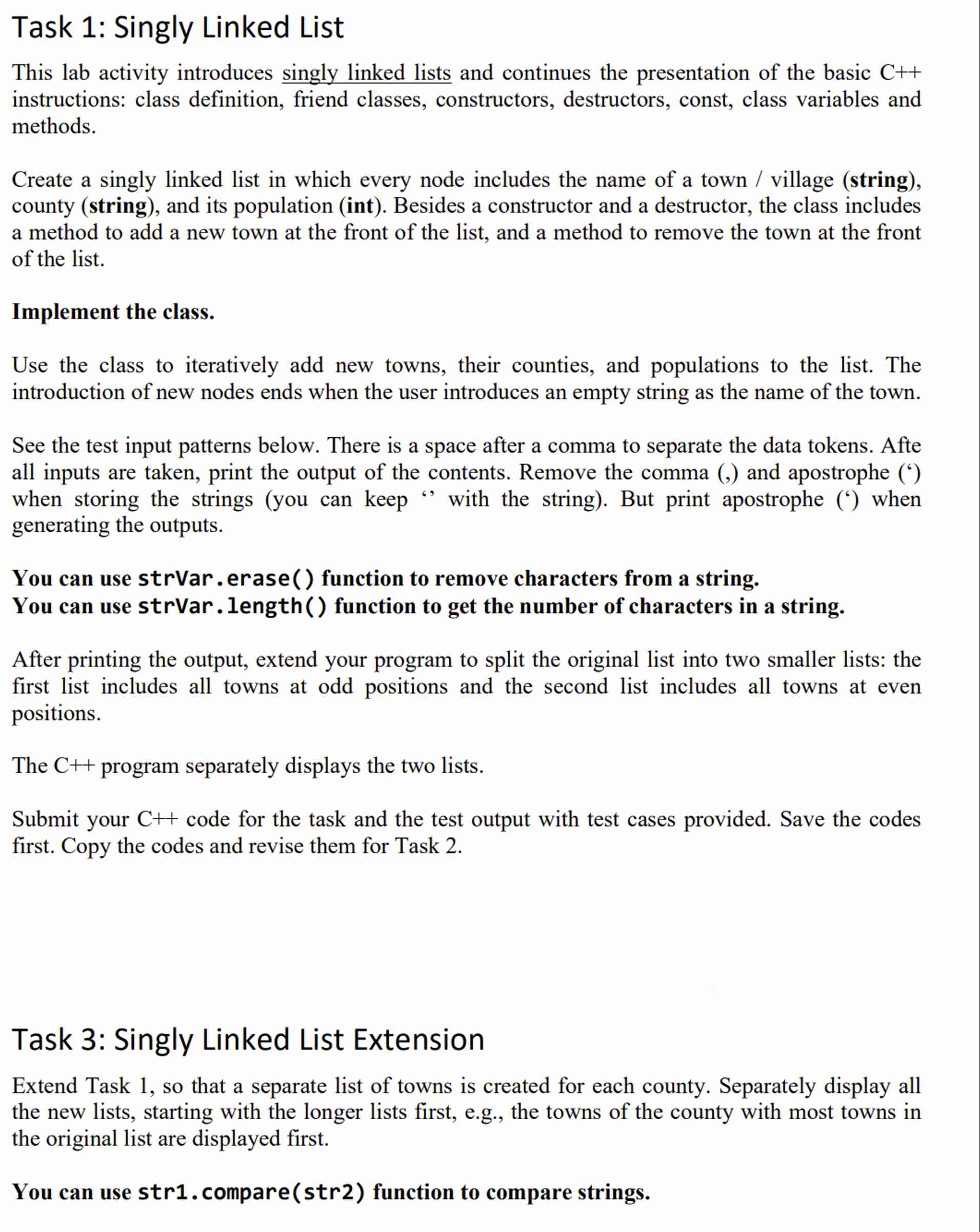
Question: Task 1 : Singly Linked List This lab activity introduces singly linked lists and continues the presentation of the basic C + + instructions: class
Task : Singly Linked List
This lab activity introduces singly linked lists and continues the presentation of the basic
instructions: class definition, friend classes, constructors, destructors, const, class variables and
methods.
Create a singly linked list in which every node includes the name of a town village string
county string and its population int Besides a constructor and a destructor, the class includes
a method to add a new town at the front of the list, and a method to remove the town at the front
of the list.
Implement the class.
Use the class to iteratively add new towns, their counties, and populations to the list. The
introduction of new nodes ends when the user introduces an empty string as the name of the town.
See the test input patterns below. There is a space after a comma to separate the data tokens. Afte
all inputs are taken, print the output of the contents. Remove the comma and apostrophe
when storing the strings you can keep with the string But print apostrophe when
generating the outputs.
You can use strVar. erase function to remove characters from a string.
You can use strVar. length function to get the number of characters in a string.
After printing the output, extend your program to split the original list into two smaller lists: the
first list includes all towns at odd positions and the second list includes all towns at even
positions.
The program separately displays the two lists.
Submit your C code for the task and the test output with test cases provided. Save the codes
first. Copy the codes and revise them for Task
Task : Singly Linked List Extension
Extend Task so that a separate list of towns is created for each county. Separately display all
the new lists, starting with the longer lists first, eg the towns of the county with most towns in
the original list are displayed first.
You can use str comparestr function to compare strings.
Step by Step Solution
There are 3 Steps involved in it
1 Expert Approved Answer
Step: 1 Unlock

Question Has Been Solved by an Expert!
Get step-by-step solutions from verified subject matter experts
Step: 2 Unlock
Step: 3 Unlock
 Study Help