







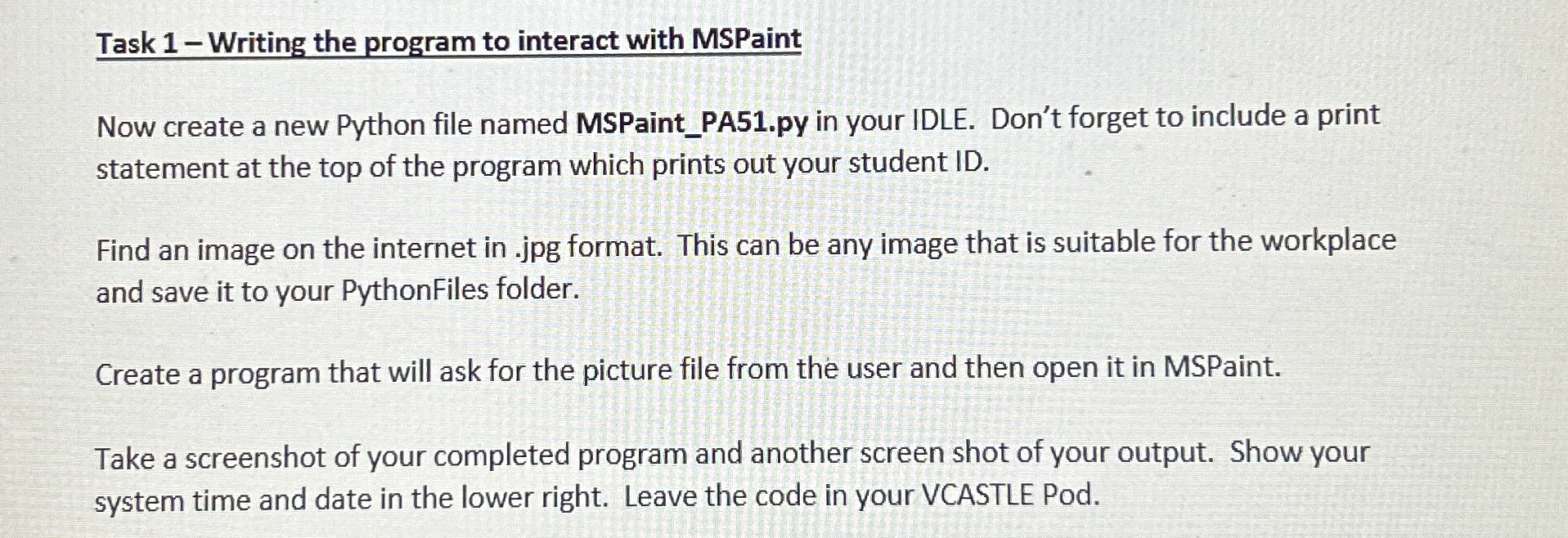
Question: Task 1 - Writing the program to interact with MSPaint Now create a new Python file named MSPaint _ PA 5 1 . py in
Task Writing the program to interact with MSPaint
Now create a new Python file named MSPaintPApy in your IDLE. Don't forget to include a print statement at the top of the program which prints out your student ID
Find an image on the internet in jpg format. This can be any image that is suitable for the workplace and save it to your PythonFiles folder.
Create a program that will ask for the picture file from the user and then open it in MSPaint.
Take a screenshot of your completed program and another screen shot of your output. Show your system time and date in the lower right. Leave the code in your VCASTLE Pod.
Step by Step Solution
There are 3 Steps involved in it
1 Expert Approved Answer
Step: 1 Unlock

Question Has Been Solved by an Expert!
Get step-by-step solutions from verified subject matter experts
Step: 2 Unlock
Step: 3 Unlock
 Study Help