







Question: Task 2: Benchmark the fusion2 node. After login to the fusion2 node and change to the source code directory, Type and enter: /Run dhrystone -i1
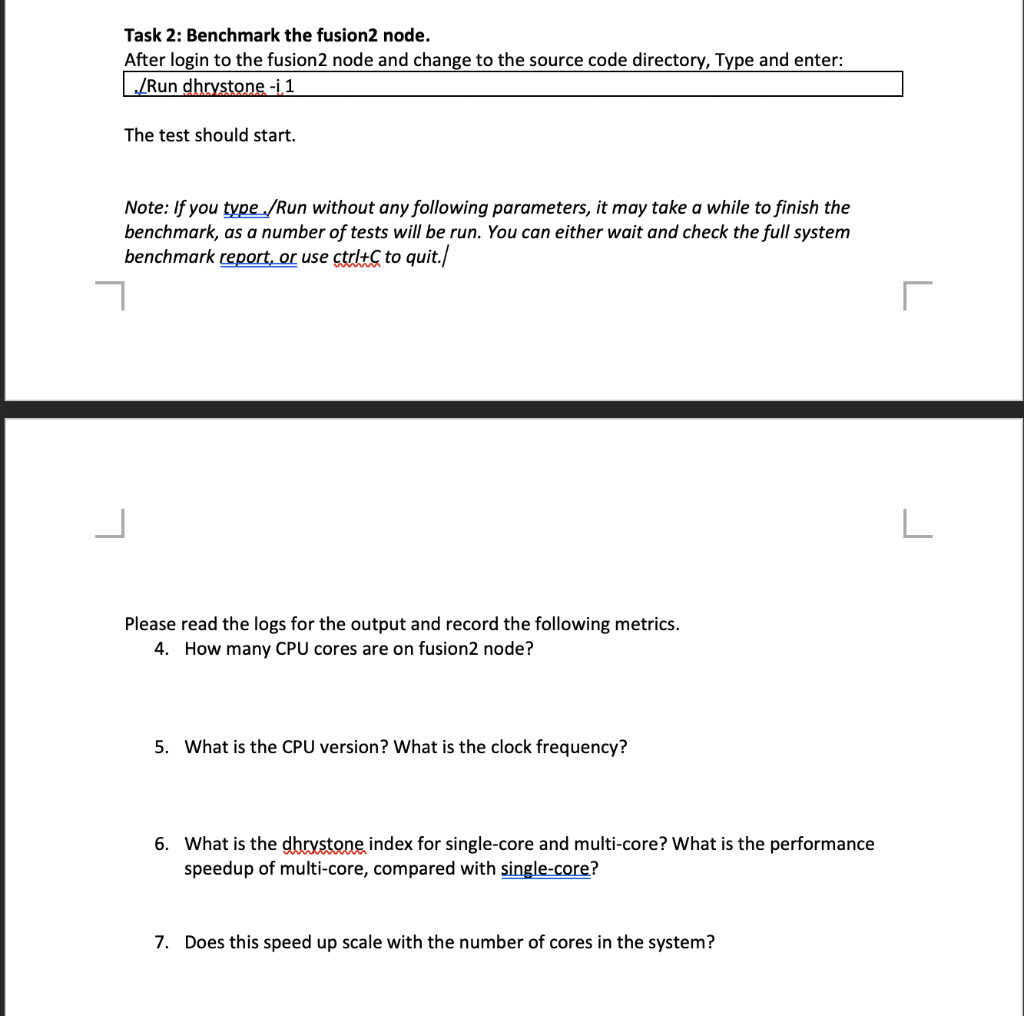
Task 2: Benchmark the fusion2 node. After login to the fusion2 node and change to the source code directory, Type and enter: /Run dhrystone -i1 The test should start. Note: If you type /Run without any following parameters, it may take a while to finish the benchmark, as a number of tests will be run. You can either wait and check the full system benchmark report, or use ctrl+C to quit./ Please read the logs for the output and record the following metrics. 4. How many CPU cores are on fusion2 node? 5. What is the CPU version? What is the clock frequency? 6. What is the dhrystone index for single-core and multi-core? What is the performance speedup of multi-core, compared with single-core? 7. Does this speed up scale with the number of cores in the system? Task 2: Benchmark the fusion2 node. After login to the fusion2 node and change to the source code directory, Type and enter: /Run dhrystone -i1 The test should start. Note: If you type /Run without any following parameters, it may take a while to finish the benchmark, as a number of tests will be run. You can either wait and check the full system benchmark report, or use ctrl+C to quit./ Please read the logs for the output and record the following metrics. 4. How many CPU cores are on fusion2 node? 5. What is the CPU version? What is the clock frequency? 6. What is the dhrystone index for single-core and multi-core? What is the performance speedup of multi-core, compared with single-core? 7. Does this speed up scale with the number of cores in the system
Step by Step Solution
There are 3 Steps involved in it

Get step-by-step solutions from verified subject matter experts
 Study Help