





Question: Task 2. Encryption Modes In this task, you will explore the differences in security provided by two modes of encryption. 1. ECBMode a. View the
Task 2. Encryption Modes In this task, you will
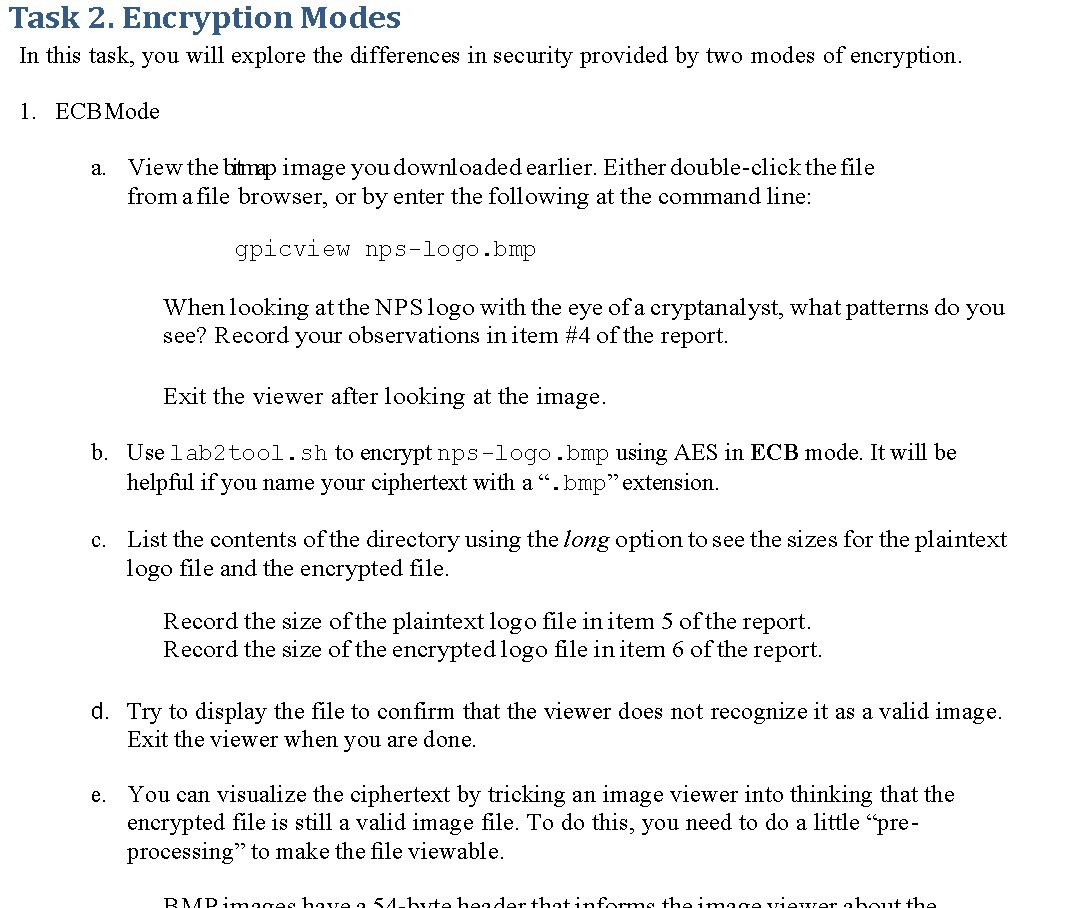
Task 2. Encryption Modes In this task, you will explore the differences in security provided by two modes of encryption. 1. ECBMode a. View the bitmap image you downloaded earlier. Either double-click the file from a file browser, or by enter the following at the command line: gpicview nps-logo.bmp When looking at the NPS logo with the eye of a cryptanalyst, what patterns do you see? Record your observations in item #4 of the report. Exit the viewer after looking at the image. b. Use lab2tool. sh to encrypt nps-logo . bmp using AES in ECB mode. It will be helpful if you name your ciphertext with a " . bmp" extension. c. List the contents of the directory using the long option to see the sizes for the plaintext logo file and the encrypted file. Record the size of the plaintext logo file in item 5 of the report. Record the size of the encrypted logo file in item 6 of the report. d. Try to display the file to confirm that the viewer does not recognize it as a valid image. Exit the viewer when you are done. e. You can visualize the ciphertext by tricking an image viewer into thinking that the encrypted file is still a valid image file. To do this, you need to do a little "pre- processing" to make the file viewable

Step by Step Solution

There are 3 Steps involved in it

1 Expert Approved Answer
Step: 1 Unlock blur-text-image

Question Has Been Solved by an Expert!

Get step-by-step solutions from verified subject matter experts

Step: 2 Unlock
Step: 3 Unlock

Students Have Also Explored These Related Mathematics Questions!