Question: Task 2: Managing Linux Bridge Bridging is plugging one or more network interfaces into another network interface which has the connectivity to a larger network.
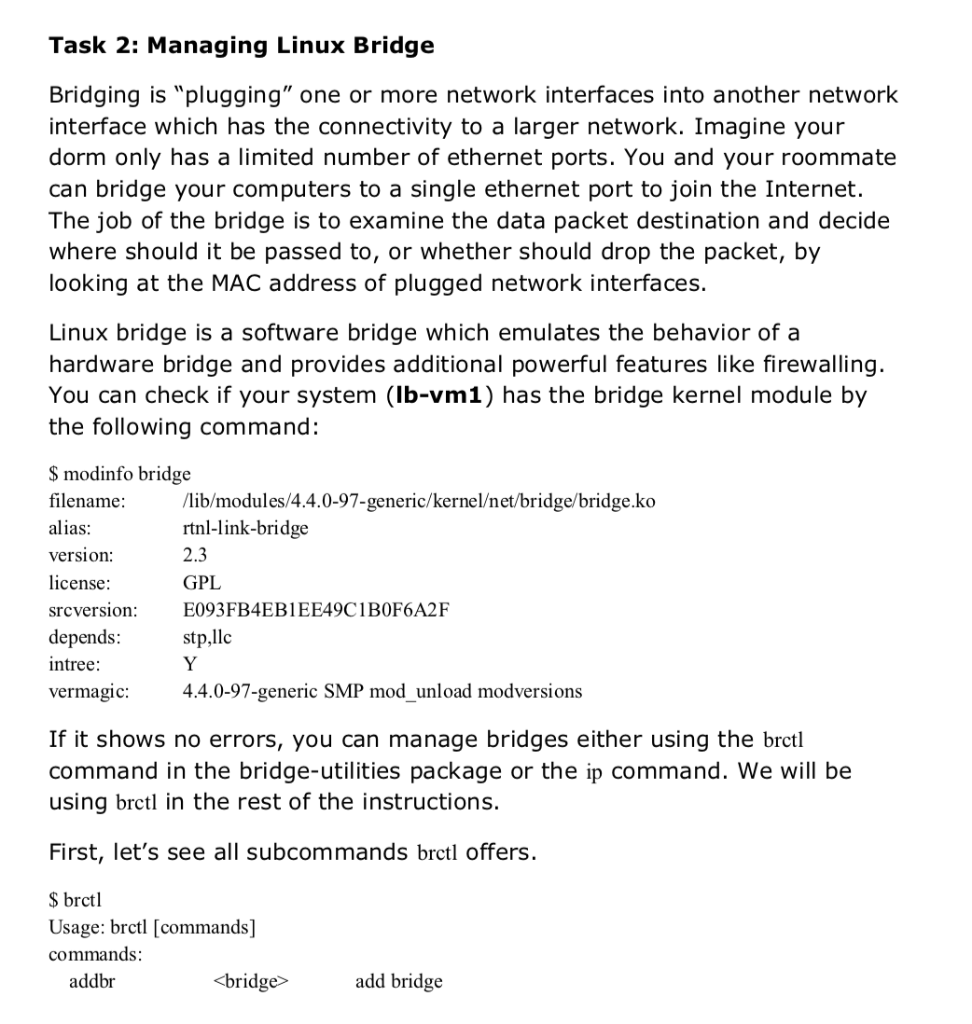
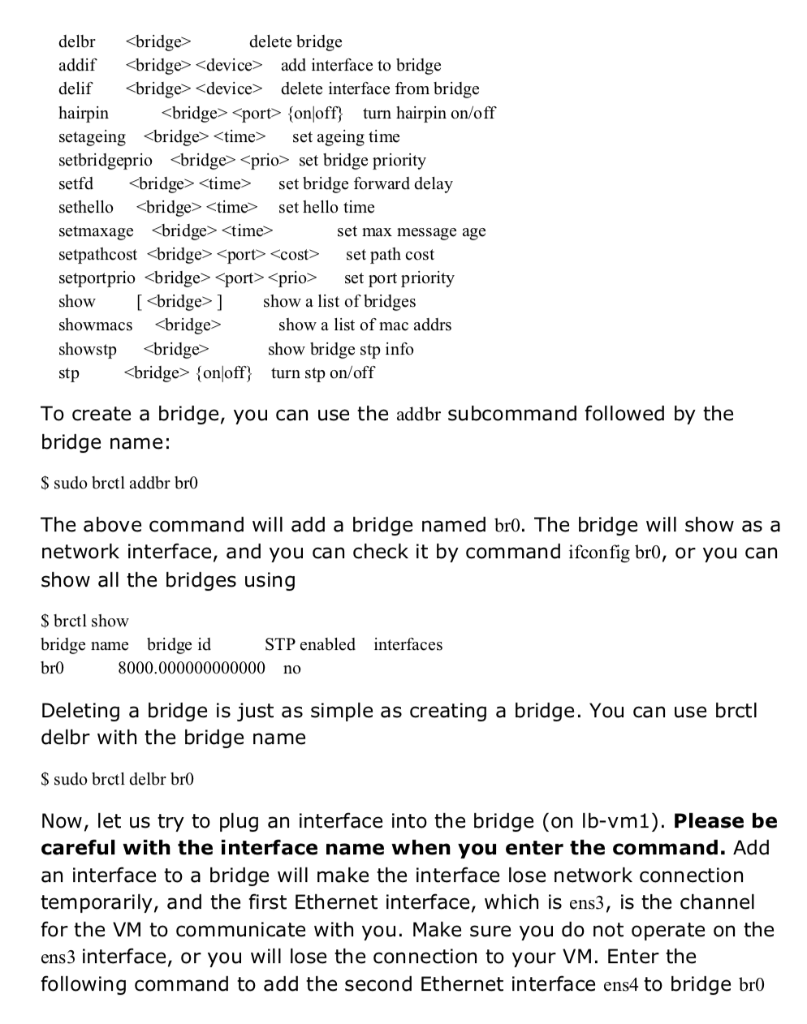
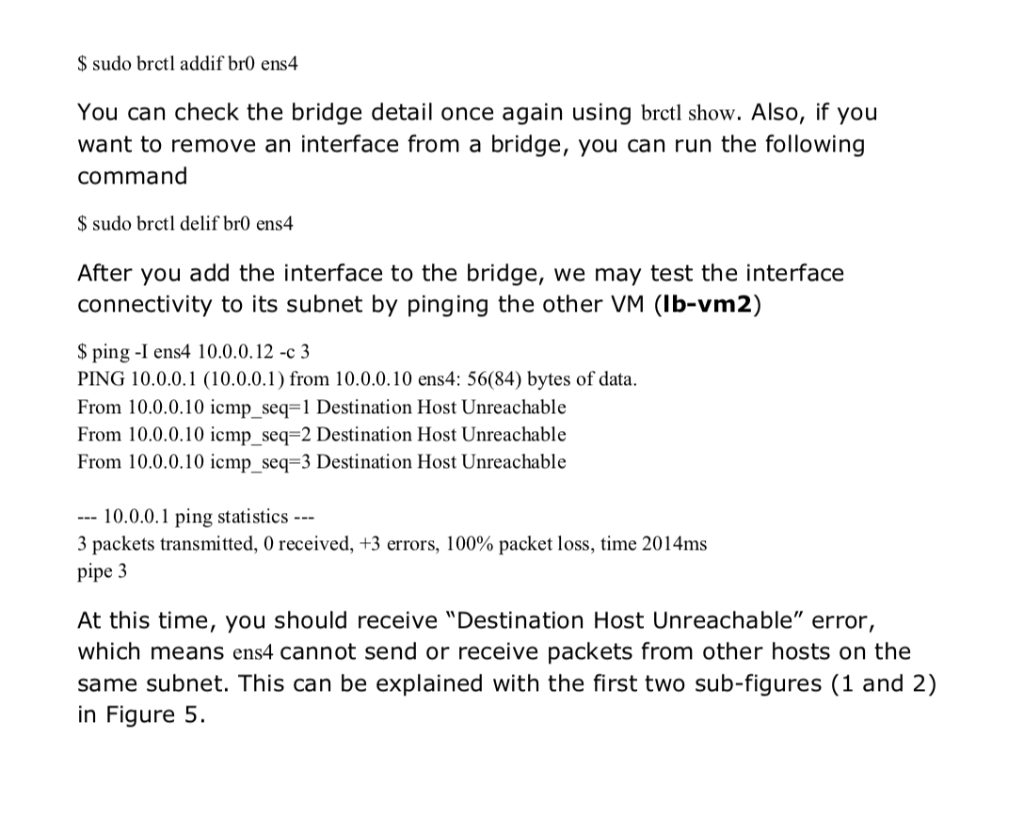
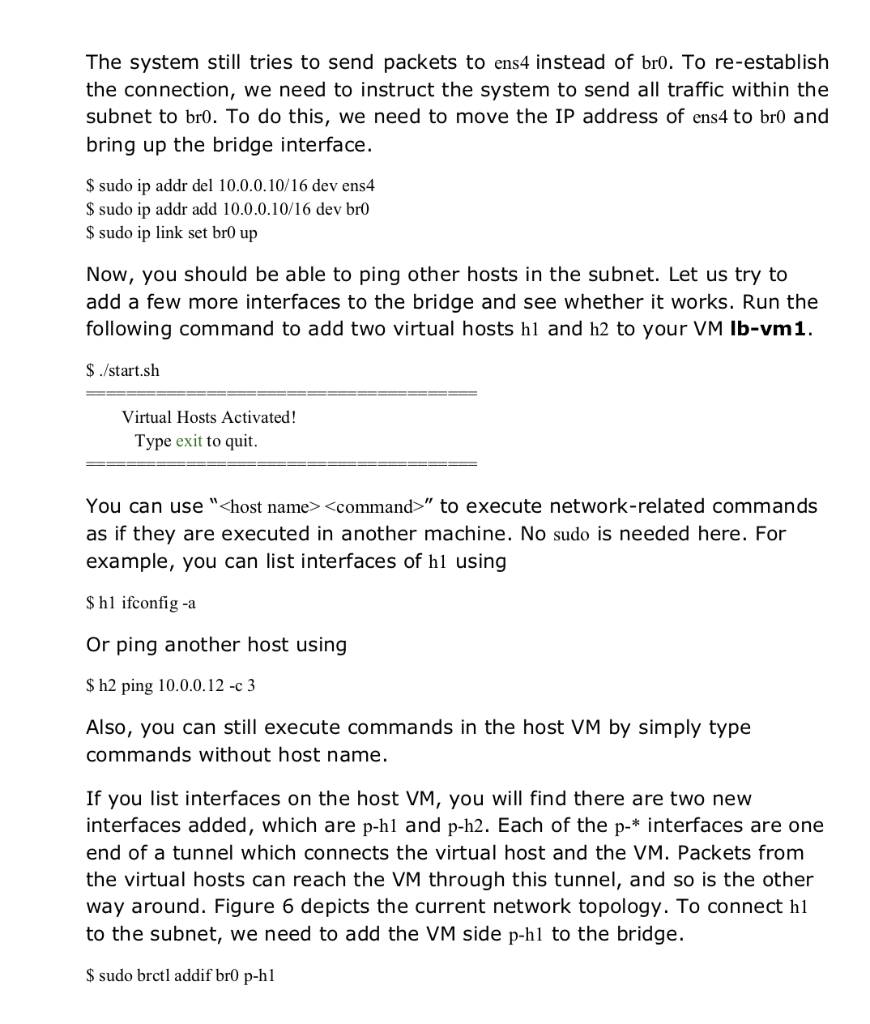
Task 2: Managing Linux Bridge Bridging is "plugging" one or more network interfaces into another network interface which has the connectivity to a larger network. Imagine your dorm only has a limited number of ethernet ports. You and your roommate can bridge your computers to a single ethernet port to join the Internet. The job of the bridge is to examine the data packet destination and decide where should it be passed to, or whether should drop the packet, by looking at the MAC address of plugged network interfaces. Linux bridge is a software bridge which emulates the behavior of a hardware bridge and provides additional powerful features like firewalling. You can check if your system (lb-vm1) has the bridge kernel module by the following command: S modinfo bridge filename alias version license srcversion depends: intree: vermagic: lib/modules/4.4.0-97-generic/kernelet/bridge/bridge.ko rtnl-link-bridge 2.3 GPL E093FB4EB1EE49C1B0F6A2F 4.4.0-97-generic SMP mod unload modversions If it shows no errors, you can manage bridges either using the brctl command in the bridge-utilities package or the ip command. We will be using brctl in the rest of the instructions. First, let's see all subcommands brctl offers. $ brctl Usage: brctl [commands] commands addbr add bridge delbr addif add interface to bridge delif delete interface from bridge hairpin port fonloff turn hairpin on/off setageing
Step by Step Solution
There are 3 Steps involved in it
1 Expert Approved Answer
Step: 1 Unlock
Question Has Been Solved by an Expert!
Get step-by-step solutions from verified subject matter experts
Step: 2 Unlock
Step: 3 Unlock
Students Have Also Explored These Related Databases Questions!









 Study Help