







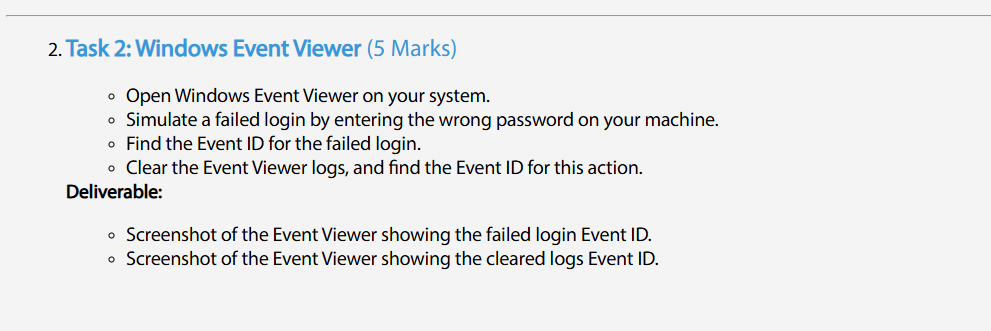
Question: Task 2 : Windows Event Viewer ( 5 Marks ) Open Windows Event Viewer on your system. Simulate a failed login by entering the wrong
Task : Windows Event Viewer Marks
Open Windows Event Viewer on your system.
Simulate a failed login by entering the wrong password on your machine.
Find the Event ID for the failed login
Clear the Event Viewer logs and find the Event ID for this action.
Deliverable:
Screenshot of the Event Viewer showing the failed login Event ID
Screenshot of the Event Viewer showing the cleared logs Event ID
SOLVE THIS STEP BY STEP
Step by Step Solution
There are 3 Steps involved in it
1 Expert Approved Answer
Step: 1 Unlock

Question Has Been Solved by an Expert!
Get step-by-step solutions from verified subject matter experts
Step: 2 Unlock
Step: 3 Unlock
 Study Help