







Question: Task 2.2. Pie Chart Support your data analysis by presenting a pie chart to display percentages per response. Useful sources: 1. Zack. Sept 28, 2020.
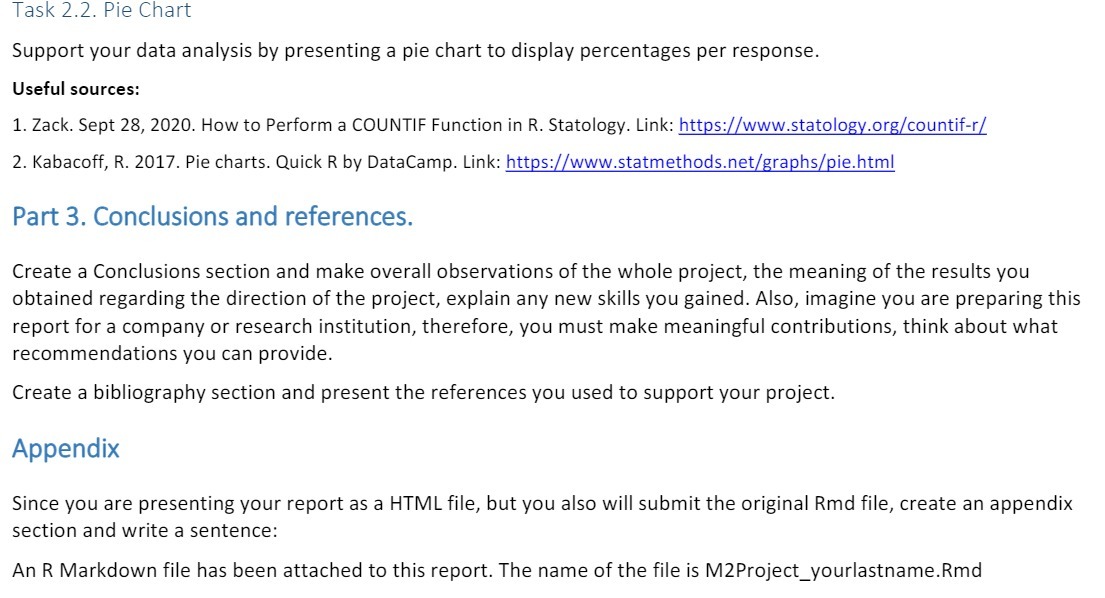
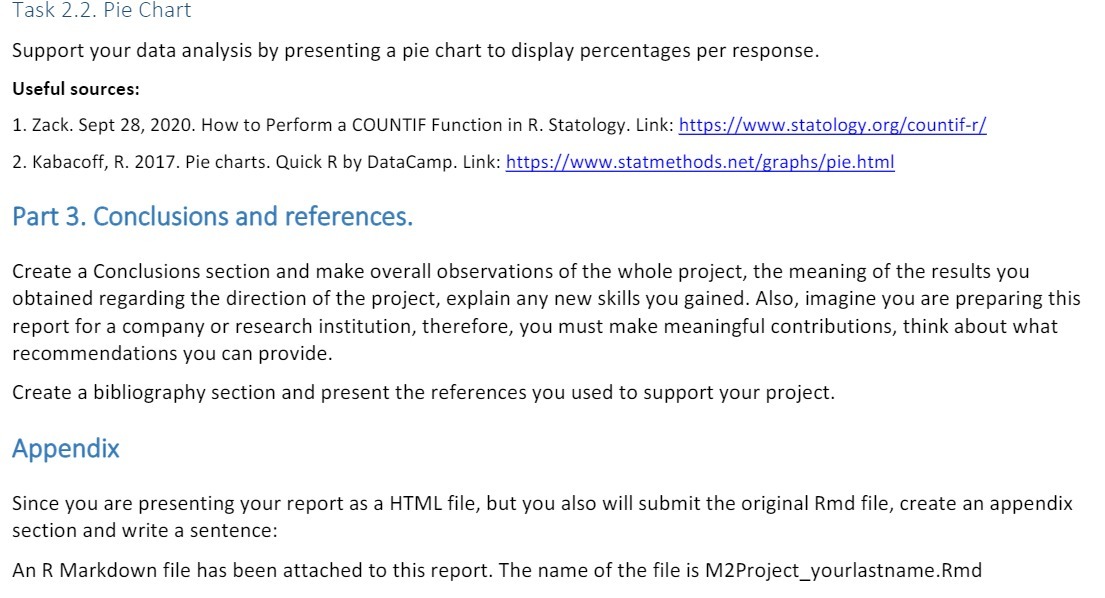
Task 2.2. Pie Chart Support your data analysis by presenting a pie chart to display percentages per response. Useful sources: 1. Zack. Sept 28, 2020. How to Perform a COUNTIF Function in R. Statology. Link: https://www.statology.org/countif-r/ 2. Kabacoff, R. 2017. Pie charts. Quick R by DataCamp. Link: https://www.statmethods.net/graphs/pie.html Part 3. Conclusions and references. Create a Conclusions section and make overall observations of the whole project, the meaning of the results you obtained regarding the direction of the project, explain any new skills you gained. Also, imagine you are preparing this report for a company or research institution, therefore, you must make meaningful contributions, think about what recommendations you can provide. Create a bibliography section and present the references you used to support your project. Appendix Since you are presenting your report as a HTML file, but you also will submit the original Rmd file, create an appendix section and write a sentence: An R Markdown file has been attached to this report. The name of the file is M2Project_yourlastname. Rmd
Step by Step Solution
There are 3 Steps involved in it

Get step-by-step solutions from verified subject matter experts
 Study Help