







Question: Task 2.3: Write a script that will create a file that is named when you execute the shell script and direct the o/p of Is
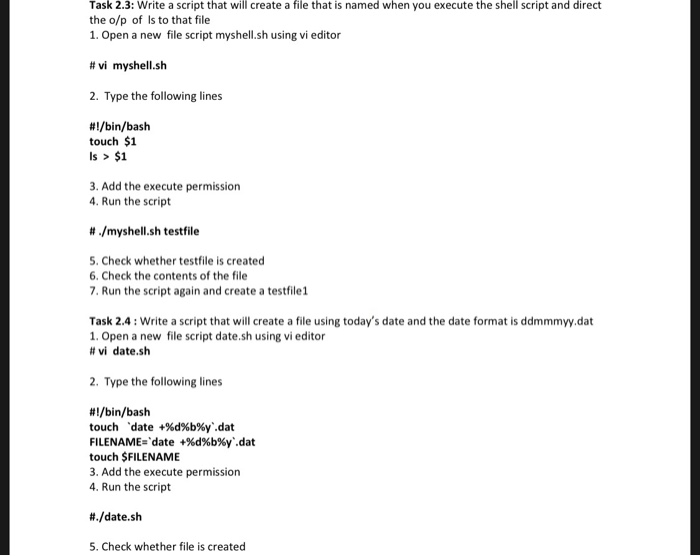
Task 2.3: Write a script that will create a file that is named when you execute the shell script and direct the o/p of Is to that file 1. Open a new file script myshell.sh using vi editor #vi myshell.sh 2. Type the following lines #1/bin/bash touch $1 Is> $1 3. Add the execute permission 4. Run the script # ./myshellsh testfile 5, Check whether testfile is created 6. Check the contents of the file 7. Run the script again and create a testfile1 Task 2.4:Write a script that will create a file using today's date and the date format is ddmmmyy.dat 1. Open a new file script date.sh using vi editor #vi date.sh 2. Type the following lines #1/bin/bash touch 'date +%d%b%y"dat FILENAME 'date +%d%b%y'dat touch SFILENAME 3. Add the execute permission 4. Run the script #./date. sh 5. Check whether file is created
Step by Step Solution
There are 3 Steps involved in it

Get step-by-step solutions from verified subject matter experts
 Study Help