







Question: Task 5: - Employee Recognition - Advanced Nested and Date Functions (18 marks) - The CEO knows that companies who recognize and reward team members
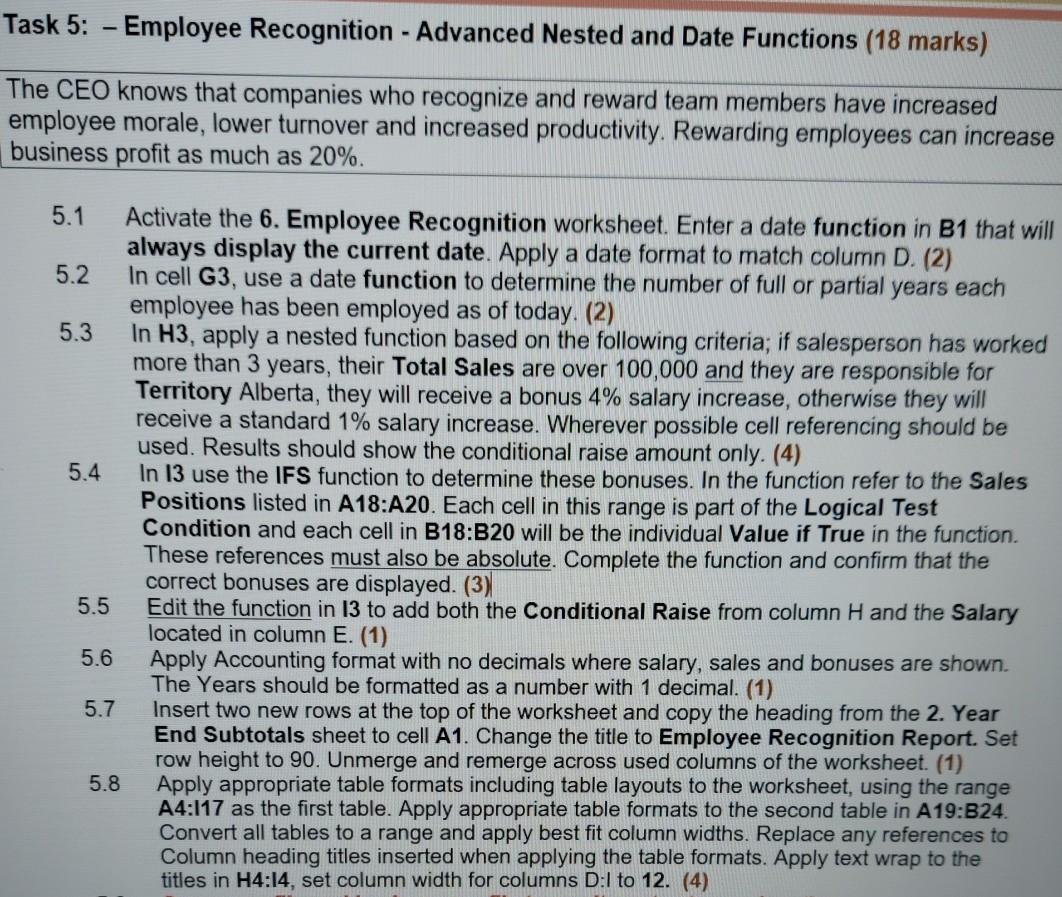
Task 5: - Employee Recognition - Advanced Nested and Date Functions (18 marks) - The CEO knows that companies who recognize and reward team members have increased employee morale, lower turnover and increased productivity. Rewarding employees can increase business profit as much as 20%. 5.1 Activate the 6. Employee Recognition worksheet. Enter a date function in B1 that will always display the current date. Apply a date format to match column D. (2) 5.2 In cell G3, use a date function to determine the number of full or partial years each employee has been employed as of today. (2) 5.3 In H3, apply a nested function based on the following criteria; if salesperson has worked more than 3 years, their Total Sales are over 100,000 and they are responsible for Territory Alberta, they will receive a bonus 4% salary increase, otherwise they will receive a standard 1% salary increase. Wherever possible cell referencing should be used. Results should show the conditional raise amount only. (4) 5.4 In 13 use the IFS function to determine these bonuses. In the function refer to the Sales Positions listed in A18:A20. Each cell in this range is part of the Logical Test Condition and each cell in B18:B20 will be the individual Value if True in the function. These references must also be absolute. Complete the function and confirm that the correct bonuses are displayed. (3) 5.5 Edit the function in 13 to add both the Conditional Raise from column H and the Salary located in column E. (1) 5.6 Apply Accounting format with no decimals where salary, sales and bonuses are shown. The Years should be formatted as a number with 1 decimal. (1) 5.7 Insert two new rows at the top of the worksheet and copy the heading from the 2. Year End Subtotals sheet to cell A1. Change the title to Employee Recognition Report. Set row height to 90. Unmerge and remerge across used columns of the worksheet (1) 5.8 Apply appropriate table formats including table layouts to the worksheet, using the range A4:117 as the first table. Apply appropriate table formats to the second table in A19:B24. Convert all tables to a range and apply best fit column widths. Replace any references to Column heading titles inserted when applying the table formats. Apply text wrap to the titles in H4:14, set column width for columns D:1 to 12. (4)
Step by Step Solution
There are 3 Steps involved in it

Get step-by-step solutions from verified subject matter experts
 Study Help