







Question: Task 8 - Protect your formulae Now that it all works, it's time to protect your sophisticated Excel formulae so that other employees can't mess
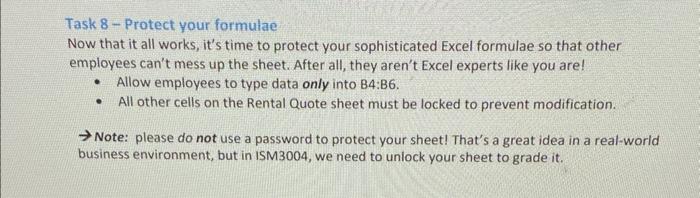
Task 8 - Protect your formulae Now that it all works, it's time to protect your sophisticated Excel formulae so that other employees can't mess up the sheet. After all, they aren't Excel experts like you are! - Allow employees to type data only into B4:B6. - All other cells on the Rental Quote sheet must be locked to prevent modification. Note: please do not use a password to protect your sheet! That's a great idea in a real-world business environment, but in ISM 3004 , we need to unlock your sheet to grade it
Step by Step Solution
There are 3 Steps involved in it
1 Expert Approved Answer
Step: 1 Unlock

Question Has Been Solved by an Expert!
Get step-by-step solutions from verified subject matter experts
Step: 2 Unlock
Step: 3 Unlock
 Study Help