







Question: Task: Create a calculator on Tinkercad using 1. 4x4 Keypad (Use A, B, C, D to represent +, -, *, 7) 2. Two 7-segment displays
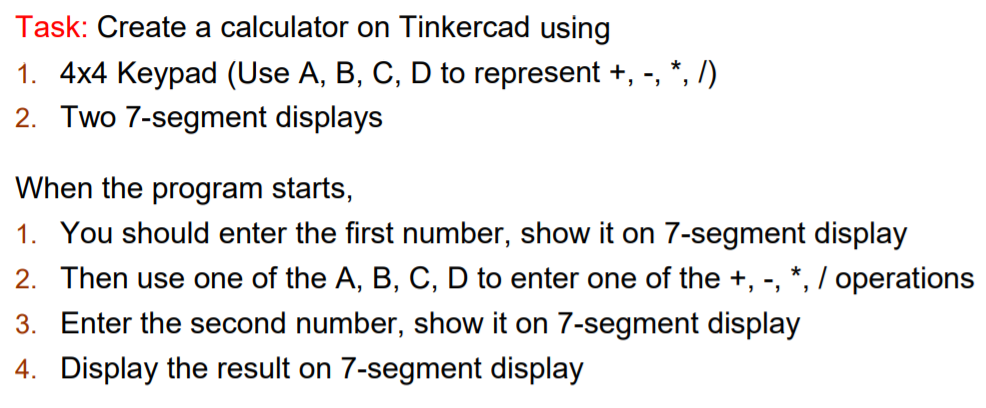
Task: Create a calculator on Tinkercad using 1. 4x4 Keypad (Use A, B, C, D to represent +, -, *, 7) 2. Two 7-segment displays When the program starts, 1. You should enter the first number, show it on 7-segment display 2. Then use one of the A, B, C, D to enter one of the +, -, *, / operations 3. Enter the second number, show it on 7-segment display 4. Display the result on 7-segment display
Step by Step Solution
There are 3 Steps involved in it
1 Expert Approved Answer
Step: 1 Unlock

Question Has Been Solved by an Expert!
Get step-by-step solutions from verified subject matter experts
Step: 2 Unlock
Step: 3 Unlock
 Study Help