







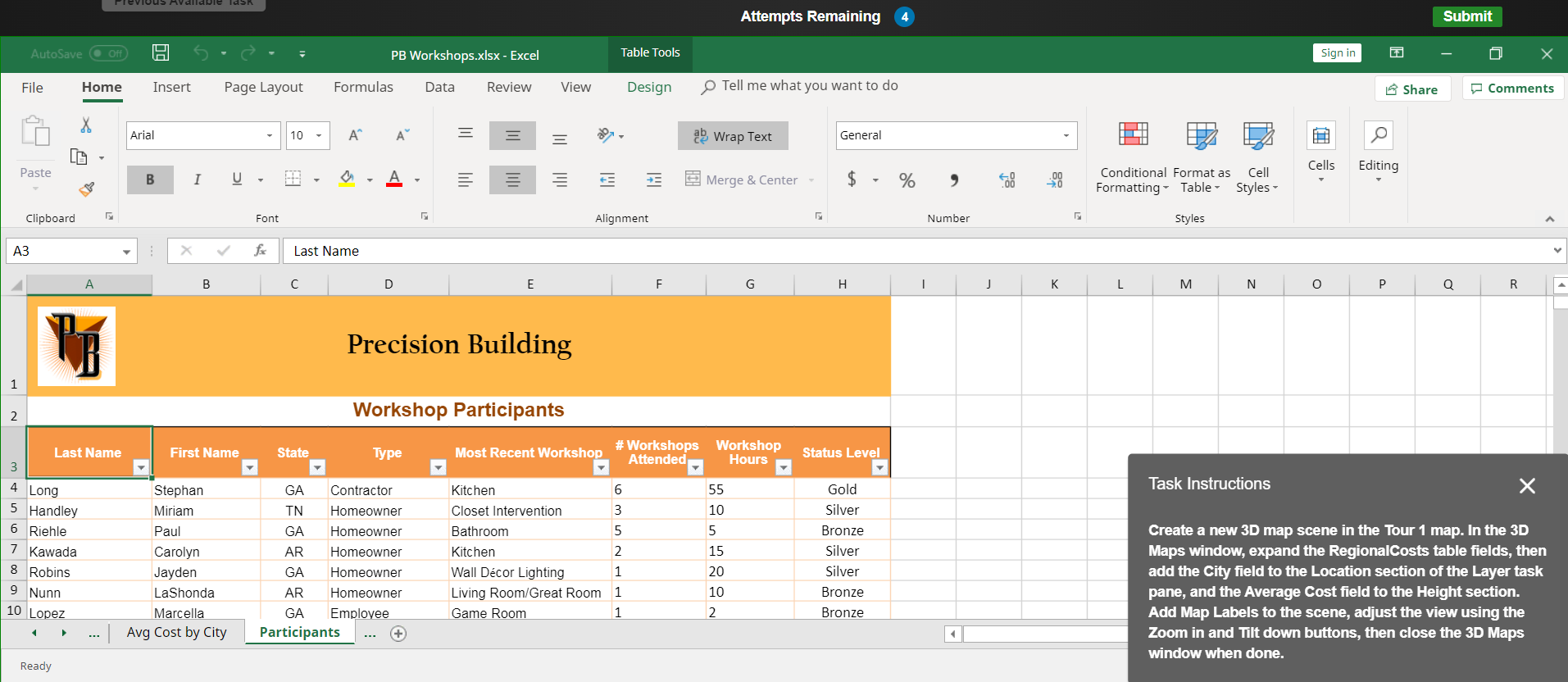
Question: Task Instructions Create a new 3 D map scene in the Tour 1 map. In the 3 D Maps window, expand the RegionalCosts table fields,
Task Instructions
Create a new D map scene in the Tour map. In the D Maps window, expand the RegionalCosts table fields, then add the City field to the Location section of the Layer task pane, and the Average Cost field to the Height section.
Add Map Labels to the scene, adjust the view using the Zoom in and Tilt down buttons, then close the D Maps window when done.
Step by Step Solution
There are 3 Steps involved in it
1 Expert Approved Answer
Step: 1 Unlock

Question Has Been Solved by an Expert!
Get step-by-step solutions from verified subject matter experts
Step: 2 Unlock
Step: 3 Unlock
 Study Help