







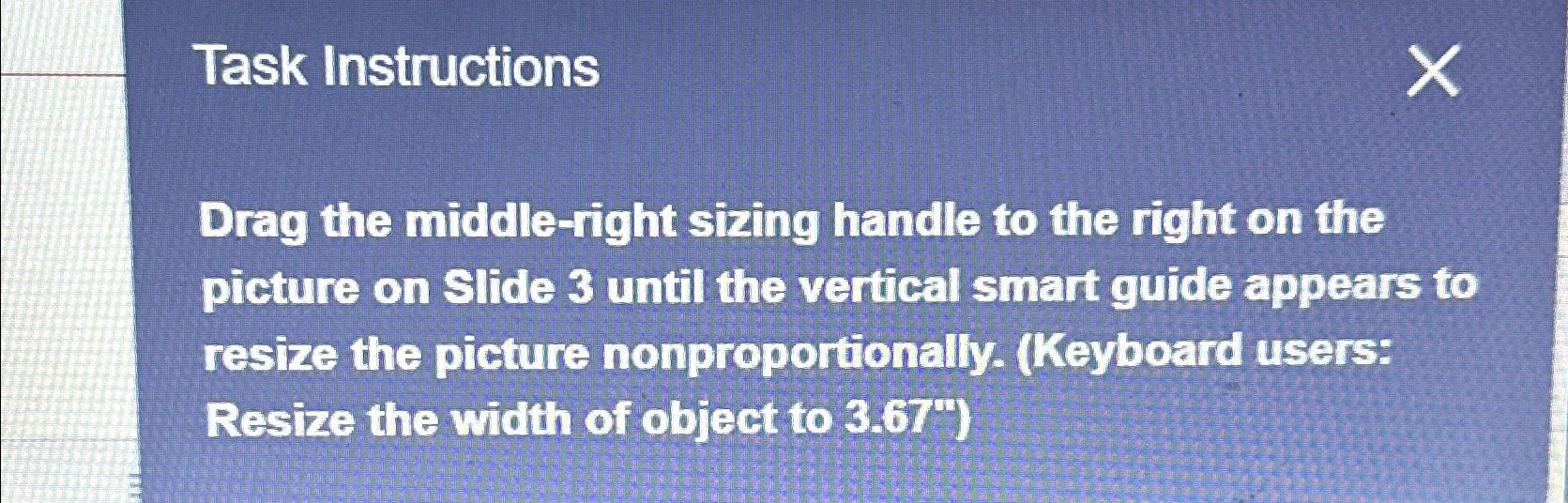
Question: Task Instructions Drag the middle - right sizing handle to the right on the picture on Slide 3 until the vertical smart guide appears to
Task Instructions
Drag the middleright sizing handle to the right on the picture on Slide until the vertical smart guide appears to resize the picture nonproportionally. Keyboard users: Resize the width of object to
Step by Step Solution
There are 3 Steps involved in it
1 Expert Approved Answer
Step: 1 Unlock

Question Has Been Solved by an Expert!
Get step-by-step solutions from verified subject matter experts
Step: 2 Unlock
Step: 3 Unlock
 Study Help