







Question: Task with Labtainer VM. I need help with Task 2 ASAP. When I type sudo openvpn --config server.conf --daemon on the server I get nothing.


Task with Labtainer VM. I need help with Task 2 ASAP.
When I type "sudo openvpn --config server.conf --daemon" on the server I get nothing. Similarly, when I type "sudo openvpn --config client.conf --daemon" in the client I get nothing.
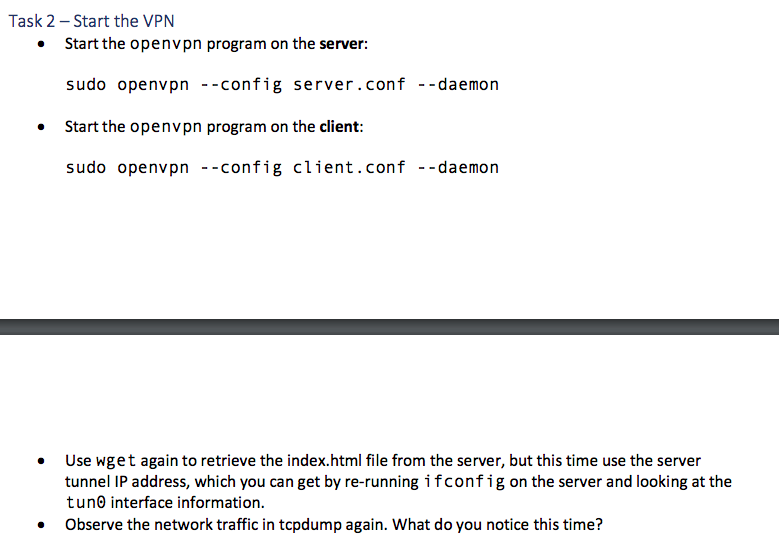
Task 2 - Start the VPN Start the openvpn program on the server: sudo openvpn --config server.conf --daemon Start the openvpn program on the client: sudo openvpn --config client.conf --daemon . Use wget again to retrieve the index.html file from the server, but this time use the server tunnel IP address, which you can get by re-running ifconfig on the server and looking at the tuno interface information. Observe the network traffic in tcpdump again. What do you notice this time? . ubuntu@server:-$ sudo openvpn --config server.conf --daemon ubuntu@server:-$ sudo openvpn --config server.conf --daemon ubuntu@server:-$ sudo openvpn --config server.conf --daemon ubuntu@server:~$ sudo openvpn --config server.conf --daemon ubuntu@server:-$ ubuntu@client:~$ sudo openvpn --config client.conf --daemon ubuntu@client:-$ sudo openvpn --config client.conf --daemon ubuntu@client:~$ sudo openvpn --config client.conf --daemon ubuntu@client:~$
Step by Step Solution
There are 3 Steps involved in it

Get step-by-step solutions from verified subject matter experts
 Study Help