







Question: Task3: Inventory.fxml :The app should display a user interface that shows all the items available in the inventory with their quantities. The UI could look
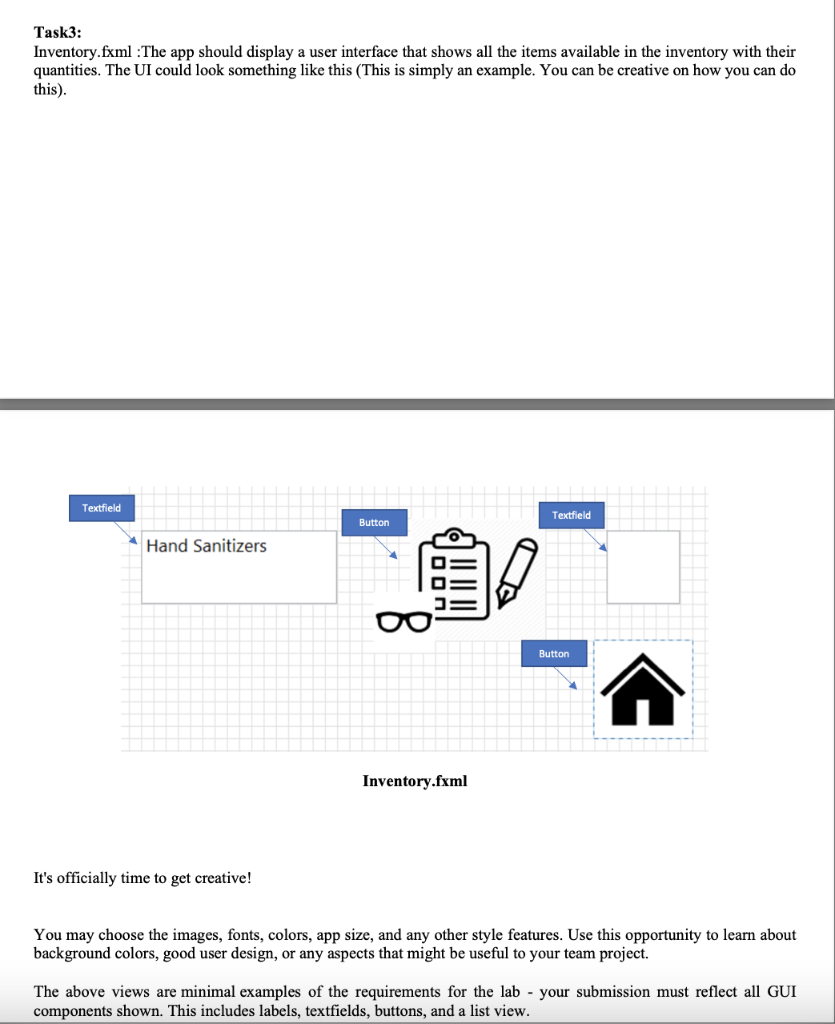
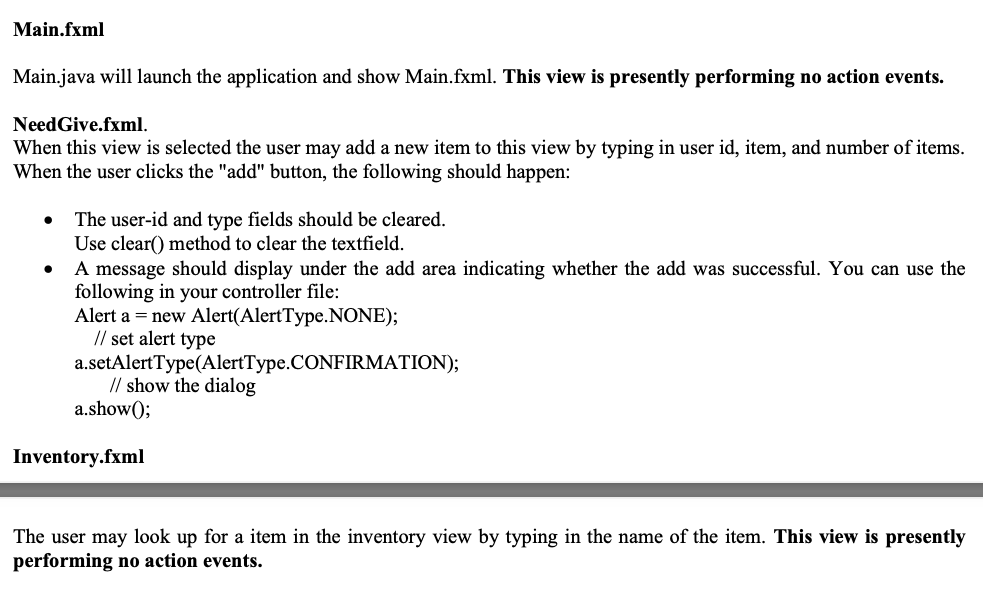
Task3: Inventory.fxml :The app should display a user interface that shows all the items available in the inventory with their quantities. The UI could look something like this (This is simply an example. You can be creative on how you can do this). Textfield Textfield Button Hand Sanitizers Button Inventory.fxml It's officially time to get creative! You may choose the images, fonts, colors, app size, and any other style features. Use this opportunity to learn about background colors, good user design, or any aspects that might be useful to your team project. The above views are minimal examples of the requirements for the lab - your submission must reflect all GUI components shown. This includes labels, textfields, buttons, and a list view. Main.fxml Main.java will launch the application and show Main.fxml. This view is presently performing no action events. Need Give.fxml. When this view is selected the user may add a new item to this view by typing in user id, item, and number of items. When the user clicks the "add" button, the following should happen: The user-id and type fields should be cleared. Use clear() method to clear the textfield. A message should display under the add area indicating whether the add was successful. You can use the following in your controller file: Alert a = new Alert(AlertType.NONE); // set alert type a.setAlertType(AlertType.CONFIRMATION); // show the dialog a.show(); Inventory.fxml The user may look up for a item in the inventory view by typing in the name of the item. This view is presently performing no action events. Task3: Inventory.fxml :The app should display a user interface that shows all the items available in the inventory with their quantities. The UI could look something like this (This is simply an example. You can be creative on how you can do this). Textfield Textfield Button Hand Sanitizers Button Inventory.fxml It's officially time to get creative! You may choose the images, fonts, colors, app size, and any other style features. Use this opportunity to learn about background colors, good user design, or any aspects that might be useful to your team project. The above views are minimal examples of the requirements for the lab - your submission must reflect all GUI components shown. This includes labels, textfields, buttons, and a list view. Main.fxml Main.java will launch the application and show Main.fxml. This view is presently performing no action events. Need Give.fxml. When this view is selected the user may add a new item to this view by typing in user id, item, and number of items. When the user clicks the "add" button, the following should happen: The user-id and type fields should be cleared. Use clear() method to clear the textfield. A message should display under the add area indicating whether the add was successful. You can use the following in your controller file: Alert a = new Alert(AlertType.NONE); // set alert type a.setAlertType(AlertType.CONFIRMATION); // show the dialog a.show(); Inventory.fxml The user may look up for a item in the inventory view by typing in the name of the item. This view is presently performing no action events
Step by Step Solution
There are 3 Steps involved in it

Get step-by-step solutions from verified subject matter experts
 Study Help