







Question: Tasks Note: You will need to install NMAP on Security Onion with the command sudo apt-get install nmap - It is recommended to reset your

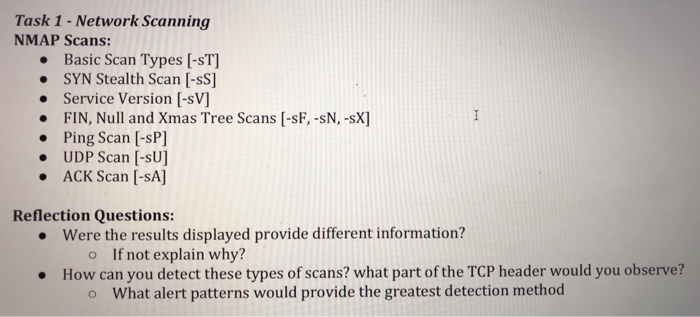
Tasks Note: You will need to install NMAP on Security Onion with the command sudo apt-get install nmap - It is recommended to reset your wireshark capture after each scan. The only target you should to be scanning is yourself 127.0.0.1 Task 1 - Network Scanning NMAP Scans: Basic Scan Types [-ST] SYN Stealth Scan [-sS] . Service Version [-sV] FIN, Null and Xmas Tree Scans [-sF,-sN,-sX] Ping Scan [-sP] UDP Scan [-SU] ACK Scan [-SA] Reflection Questions: were the results displayed provide different information? o If not explain why? How can you detect these types of scans? what part of the TCP header would you observe? . o What alert patterns would provide the greatest detection method
Step by Step Solution
There are 3 Steps involved in it

Get step-by-step solutions from verified subject matter experts
 Study Help