







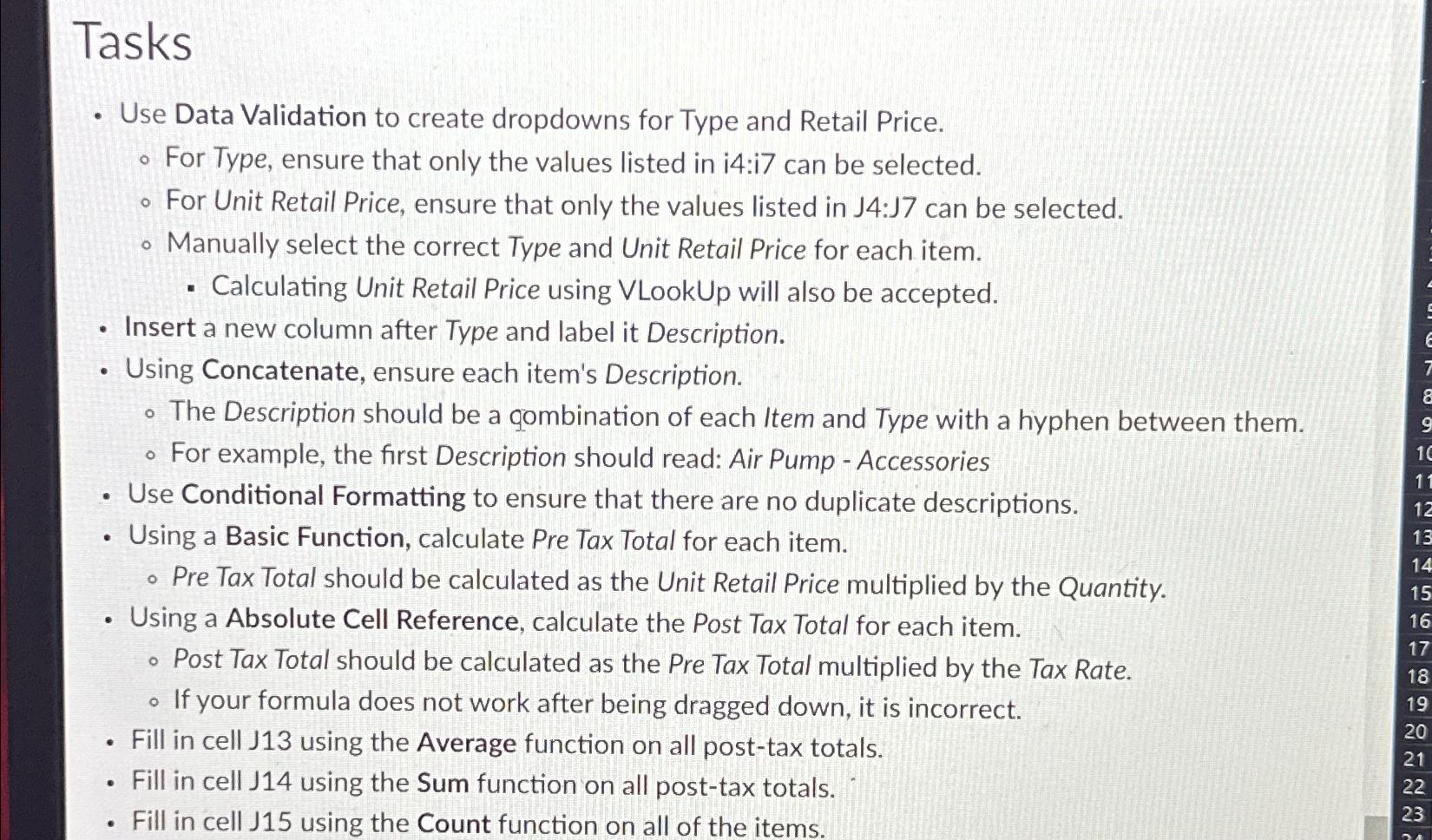
Question: Tasks Use Data Validation to create dropdowns for Type and Retail Price. For Type, ensure that only the values listed in i 4 :i 7
Tasks
Use Data Validation to create dropdowns for Type and Retail Price.
For Type, ensure that only the values listed in i:i can be selected.
For Unit Retail Price, ensure that only the values listed in J:J can be selected.
Manually select the correct Type and Unit Retail Price for each item.
Calculating Unit Retail Price using VLookUp will also be accepted.
Insert a new column after Type and label it Description.
Using Concatenate, ensure each item's Description.
The Description should be a gombination of each Item and Type with a hyphen between them.
For example, the first Description should read: Air Pump Accessories
Use Conditional Formatting to ensure that there are no duplicate descriptions.
Using a Basic Function, calculate Pre Tax Total for each item.
Pre Tax Total should be calculated as the Unit Retail Price multiplied by the Quantity.
Using a Absolute Cell Reference, calculate the Post Tax Total for each item.
Post Tax Total should be calculated as the Pre Tax Total multiplied by the Tax Rate.
If your formula does not work after being dragged down, it is incorrect.
Fill in cell using the Average function on all posttax totals.
Fill in cell J using the Sum function on all posttax totals.
Fill in cell J using the Count function on all of the items.
Step by Step Solution
There are 3 Steps involved in it
1 Expert Approved Answer
Step: 1 Unlock

Question Has Been Solved by an Expert!
Get step-by-step solutions from verified subject matter experts
Step: 2 Unlock
Step: 3 Unlock
 Study Help