







Question: tep 4 : Now that apache is installed, make sure that your server is functional. Since we will be making changes it's nice to know
tep :
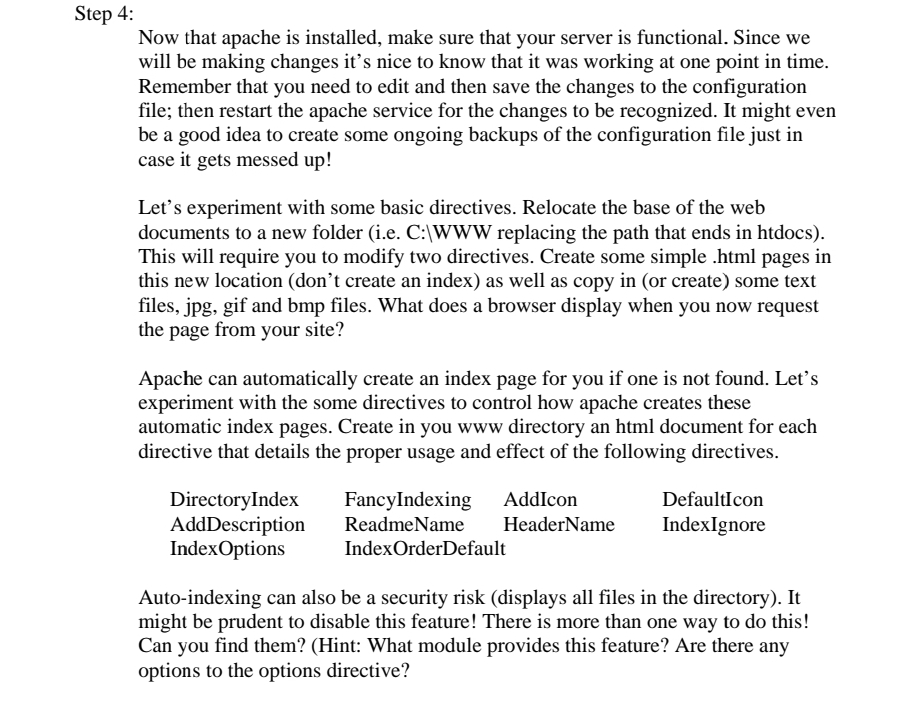
Now that apache is installed, make sure that your server is functional. Since we
will be making changes it's nice to know that it was working at one point in time.
Remember that you need to edit and then save the changes to the configuration
file; then restart the apache service for the changes to be recognized. It might even
be a good idea to create some ongoing backups of the configuration file just in
case it gets messed up
Let's experiment with some basic directives. Relocate the base of the web
documents to a new folder ie C:WWW replacing the path that ends in htdocs
This will require you to modify two directives. Create sme simple html
pages in
this new location dont create an index as well as copy in or create some text
files, jpg gif and bmp files. What does a browser display when you now request
the page from your site?
Apache can automatically create an index page for you if one is not found. Let's
experiment with the some directives to control how apache creates these
automatic index pages. Create in you www directory an html document for each
directive that details the proper usage and effect of the following directives.
Autoindexing can also be a security risk displays all files in the directory It
might be prudent to disable this feature! There is more than one way to do this!
Can you find them? Hint: What module provides this feature? Are there any
options to the options directive?
Step by Step Solution
There are 3 Steps involved in it
1 Expert Approved Answer
Step: 1 Unlock

Question Has Been Solved by an Expert!
Get step-by-step solutions from verified subject matter experts
Step: 2 Unlock
Step: 3 Unlock
 Study Help