







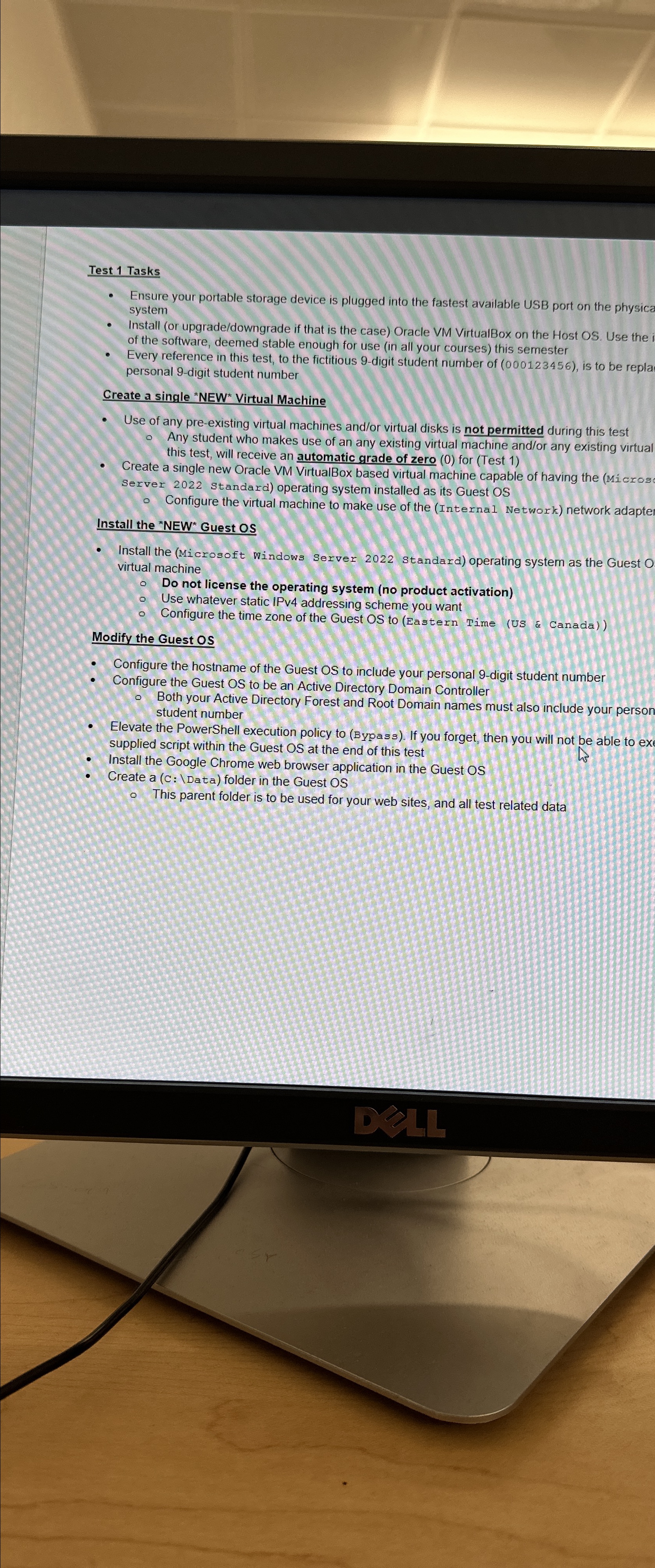
Question: Test 1 Tasks Ensure your portable storage device is plugged into the fastest available USB port on the physica system Install ( or upgrade /
Test Tasks
Ensure your portable storage device is plugged into the fastest available USB port on the physica system
Install or upgradedowngrade if that is the case Oracle VM VirtualBox on the Host OS Use the of the software, deemed stable enough for use in all your courses this semester
Every reference in this test, to the fictitious digit student number of is to be repla personal digit student number
Create a single Virtual Machine
Use of any preexisting virtual machines andor virtual disks is not permitted during this test Any student who makes use of an any existing virtual machine andor any existing virtual this test, will receive an automatic grade of zero for Test
Create a single new Oracle VM VirtualBox based virtual machine capable of having the Micros Server standard operating system installed as its Guest OS
Configure the virtual machine to make use of the Internal Network network adapte Install the Guest os
Install the Microsoft Windows Server standard operating system as the Guest virtual machine
Do not license the operating system no product activation
Use whatever static IPv addressing scheme you want
Configure the time zone of the Guest OS to Eastern Time US & Canada
Modify the Guest OS
Configure the hostname of the Guest OS to include your personal digit student number
Configure the Guest OS to be an Active Directory Domain Controller Both your Active Directory Forest and Root Domain names must also include your person student number
Elevate the PowerShell execution policy to ypass If you forget, then you will not be able to ex supplied script within the Guest OS at the end of this test
Install the Google Chrome web browser application in the Guest OS
Create a Data folder in the Guest OS
This parent folder is to be used for your web sites, and all test related data
Step by Step Solution
There are 3 Steps involved in it
1 Expert Approved Answer
Step: 1 Unlock

Question Has Been Solved by an Expert!
Get step-by-step solutions from verified subject matter experts
Step: 2 Unlock
Step: 3 Unlock
 Study Help