







Question: TEST test_values = 0 1234 -1234.split() for number in test_values: print(number, end=': ') print_binary(number, 10) RESULT: 0: +0.0000000000 1234: +10011010010.0000000000 -1234: -10011010010.0000000000 The function has
TEST
test_values = "0 1234 -1234".split() for number in test_values: print(number, end=': ') print_binary(number, 10)
RESULT:
0: +0.0000000000 1234: +10011010010.0000000000 -1234: -10011010010.0000000000
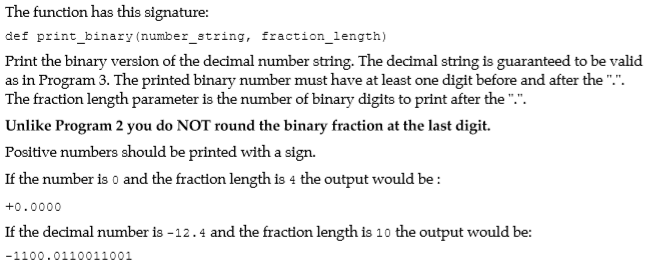
The function has this signature: def print_binary (number tring, fraction_length) Print the binary version of the decimal number string. The decimal string is guaranteed to be valid as in Program 3. The printed binary number must have at least one digit before and after the "." The fraction length parameter is the number of binary digits to print after the".". Unlike Program 2 you do NOT round the binary fraction at the last digit. Positive numbers should be printed with a sign. If the number is o and the fraction length is 4 the output would be: +0.0000 If the decimal number is -12.4 and the fraction length is 10 the output would be: -1100.0110011001
Step by Step Solution
There are 3 Steps involved in it

Get step-by-step solutions from verified subject matter experts
 Study Help