







Question: TestStack.java, and AnswersLab6.txt - Save the downloaded java files into the Lab6 src folder Exercise 1 - Follow the Exception Handling Execution 1. Open the
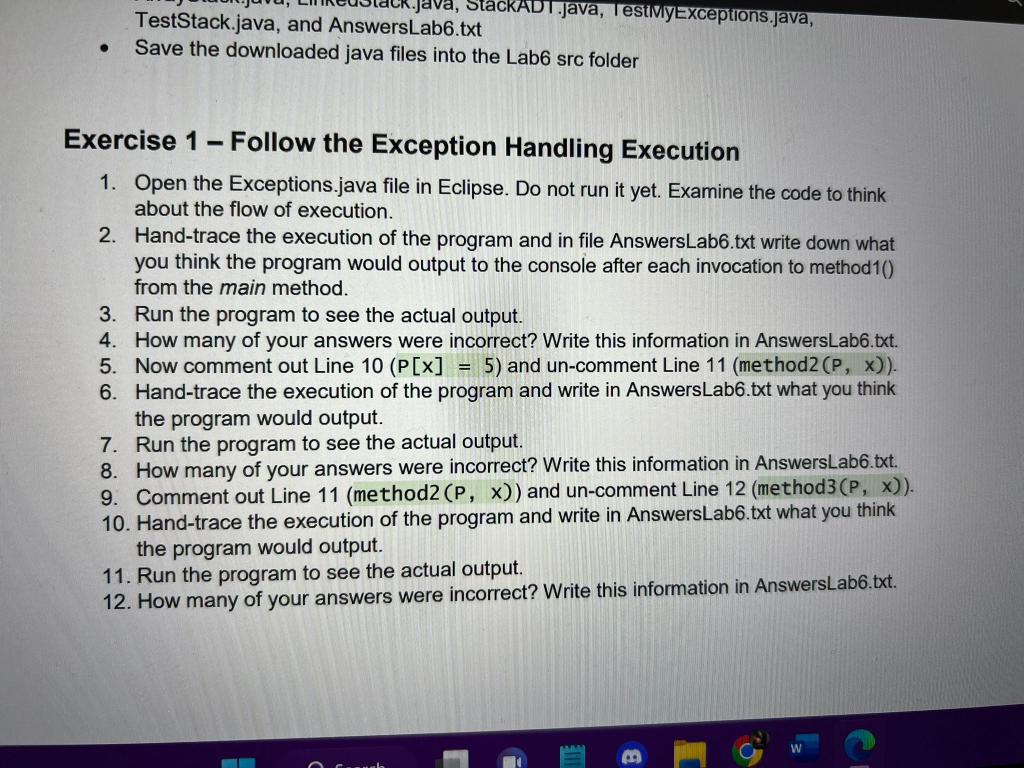
TestStack.java, and AnswersLab6.txt - Save the downloaded java files into the Lab6 src folder Exercise 1 - Follow the Exception Handling Execution 1. Open the Exceptions.java file in Eclipse. Do not run it yet. Examine the code to think about the flow of execution. 2. Hand-trace the execution of the program and in file AnswersLab6.txt write down what you think the program would output to the console after each invocation to method1() from the main method. 3. Run the program to see the actual output. 4. How many of your answers were incorrect? Write this information in AnswersLab6.txt. 5. Now comment out Line 10(P[x]=5) and un-comment Line 11(method2(P,x)). 6. Hand-trace the execution of the program and write in AnswersLab6.txt what you think the program would output. 7. Run the program to see the actual output. 8. How many of your answers were incorrect? Write this information in AnswersLab6.txt. 9. Comment out Line 11(method2(P,x)) and un-comment Line 12(method3(P,x)). 10. Hand-trace the execution of the program and write in AnswersLab6.txt what you think the program would output. 11. Run the program to see the actual output. 12. How many of your answers were incorrect? Write this information in AnswersLab6.txt
Step by Step Solution
There are 3 Steps involved in it

Get step-by-step solutions from verified subject matter experts
 Study Help