Question: The 2 articles below is my classmate discussion post can you please give explanation why you agree with the articles below? ( there is two
The 2 articles below is my classmate discussion post can you please give explanation why you agree with the articles below? ( there is two different articles attached below answer them separate please) Can you please include at least 1-2 references with accurate links for three different articles and include in-text citations in APA-7th edition style ?
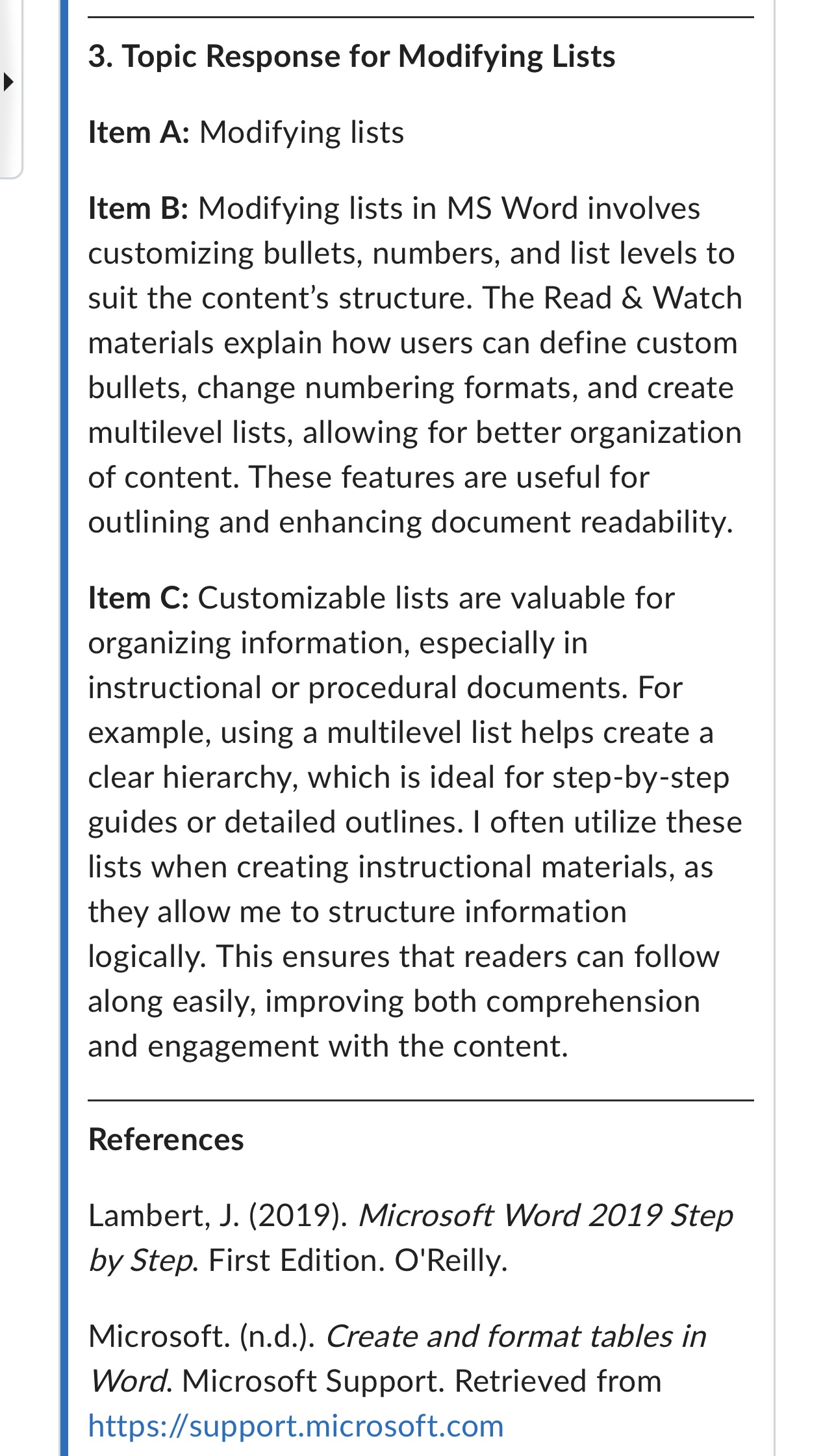
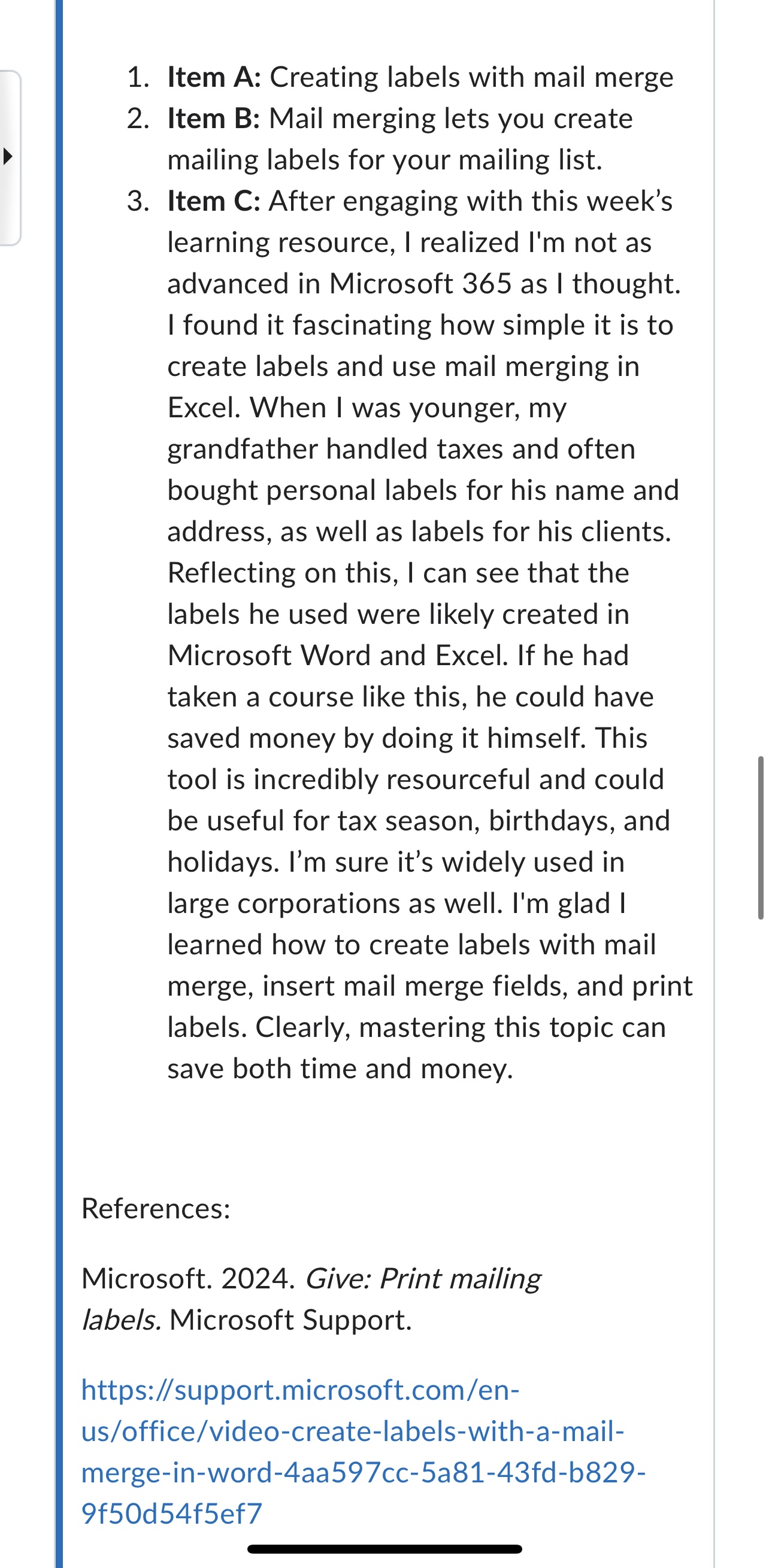
3. Topic Response for Modifying Lists Item A: Modifying lists Item B: Modifying lists in MS Word involves customizing bullets, numbers, and list levels to suit the content's structure. The Read & Watch materials explain how users can define custom bullets, change numbering formats, and create multilevel lists, allowing for better organization of content. These features are useful for outlining and enhancing document readability. Item C: Customizable lists are valuable for organizing information, especially in instructional or procedural documents. For example, using a multilevel list helps create a clear hierarchy, which is ideal for step-by-step guides or detailed outlines. | often utilize these lists when creating instructional materials, as they allow me to structure information logically. This ensures that readers can follow along easily, improving both comprehension and engagement with the content. References Lambert, J. (2019). Microsoft Word 2019 Step by Step. First Edition. O'Reilly. Microsoft. (n.d.). Create and format tables in Word. Microsoft Support. Retrieved from https:/support.microsoft.com 1. Item A: Creating labels with mail merge 2. ltem B: Mail merging lets you create mailing labels for your mailing list. 3. Item C: After engaging with this week''s learning resource, | realized I'm not as advanced in Microsoft 365 as | thought. | found it fascinating how simple it is to create labels and use mail merging in Excel. When | was younger, my grandfather handled taxes and often bought personal labels for his name and address, as well as labels for his clients. Reflecting on this, | can see that the labels he used were likely created in Microsoft Word and Excel. If he had taken a course like this, he could have saved money by doing it himself. This tool is incredibly resourceful and could be useful for tax season, birthdays, and holidays. I'm sure it's widely used in large corporations as well. I'm glad | learned how to create labels with mail merge, insert mail merge fields, and print labels. Clearly, mastering this topic can save both time and money. References: Microsoft. 2024. Give: Print mailing labels. Microsoft Support. https:/support.microsoft.com/en- us/office/video-create-labels-with-a-mail- merge-in-word-4aa597cc-5a81-43fd-b829- 9f50d54f5ef7
Step by Step Solution
There are 3 Steps involved in it
1 Expert Approved Answer
Step: 1 Unlock
Question Has Been Solved by an Expert!
Get step-by-step solutions from verified subject matter experts
Step: 2 Unlock
Step: 3 Unlock
Students Have Also Explored These Related Business Writing Questions!









 Study Help