Question: The 3 articles below is my classmate discussion post can you please give explanation why you agree with the articles below? ( there is three
The 3 articles below is my classmate discussion post can you please give explanation why you agree with the articles below? ( there is three different articles attached below answer them separate please) Can you please include at least 1-2 references with accurate links for three different articles and include in-text citations in APA-7th edition style ?
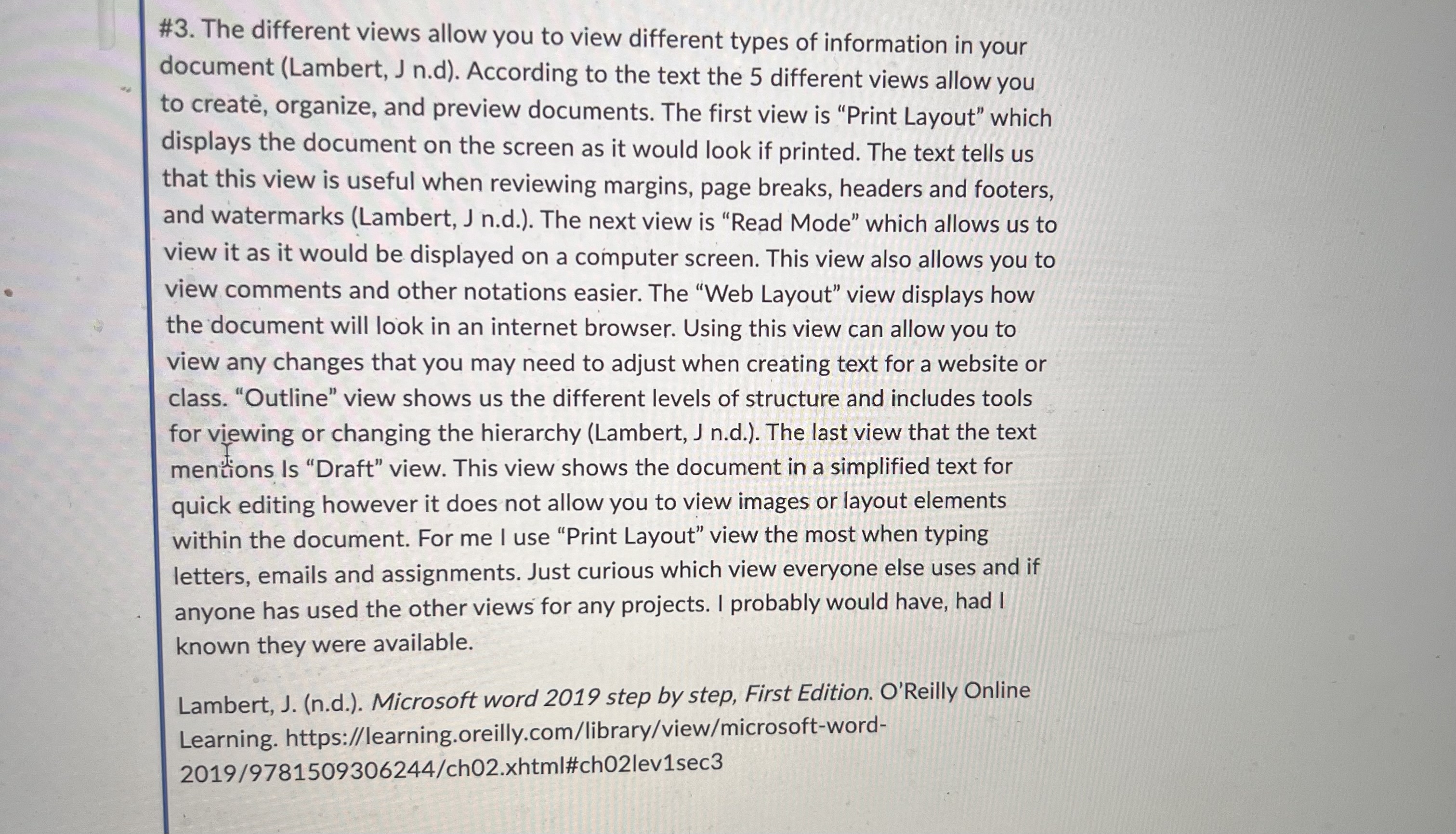
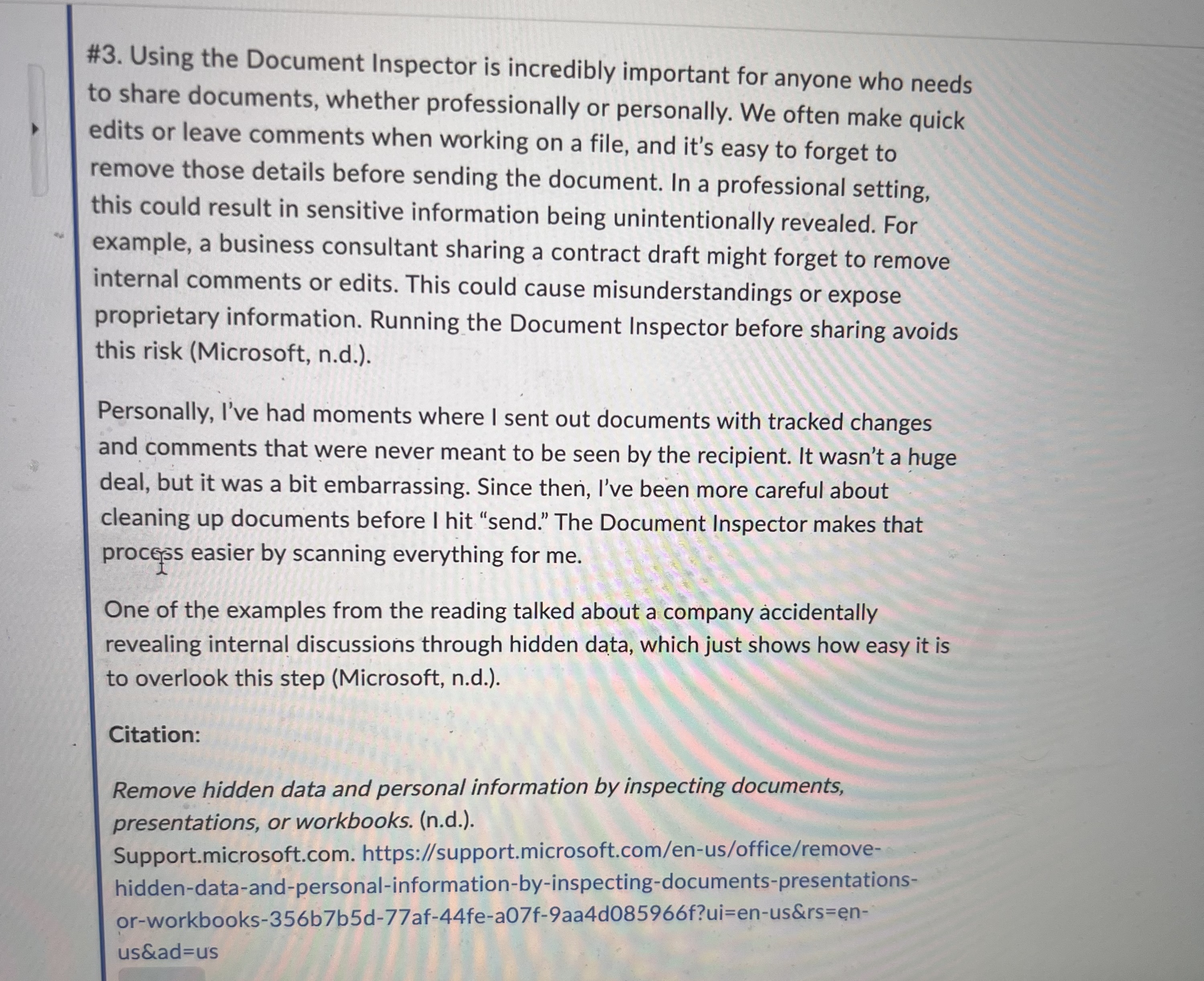
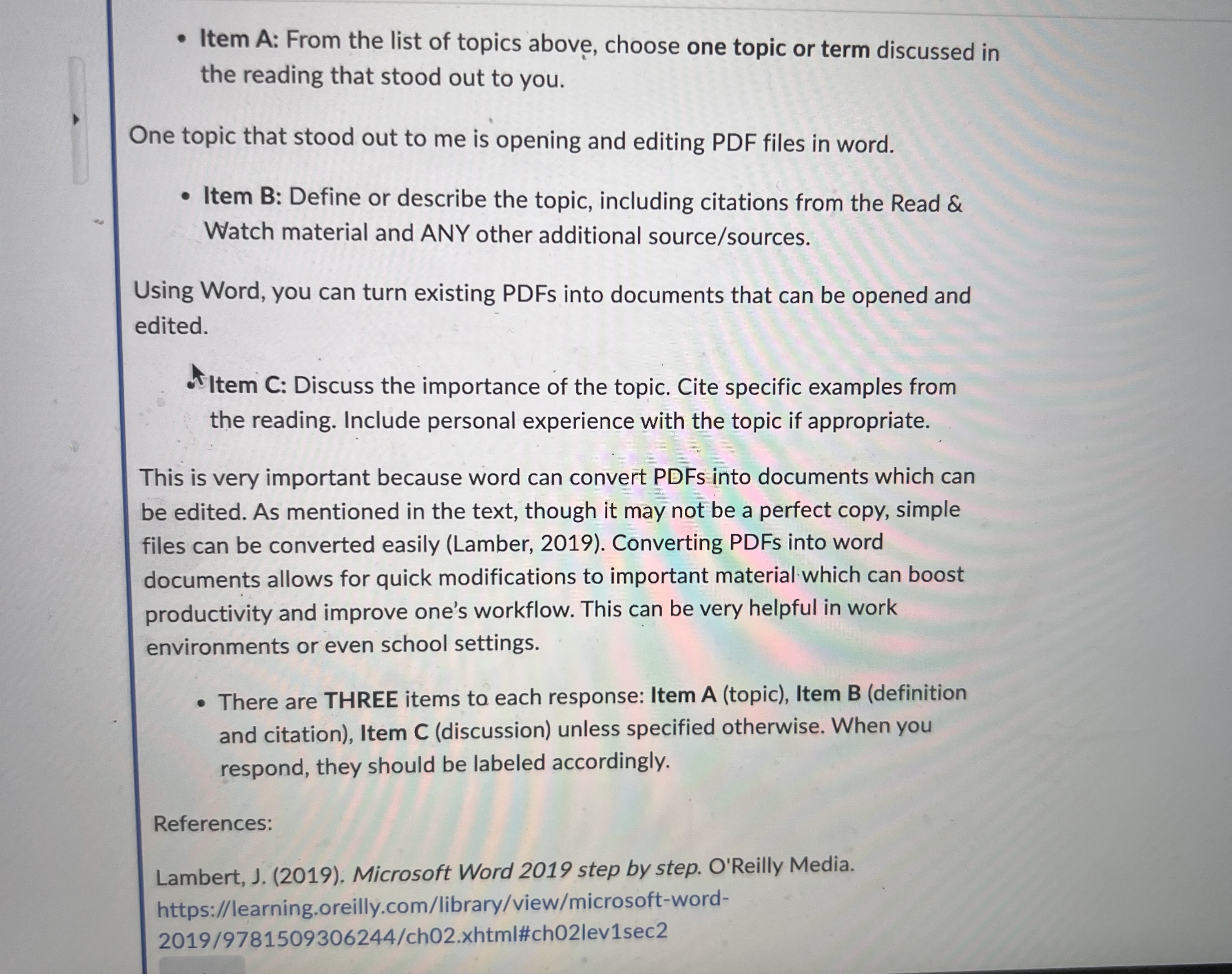
#3. The different views allow you to view different types of information in your document (Lambert, J n.d). According to the text the 5 different views allow you to create, organize, and preview documents. The first view is "Print Layout" which displays the document on the screen as it would look if printed. The text tells us that this view is useful when reviewing margins, page breaks, headers and footers, and watermarks (Lambert, J n.d.). The next view is "Read Mode" which allows us to view it as it would be displayed on a computer screen. This view also allows you to view comments and other notations easier. The "Web Layout" view displays how the document will look in an internet browser. Using this view can allow you to view any changes that you may need to adjust when creating text for a website or class. "Outline" view shows us the different levels of structure and includes tools for viewing or changing the hierarchy (Lambert, J n.d.). The last view that the text mentions Is "Draft" view. This view shows the document in a simplified text for quick editing however it does not allow you to view images or layout elements within the document. For me I use "Print Layout" view the most when typing letters, emails and assignments. Just curious which view everyone else uses and if anyone has used the other views for any projects. I probably would have, had I known they were available. Lambert, J. (n.d.). Microsoft word 2019 step by step, First Edition. O'Reilly Online Learning. https://learning.oreilly.com/library/view/microsoft-word- 2019/9781509306244/ch02.xhtml#ch02lev1sec3#3. Using the Document Inspector is incredibly important for anyone who needs to share documents, whether professionally or personally. We often make quick edits or leave comments when working on a file, and it's easy to forget to remove those details before sending the document. In a professional setting, this could result in sensitive information being unintentionally revealed. For example, a business consultant sharing a contract draft might forget to remove internal comments or edits. This could cause misunderstandings or expose proprietary information. Running the Document Inspector before sharing avoids this risk (Microsoft, n.d.). Personally, I've had moments where I sent out documents with tracked changes and comments that were never meant to be seen by the recipient. It wasn't a huge deal, but it was a bit embarrassing. Since then, I've been more careful about cleaning up documents before I hit "send." The Document Inspector makes that process easier by scanning everything for me. One of the examples from the reading talked about a company accidentally revealing internal discussions through hidden data, which just shows how easy it is to overlook this step (Microsoft, n.d.). Citation: Remove hidden data and personal information by inspecting documents, presentations, or workbooks. (n.d.). Support.microsoft.com. https://support.microsoft.com/en-us/office/remove- hidden-data-and-personal-information-by-inspecting-documents-presentations- or-workbooks-356b7b5d-77af-44fe-a07f-9aa4d085966f?ui=en-us&rs=en- us&ad=us. Item A: From the list of topics above, choose one topic or term discussed in the reading that stood out to you. One topic that stood out to me is opening and editing PDF files in word. . Item B: Define or describe the topic, including citations from the Read & Watch material and ANY other additional source/sources. Using Word, you can turn existing PDFs into documents that can be opened and edited. Item C: Discuss the importance of the topic. Cite specific examples from the reading. Include personal experience with the topic if appropriate. This is very important because word can convert PDFs into documents which can be edited. As mentioned in the text, though it may not be a perfect copy, simple files can be converted easily (Lamber, 2019). Converting PDFs into word documents allows for quick modifications to important material which can boost productivity and improve one's workflow. This can be very helpful in work environments or even school settings. . There are THREE items to each response: Item A (topic), Item B (definition and citation), Item C (discussion) unless specified otherwise. When you respond, they should be labeled accordingly. References: Lambert, J. (2019). Microsoft Word 2019 step by step. O'Reilly Media. https://learning.oreilly.com/library/view/microsoft-word- 2019/9781509306244/ch02.xhtml#ch02lev1sec2
Step by Step Solution
There are 3 Steps involved in it
1 Expert Approved Answer
Step: 1 Unlock
Question Has Been Solved by an Expert!
Get step-by-step solutions from verified subject matter experts
Step: 2 Unlock
Step: 3 Unlock
Students Have Also Explored These Related Business Writing Questions!









 Study Help