







Question: The Add _ Volunteer macro should copy the data in the range D 4 :D 8 on the Volunteer Registration worksheet, go to the Volunteer
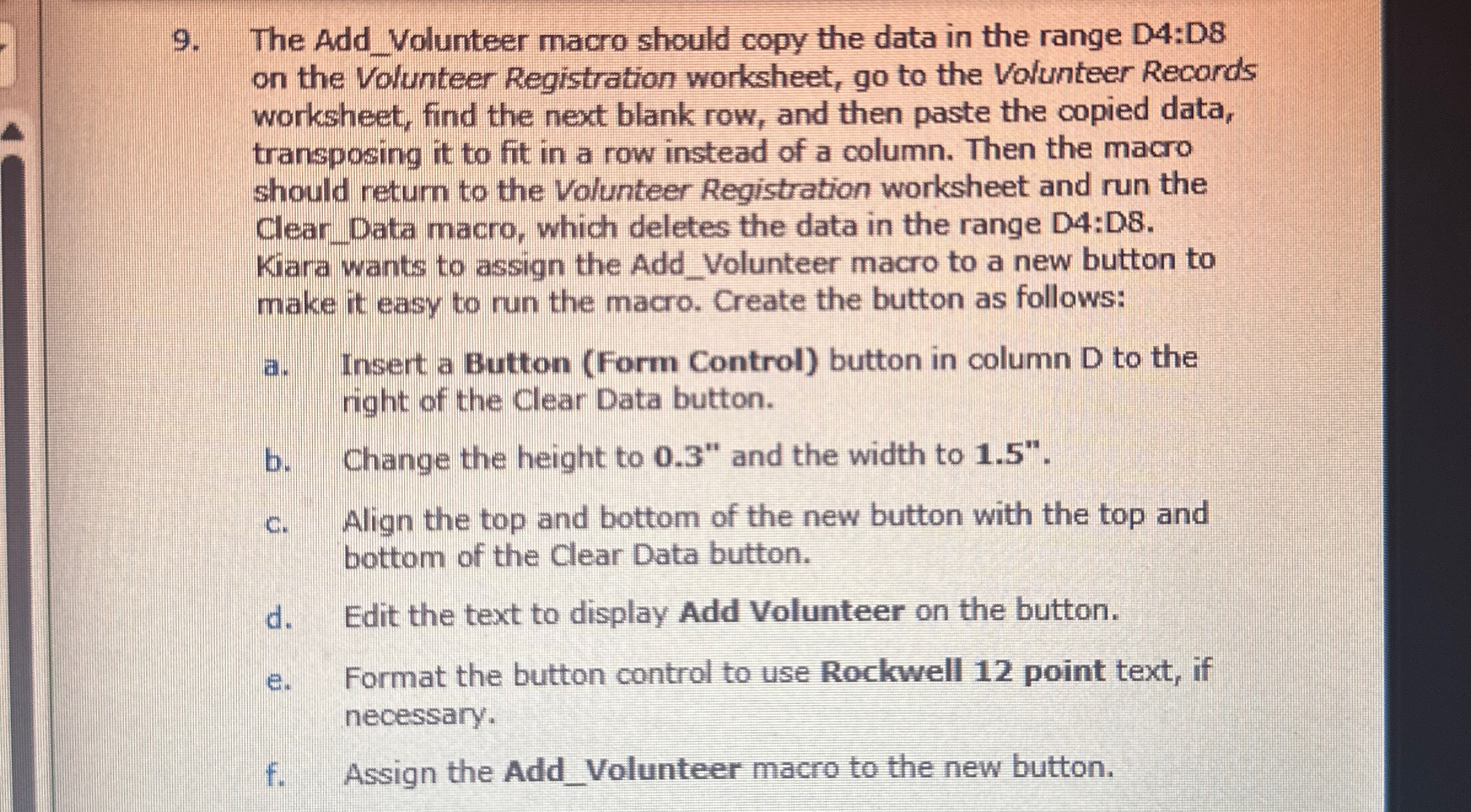
The AddVolunteer macro should copy the data in the range D:D on the Volunteer Registration worksheet, go to the Volunteer Records worksheet, find the next blank row, and then paste the copied data, transposing it to fit in a row instead of a column. Then the macro should return to the Volunteer Registration worksheet and run the ClearData macro, which deletes the data in the range D:D Kiara wants to assign the AddVolunteer macro to a new button to make it easy to run the macro. Create the button as follows:
a Insert a Button Form Control button in column D to the right of the Clear Data button.
b Change the height to and the width to
c Align the top and bottom of the new button with the top and bottom of the Clear Data button.
d Edit the text to display Add Volunteer on the button.
e Format the button control to use Rockwell point text, if necessary.
f Assign the AddVolunteer macro to the new button.Yo
Step by Step Solution
There are 3 Steps involved in it
1 Expert Approved Answer
Step: 1 Unlock

Question Has Been Solved by an Expert!
Get step-by-step solutions from verified subject matter experts
Step: 2 Unlock
Step: 3 Unlock
 Study Help