



Question: The Chapter 9 Form worksheet is to be used to create your own worksheet version of the Review Problem example in the text. Requirement 2:
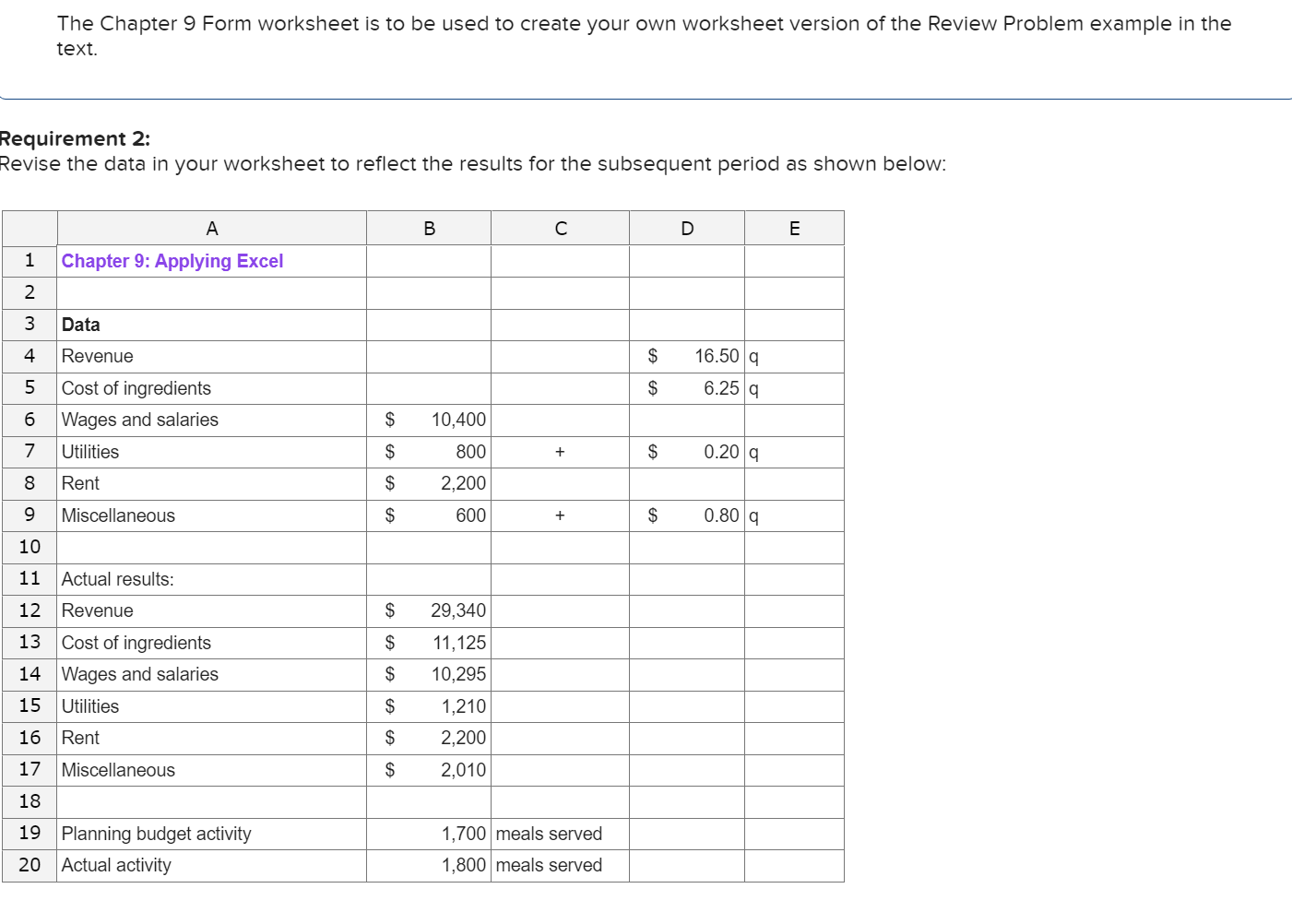
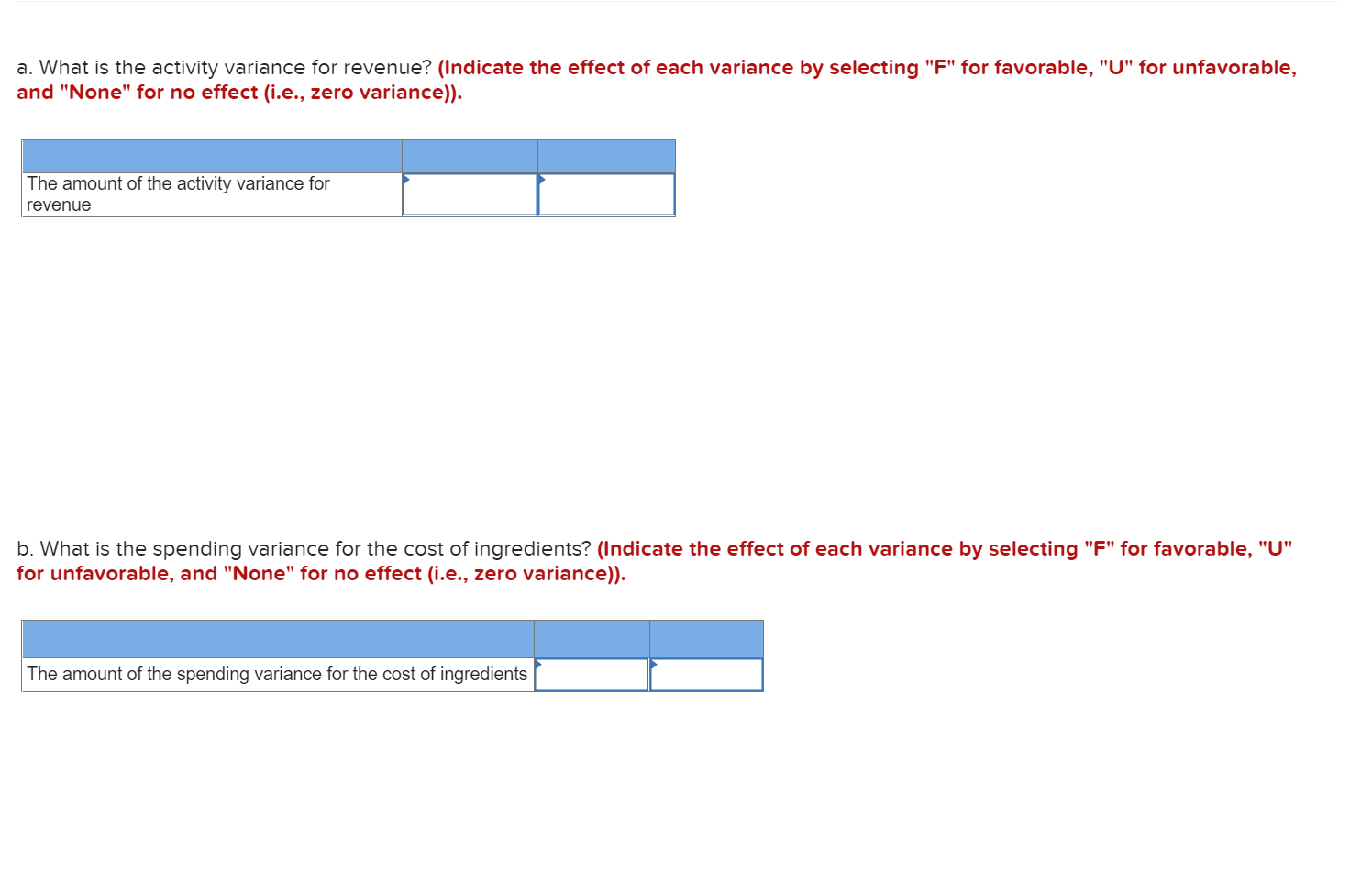
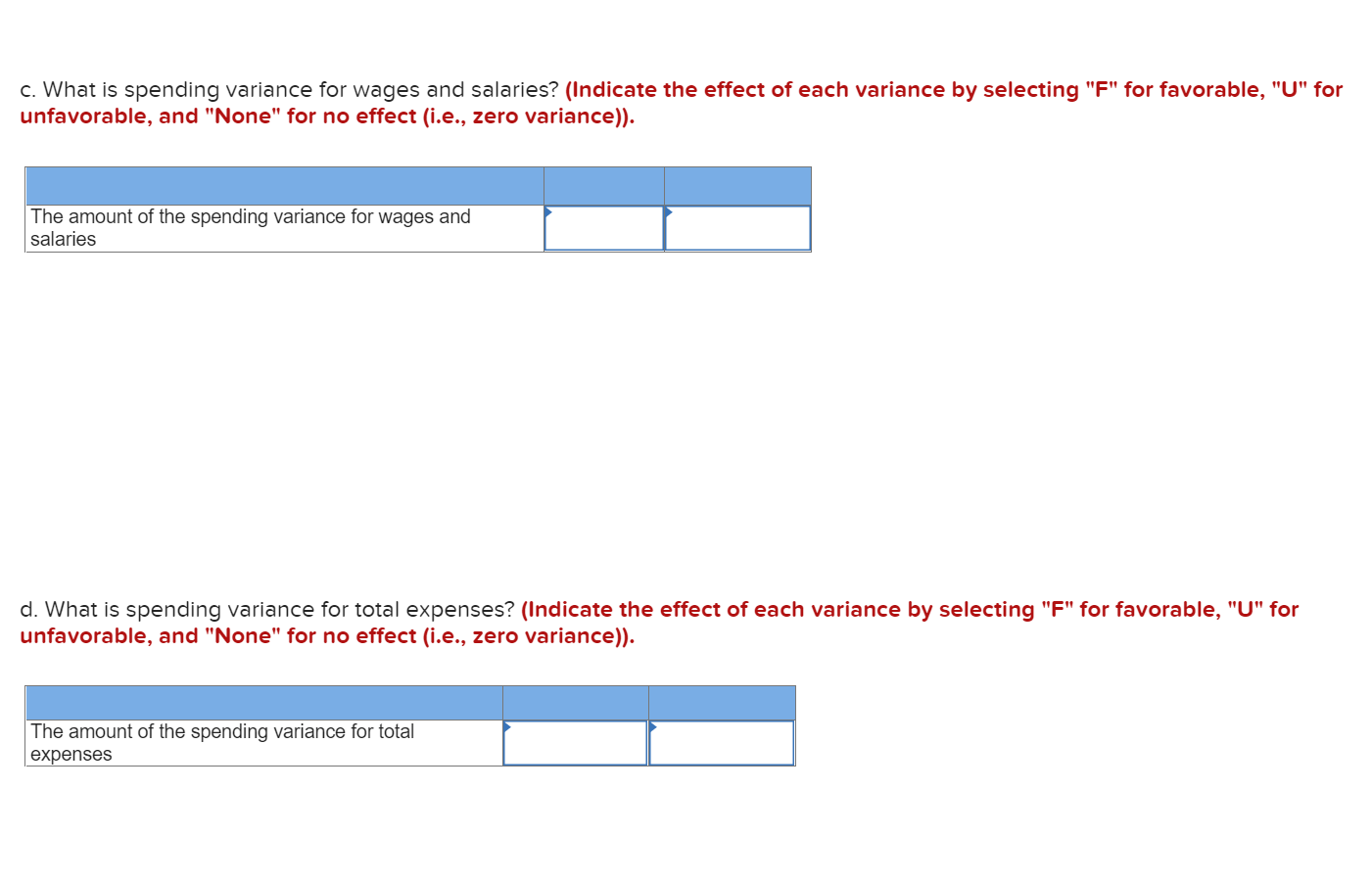
The Chapter 9 Form worksheet is to be used to create your own worksheet version of the Review Problem example in the text. Requirement 2: Revise the data in your worksheet to reflect the results for the subsequent period as shown below: B C D E A Chapter 9: Applying Excel 1 Data Revenue $ 16.50 9 6.25 9 $ nm + L N 0009 6 Cost of ingredients Wages and salaries Utilities $ 10,400 800 $ + $ 0.209 Rent $ 2,200 Miscellaneous $ 600 + $ 0.80 9 11 Actual results: $ 29,340 $ 11,125 12 Revenue 13 Cost of ingredients 14 Wages and salaries 15 Utilities $ 10,295 $ 1,210 2,200 16 Rent $ 17 Miscellaneous $ 2,010 18 19 Planning budget activity 20 Actual activity 1,700 meals served 1,800 meals served a. What is the activity variance for revenue? (Indicate the effect of each variance by selecting "F" for favorable, "U" for unfavorable, and "None" for no effect (i.e., zero variance)). The amount of the activity variance for revenue b. What is the spending variance for the cost of ingredients? (Indicate the effect of each variance by selecting "F" for favorable, "U" for unfavorable, and "None" for no effect (i.e., zero variance)). The amount of the spending variance for the cost of ingredients c. What is spending variance for wages and salaries? (Indicate the effect of each variance by selecting "F" for favorable, "U" for unfavorable, and "None" for no effect (i.e., zero variance)). The amount of the spending variance for wages and salaries d. What is spending variance for total expenses? (Indicate the effect of each variance by selecting "F" for favorable, "U" for unfavorable, and "None" for no effect (i.e., zero variance)). The amount of the spending variance for total expenses
Step by Step Solution
There are 3 Steps involved in it

Get step-by-step solutions from verified subject matter experts