







Question: THE CODE IS AT THIS LINK (if I copy it here the question won't post): https://www.chegg.com/homework-help/questions-and-answers/using-html-css-js-create-image-gallery-includes-1-images-slide-left-right-whatever-directi-q43813003?trackid=pxL3Khqk A few days ago I asked a question on
THE CODE IS AT THIS LINK (if I copy it here the question won't post):
https://www.chegg.com/homework-help/questions-and-answers/using-html-css-js-create-image-gallery-includes-1-images-slide-left-right-whatever-directi-q43813003?trackid=pxL3Khqk
A few days ago I asked a question on Chegg to create an image gallery using HTML, CSS, and JS. The person who answered did an amazing job of creating a very complex and proper gallery. However, the images I am trying to display in this gallery are being cut off because they are really big in size. I was wondering if there is any way to change the container size to display my entire image no matter what the size of it is. I don't mind if it becomes a full-page image. The gallery works as it should just the image size is being cropped out. I will attach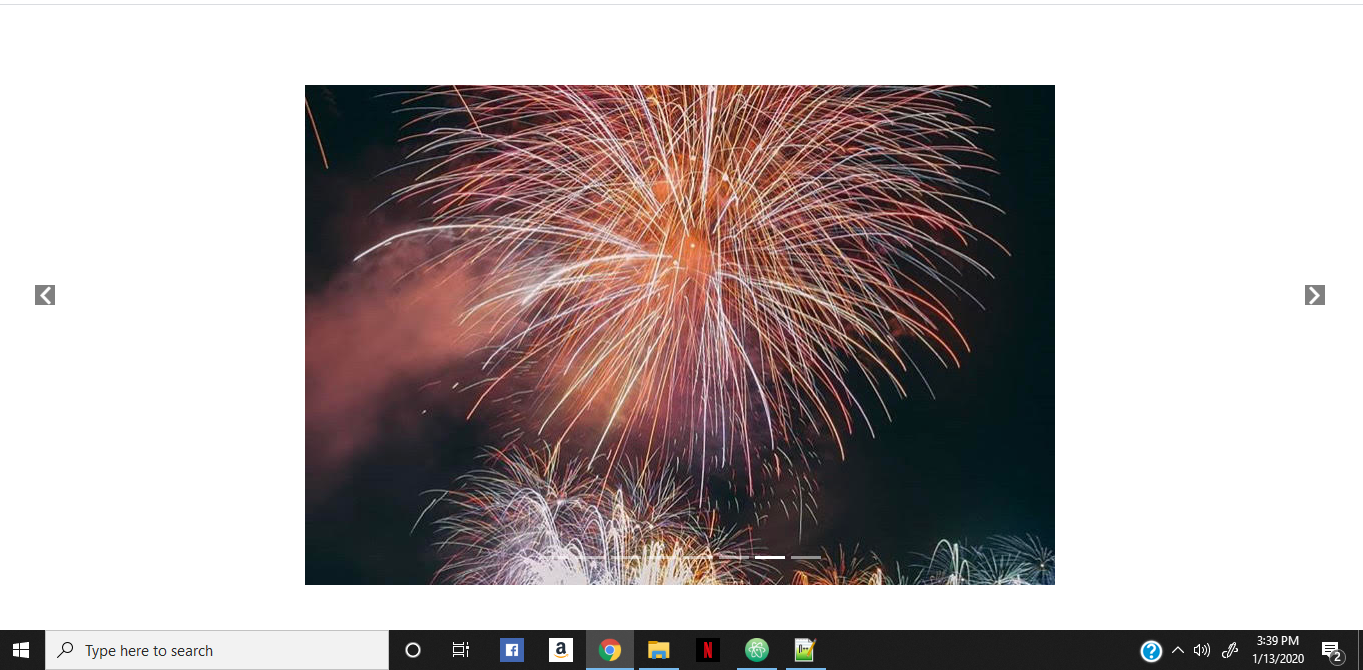 an example of what I mean. The first image is what it is displaying and the second image is the full image. The code is at this link (https://www.chegg.com/homework-help/questions-and-answers/using-html-css-js-create-image-gallery-includes-1-images-slide-left-right-whatever-directi-q43813003?trackid=EJ5habKw)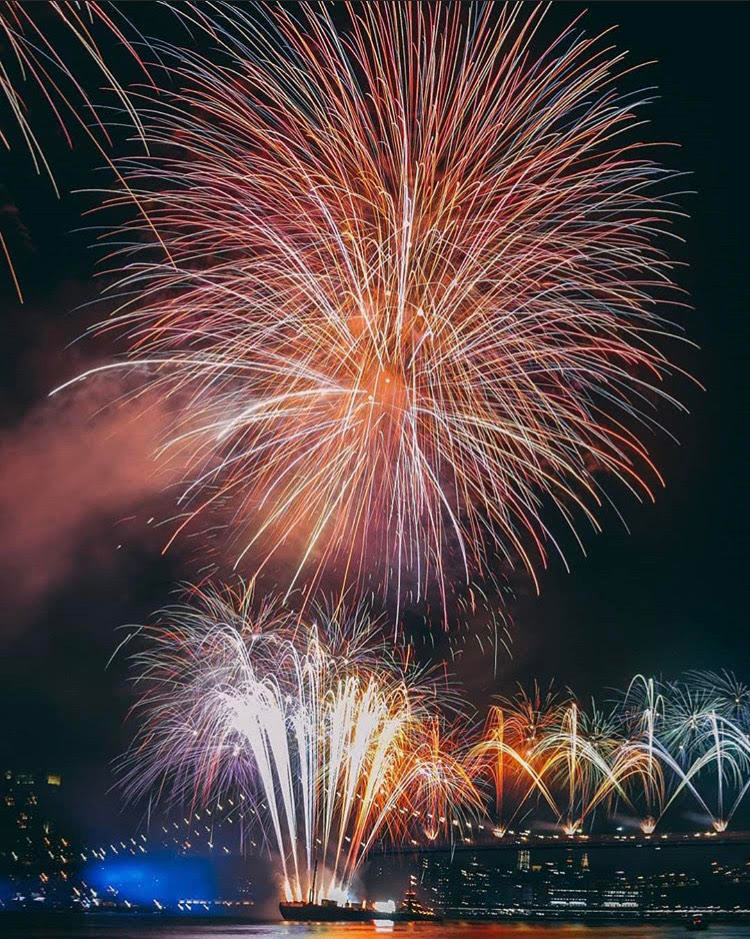
Sorry, the code is too long to copy here. Thank you in advance
THE CODE IS AT THIS LINK (if I copy it here the question won't post):
https://www.chegg.com/homework-help/questions-and-answers/using-html-css-js-create-image-gallery-includes-1-images-slide-left-right-whatever-directi-q43813003?trackid=pxL3Khqk
3:39 PM Type here to search o na 9 ^ ) J 113/2020 B2
Step by Step Solution
There are 3 Steps involved in it

Get step-by-step solutions from verified subject matter experts
 Study Help