







Question: The goal of this problem is to write a script to remediate the shortcomings of rm and rmdir. You will write a script that allows
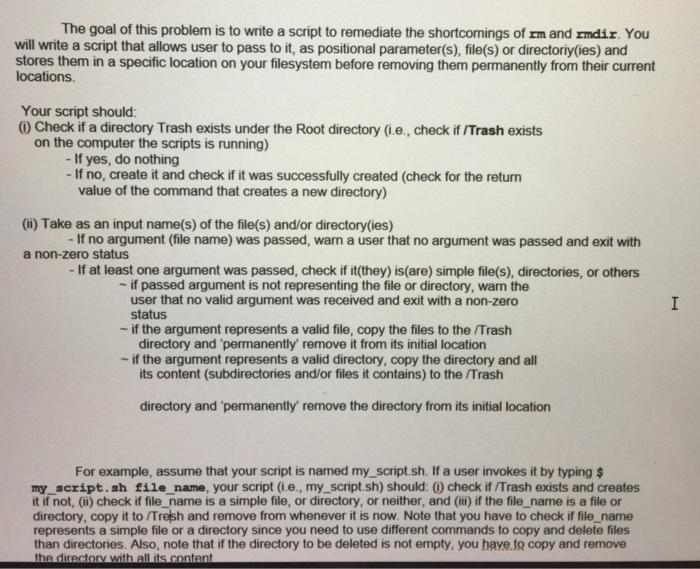
The goal of this problem is to write a script to remediate the shortcomings of rm and rmdir. You will write a script that allows user to pass to it, as positional parameter(s), file(s) or directoriy(ies) and stores them in a specific location on your filesystem before removing them permanently from their current locations. Your script should: (i) Check if a directory Trash exists under the Root directory (ie, check if/Trash exists on the computer the scripts is running) If yes, do nothing If no, create it and check if it was successfully created (check for the return value of the command that creates a new directory) (ii) Take as an input name(s) of the file(s) and/or directory(ies) If no argument (file name) was passed, warn a user that no argument was passed and exit with a non-zero status If at least one argument was passed, check if it (they) is are) simple file(s), directories, or others if passed argument is not representing the file or directory, warn the user that no valid argument was received and exit with a non-zero status if the argument represents a valid file, copy the files to the/Trash directory and 'permanently' remove it from its initial location if the argument represents a valid directory, copy the directory and all its content (subdirectories and/or files it contains) to the/Trash directory and 'permanently' remove the directory from its initial location For example, assume that your script is named my_script.sh. If a user invokes it by typing $ my_script.sh file_name, your script (i.ee., my_script.sh) should: (i) check if/Trash exists and creates it if not, (ii) check if file name is a simple file, or directory, or neither, and (iii) if the file_name is a file or directory, copy it to/Trash and remove from whenever it is now. Note that you have to check if file name represents a simple file or a directory since you need to use different commands to copy and delete files than directories. Also, note that if the directory to be deleted is not empty, you have to copy and remove the directory with all its content
Step by Step Solution
There are 3 Steps involved in it

Get step-by-step solutions from verified subject matter experts
 Study Help