







Question: The Growsquare code and its associated driver, GrowDriver, given below, create a display window and display in that window a square with NW corner at
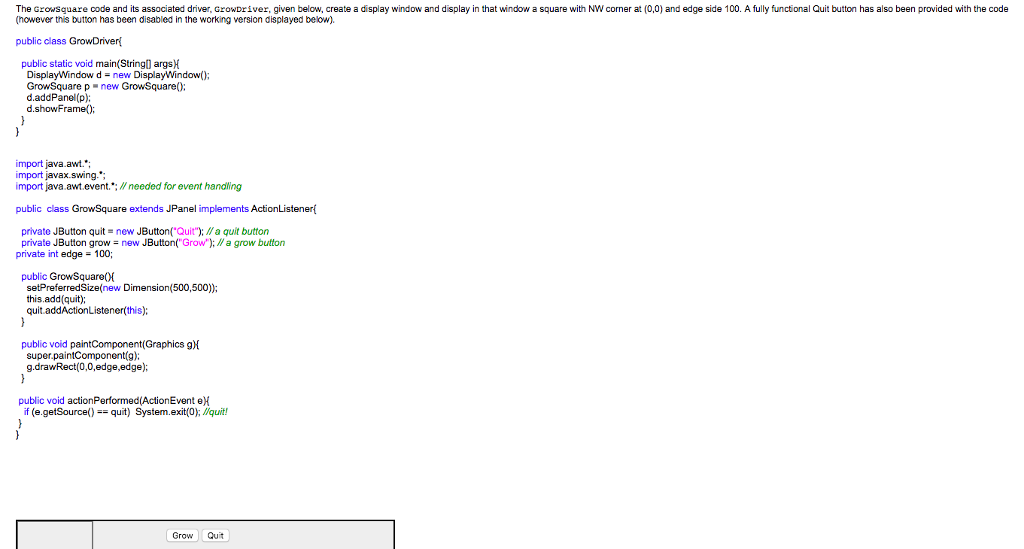
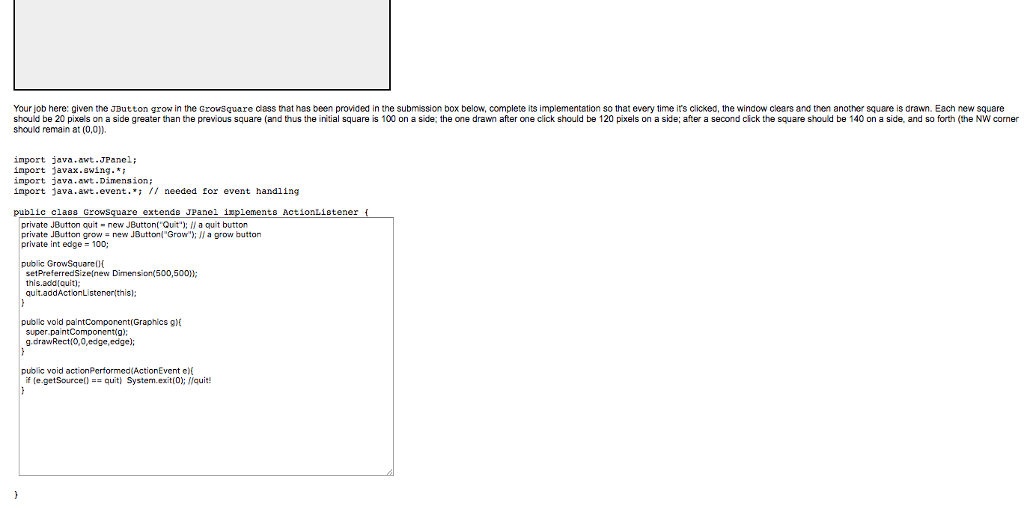
The Growsquare code and its associated driver, GrowDriver, given below, create a display window and display in that window a square with NW corner at (0,0) and edge side 100. A fully functonal Quit button has also been provided with the code however this button has been disabled in the working version displayed below). public class GrowDriver! public static void main(String) argsH DisplayWindow dnew DisplayWindow(); d.addPanel (p) d.showFrame import java.awt. import javax.swing.*; import java.awt.event.*: W needed for event handiling public class GrowSquare extends JPanel implements ActionListener private JButton quit new JButtonQta quit button private JButton grow-new JButton("Grow"); # a grow button private int edge 100; setPreferredSize(new Dimension(500,500)) this.add(quit) quit.addActionListener(this); public void paintComponent(Graphics gH super.paintComponent(g): g.drawRect(0,0,edge,edge); public void actionPerformed(ActionEvent eK if (e.getSource)quit) System.exit(O; Wquit! Grow Quit
Step by Step Solution
There are 3 Steps involved in it

Get step-by-step solutions from verified subject matter experts
 Study Help