







Question: The input function is a MATLAB built-in function that allows a program to accept user input. For example, if one wanted to ask the user
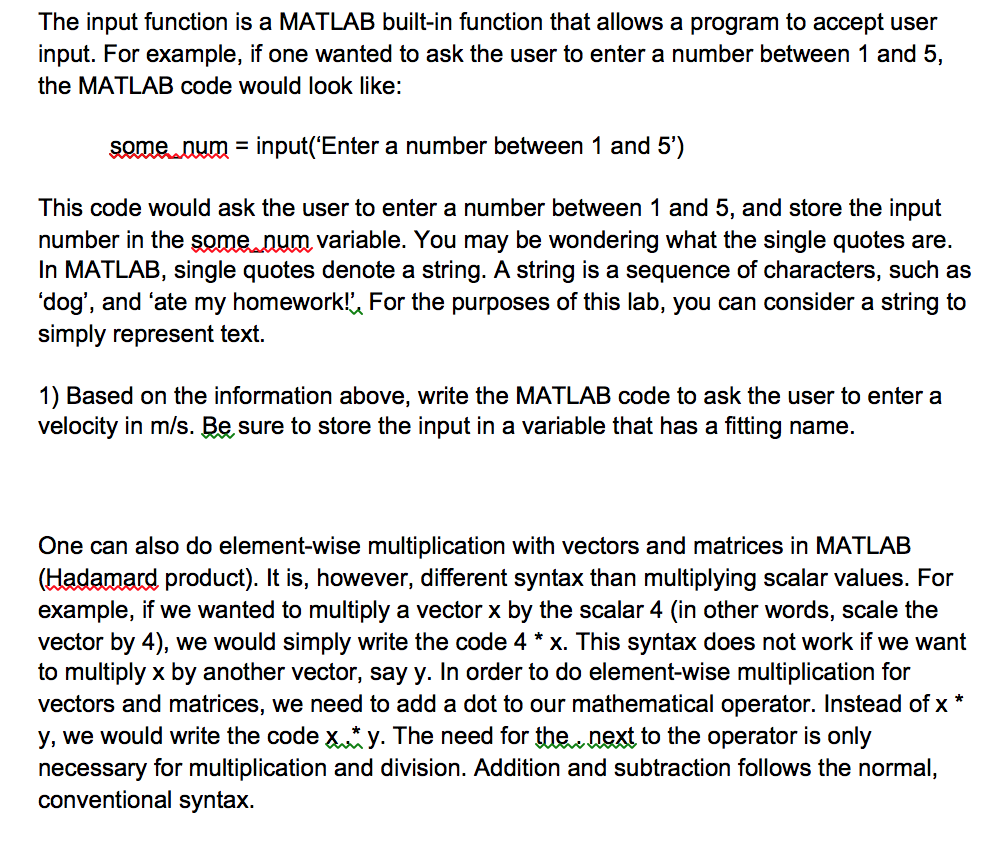
The input function is a MATLAB built-in function that allows a program to accept user input. For example, if one wanted to ask the user to enter a number between 1 and 5, the MATLAB code would look like: some num = input('Enter a number between 1 and 5') This code would ask the user to enter a number between 1 and 5, and store the input number in the some num variable. You may be wondering what the single quotes are. In MATLAB, single quotes denote a string. A string is a sequence of characters, such as 'dog', and 'ate my homework!'. For the purposes of this lab, you can consider a string to simply represent text. 1) Based on the information above, write the MATLAB code to ask the user to enter a velocity in m/s. Be sure to store the input in a variable that has a fitting name. One can also do element-wise multiplication with vectors and matrices in MATLAB (Hadamard, product). It is, however, different syntax than multiplying scalar values. For example, if we wanted to multiply a vector x by the scalar 4 (in other words, scale the vector by 4), we would simply write the code 4 * x. This syntax does not work if we want to multiply x by another vector, say y. In order to do element-wise multiplication for vectors and matrices, we need to add a dot to our mathematical operator. Instead of x * y, we would write the code x. *y. The need for the. next to the operator is only necessary for multiplication and division. Addition and subtraction follows the normal, conventional syntax
Step by Step Solution
There are 3 Steps involved in it

Get step-by-step solutions from verified subject matter experts
 Study Help