







Question: The language is python Introduction to Scientific Programming Lab 7 Problem 1: Write a function that selects the caterpillar. jpg picture from the files we
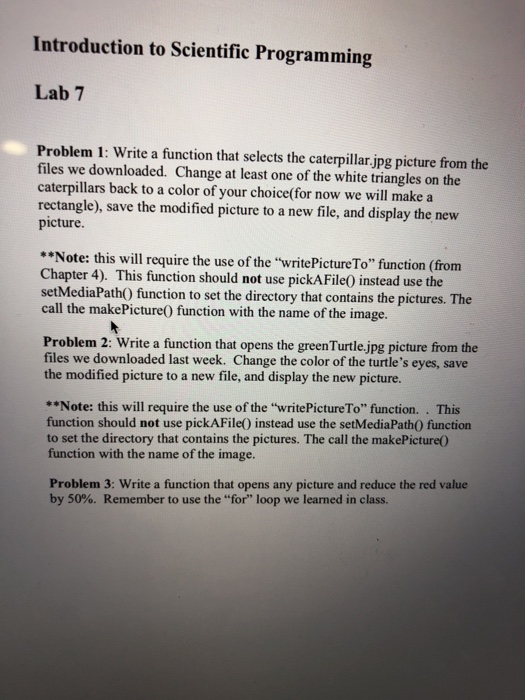
Introduction to Scientific Programming Lab 7 Problem 1: Write a function that selects the caterpillar. jpg picture from the files we downloaded. Change at least one of the white triangles on the caterpillars back to a color of your choice(for now we will make a rectangle), save the modified picture to a new file, and display the new picture. **Note: this will require the use of the "writePictureTo" function (from Chapter 4). This function should not use pickA File0 instead use the setMediaPath0 function to set the directory that contains the pictures. The call the makePicture0 function with the name of the image. Problem 2: Write a function that opens the greenTurtle jpg picture from the files we downloaded last week. Change the color of the turtle's eyes, save the modified picture to a new file, and display the new picture. **Note: this will require the use of the "writePictureTo function. This function should not use pickAFile) instead use the setMediaPath0 function to set the directory that contains the pictures. The call the makePicture0 function with the name of the image. Problem 3: Write a function that opens any picture and reduce the red value by 50%. Remember to use the "for" loop we learned in class. Introduction to Scientific Programming Lab 7 Problem 1: Write a function that selects the caterpillar. jpg picture from the files we downloaded. Change at least one of the white triangles on the caterpillars back to a color of your choice(for now we will make a rectangle), save the modified picture to a new file, and display the new picture. **Note: this will require the use of the "writePictureTo" function (from Chapter 4). This function should not use pickA File0 instead use the setMediaPath0 function to set the directory that contains the pictures. The call the makePicture0 function with the name of the image. Problem 2: Write a function that opens the greenTurtle jpg picture from the files we downloaded last week. Change the color of the turtle's eyes, save the modified picture to a new file, and display the new picture. **Note: this will require the use of the "writePictureTo function. This function should not use pickAFile) instead use the setMediaPath0 function to set the directory that contains the pictures. The call the makePicture0 function with the name of the image. Problem 3: Write a function that opens any picture and reduce the red value by 50%. Remember to use the "for" loop we learned in class
Step by Step Solution
There are 3 Steps involved in it

Get step-by-step solutions from verified subject matter experts
 Study Help