







Question: The Packet Tracer file provided with this assignment features an OSPF network with two routers placed at the exit point of the layer-2 segment. They
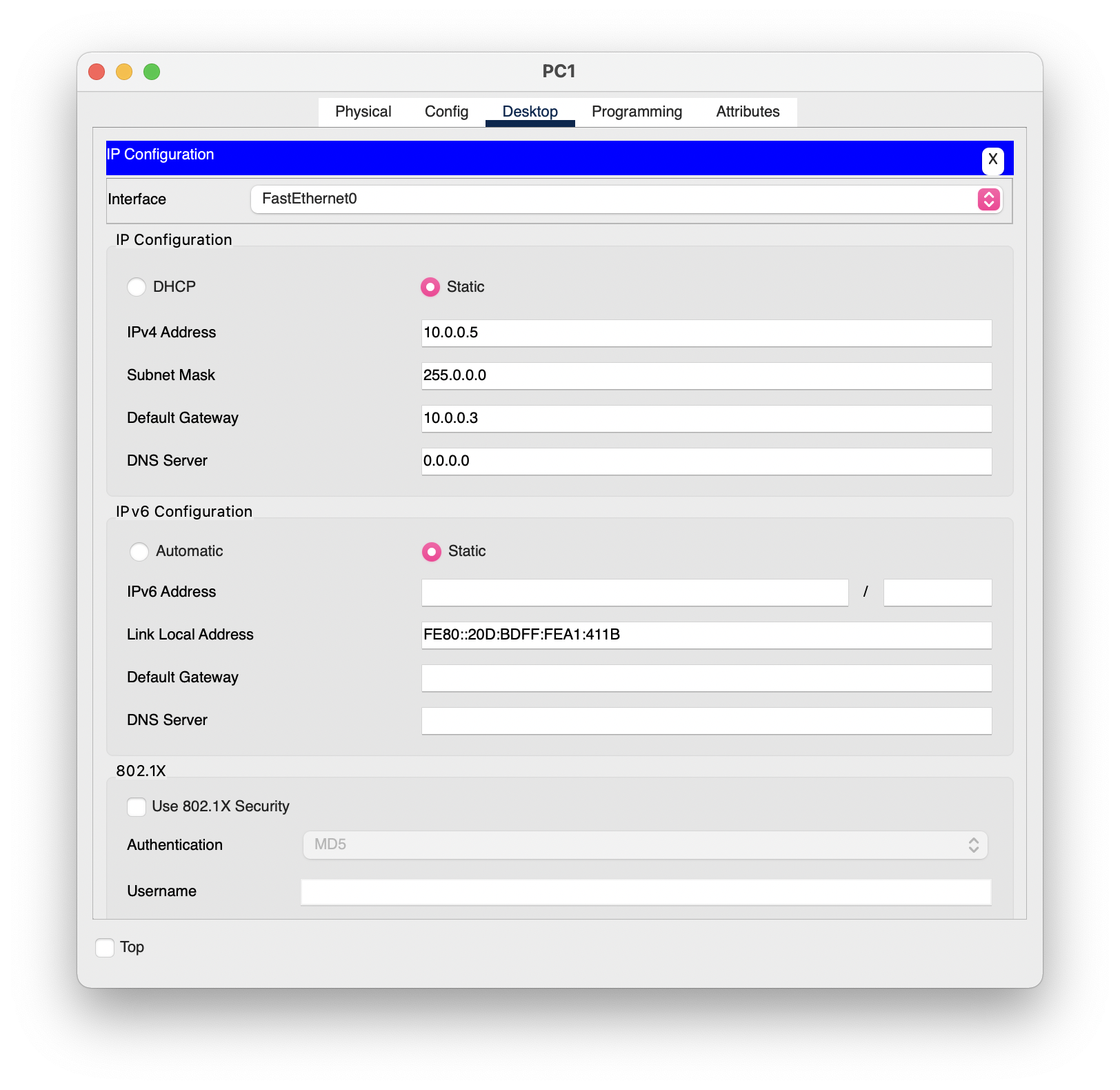
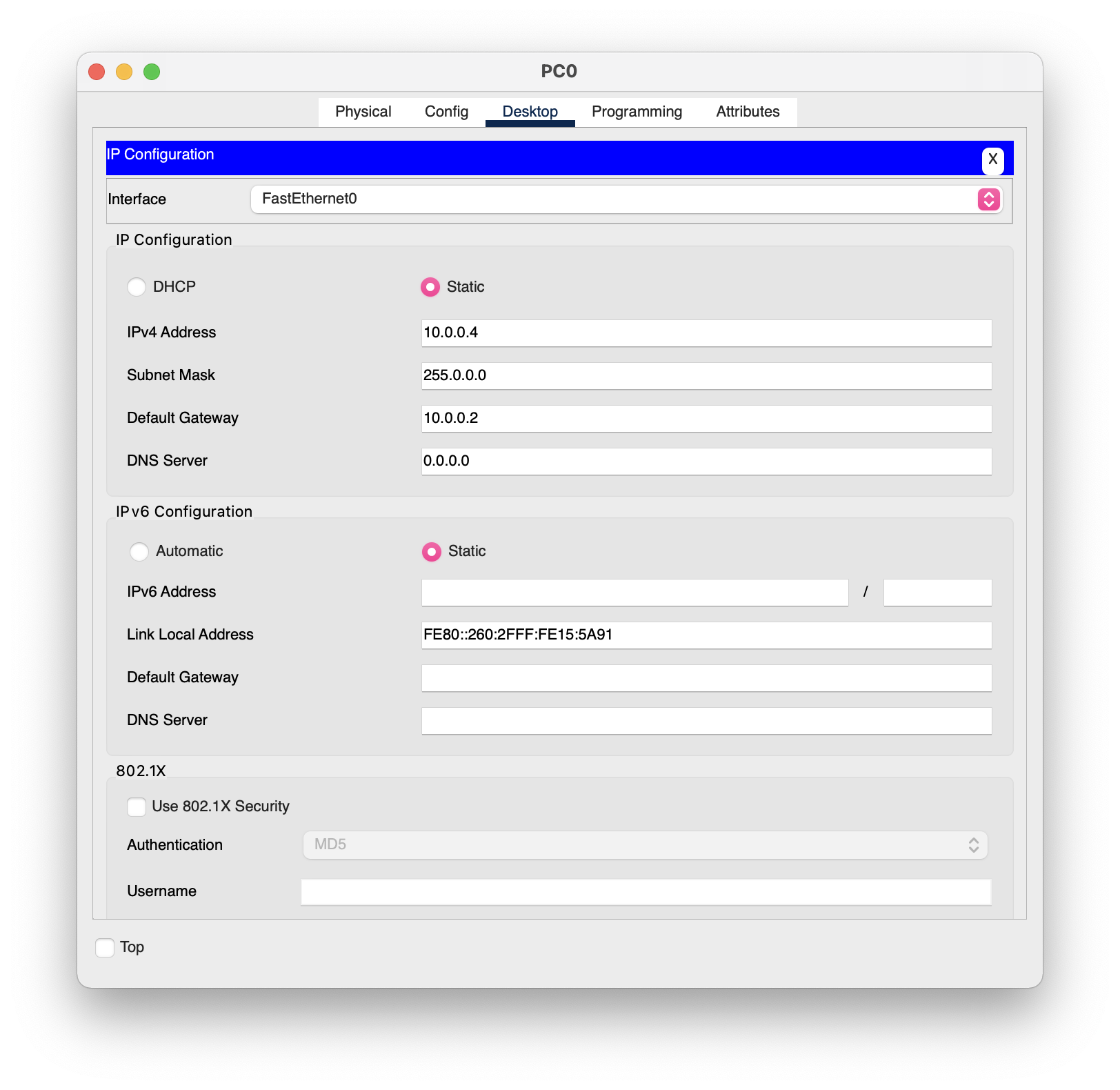
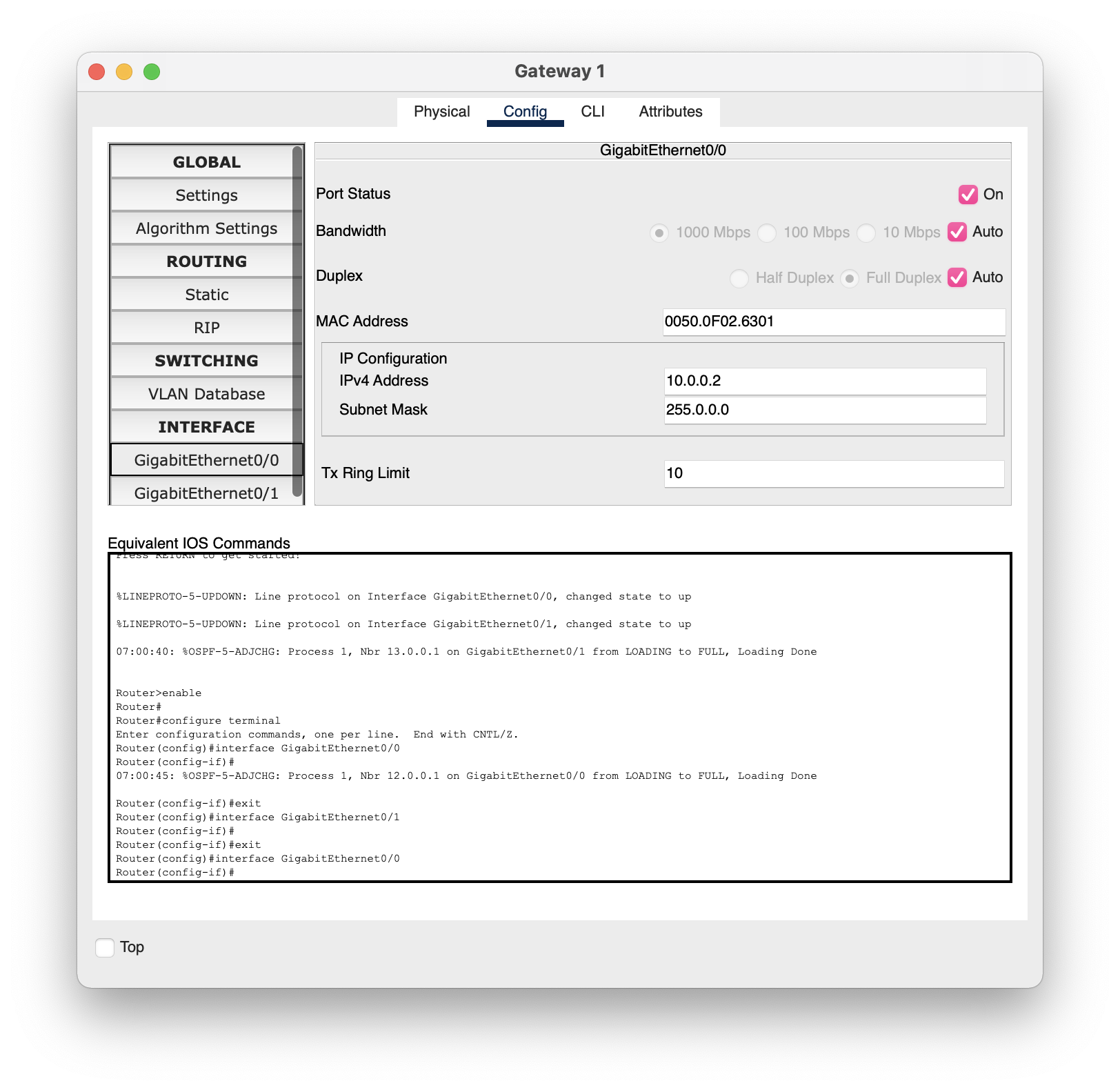
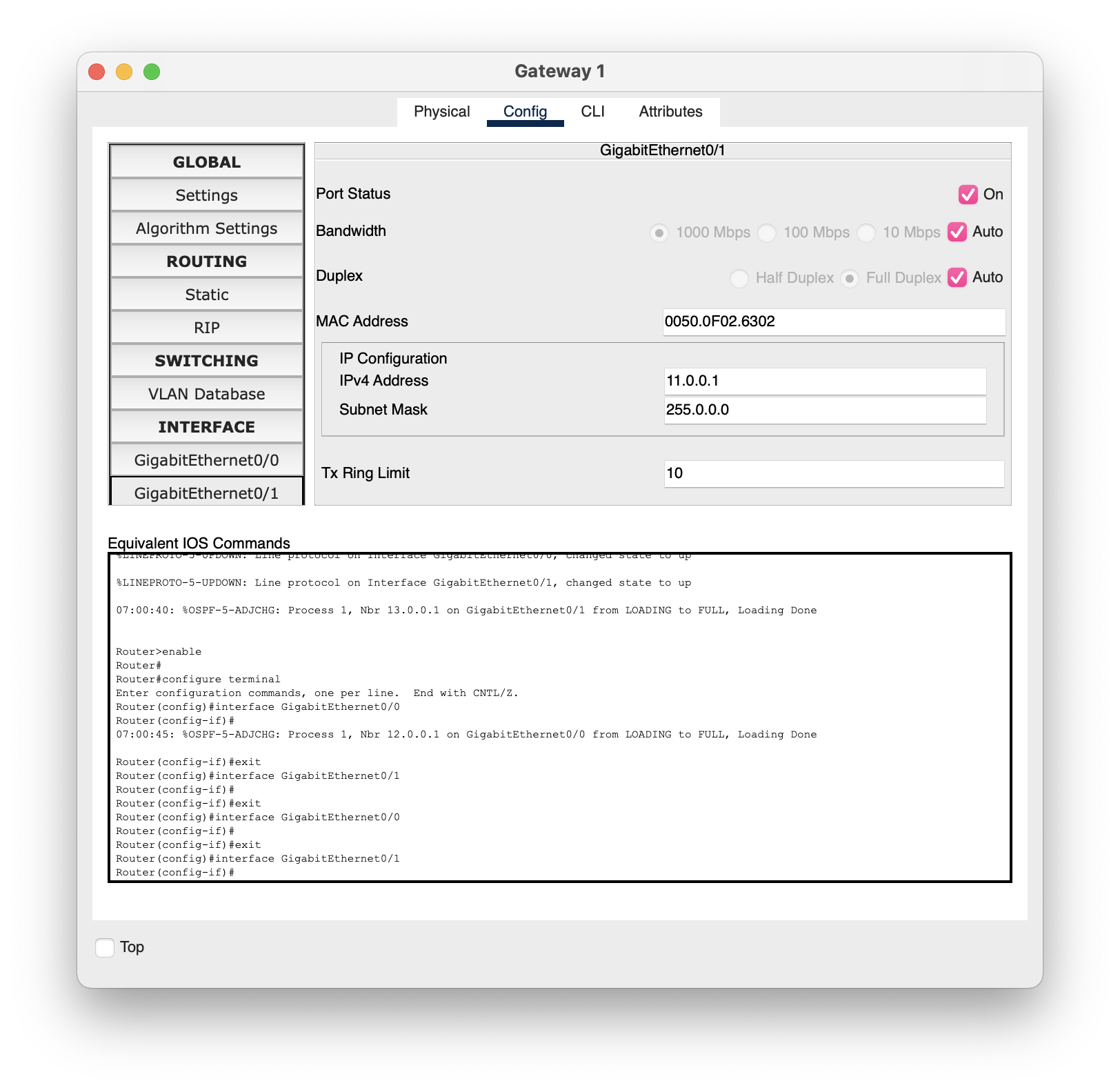
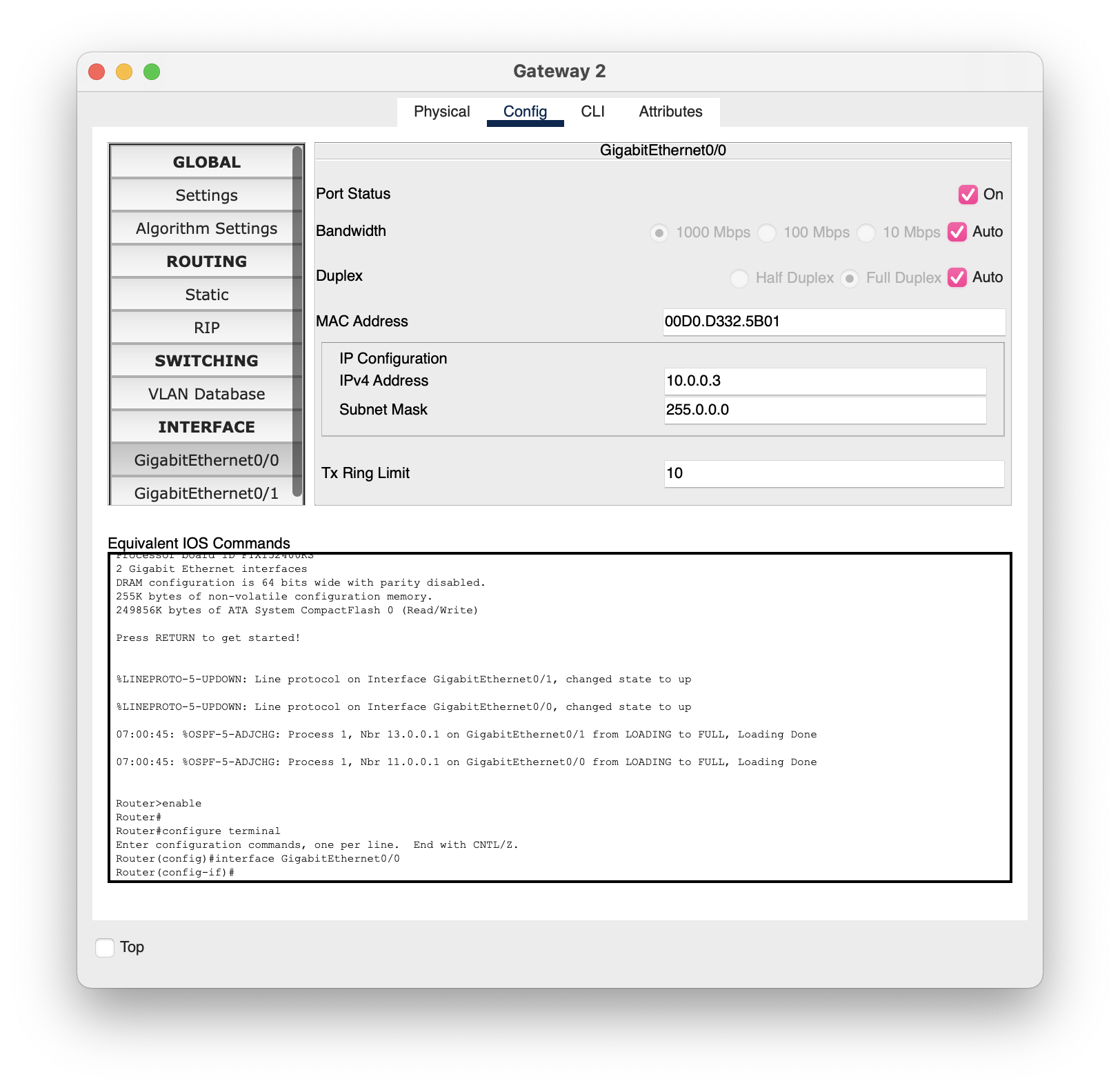
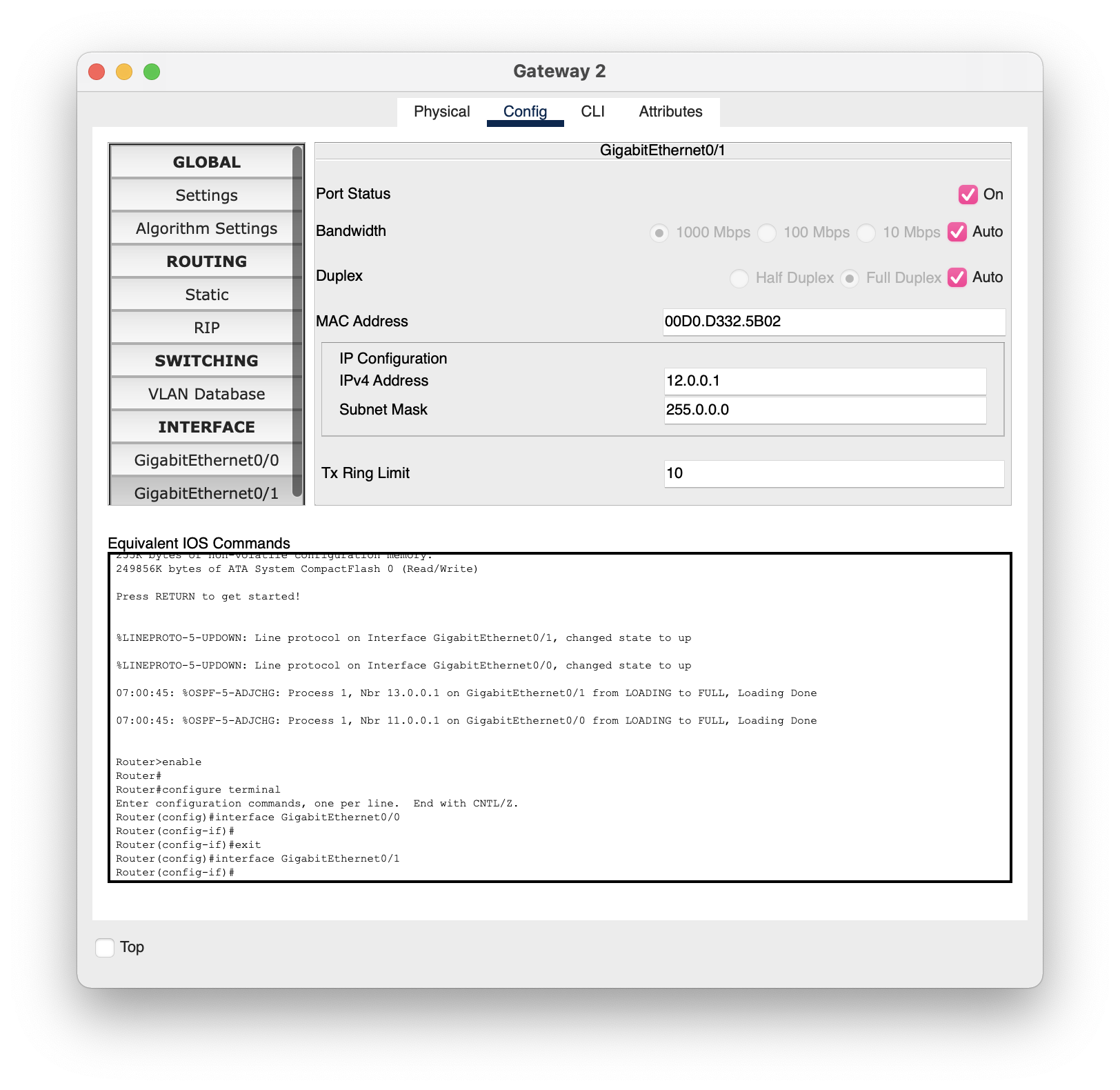
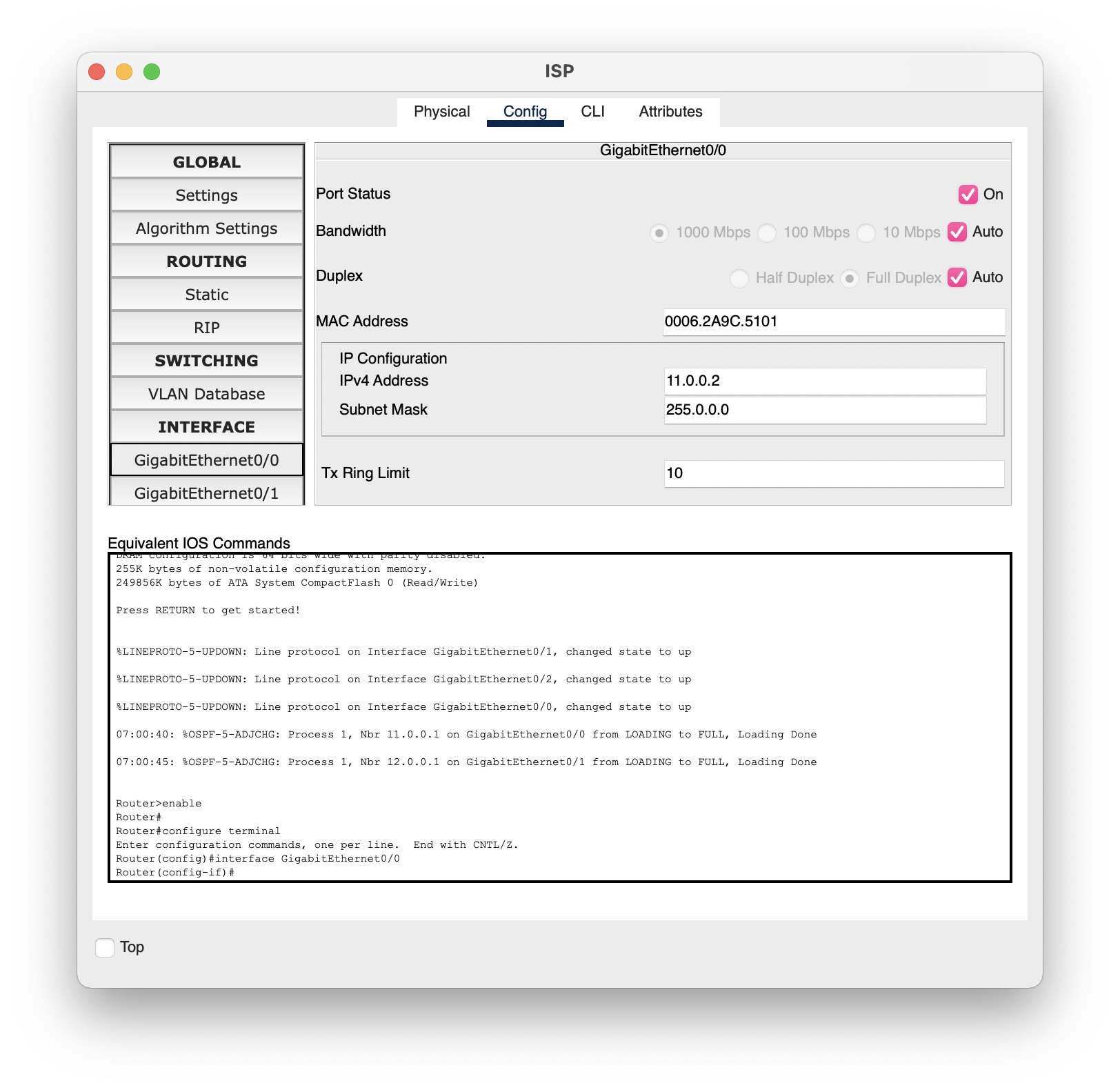
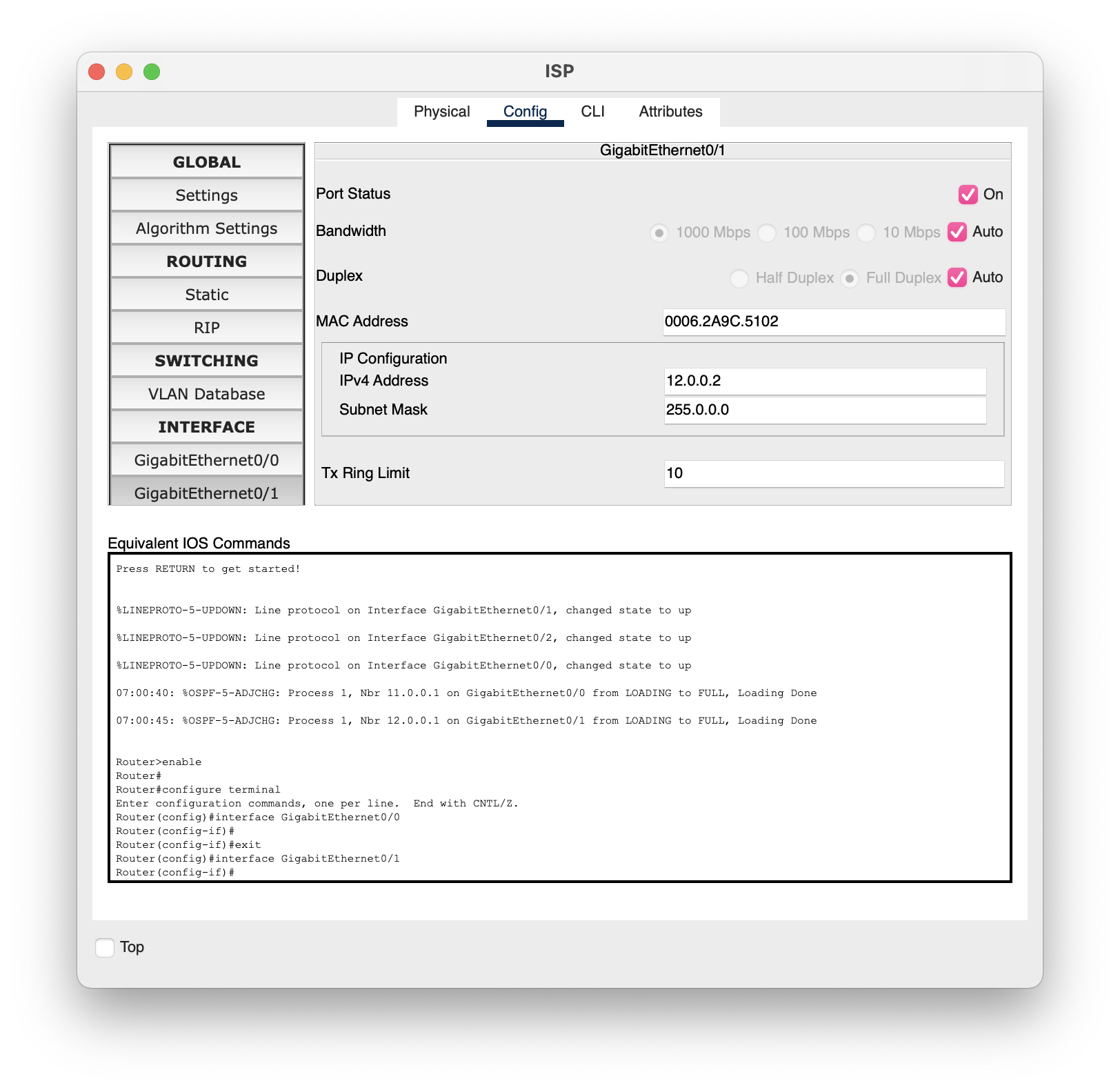
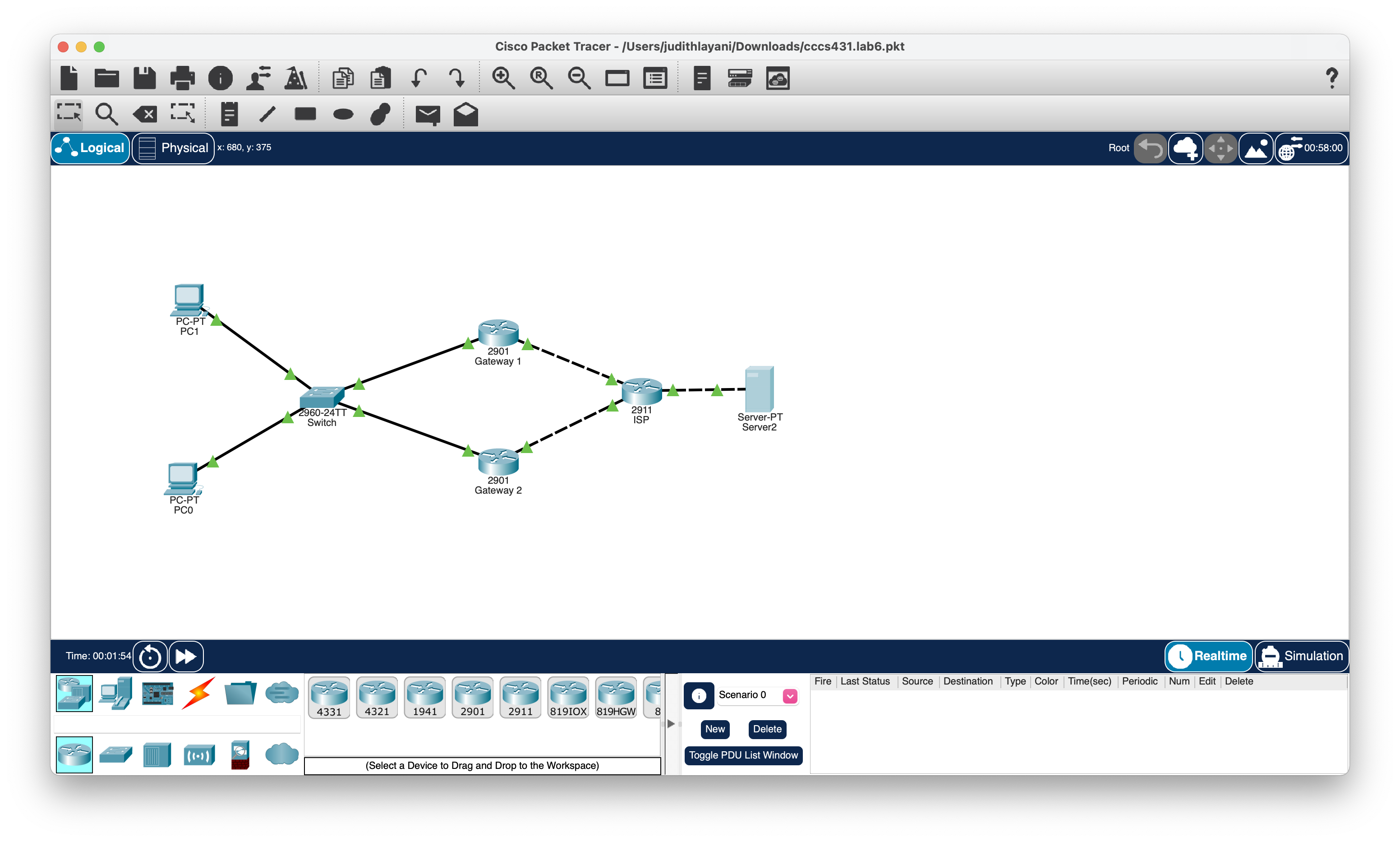
The Packet Tracer file provided with this assignment features an OSPF network with two routers placed at the exit point of the layer-2 segment. They each have their own IP address on the 10.0.0.0 network side. However, because each end device can only have one default gateway, the two PCs point to only one router, in this case, different ones. If one of these routers fails, one of the PC will lose connectivity to the external networks. To verify this, turn an interface off on one of the gateway routers.
----------------------------------------------------------------------------------------------------------------------------------------------
-Enable HSRP on the appropriate interface of each of the two Gateway routers.
-Assign highest HSRP priority to Gateway 1 (Active router)
-Ensure that Gateway 1 becomes the active HSRP router again when the links comes back up.
-Modify the default gateway on each PC to target the new HSRP router IP address.
-Ping from both PCs to the server to verify connectivity and take note of the paths followed by the packet. You may use PDA packets.
-Disable interface Gig0/0 on Gateway 1 and Ping from both PCs to the server to verify that connectivity is still available. The paths should be different from the last simulation.
-Re-enable interface Gig0/0 on Gateway 1 and Ping from both PCs to the server. Verify that the packets go back through Gateway 1.
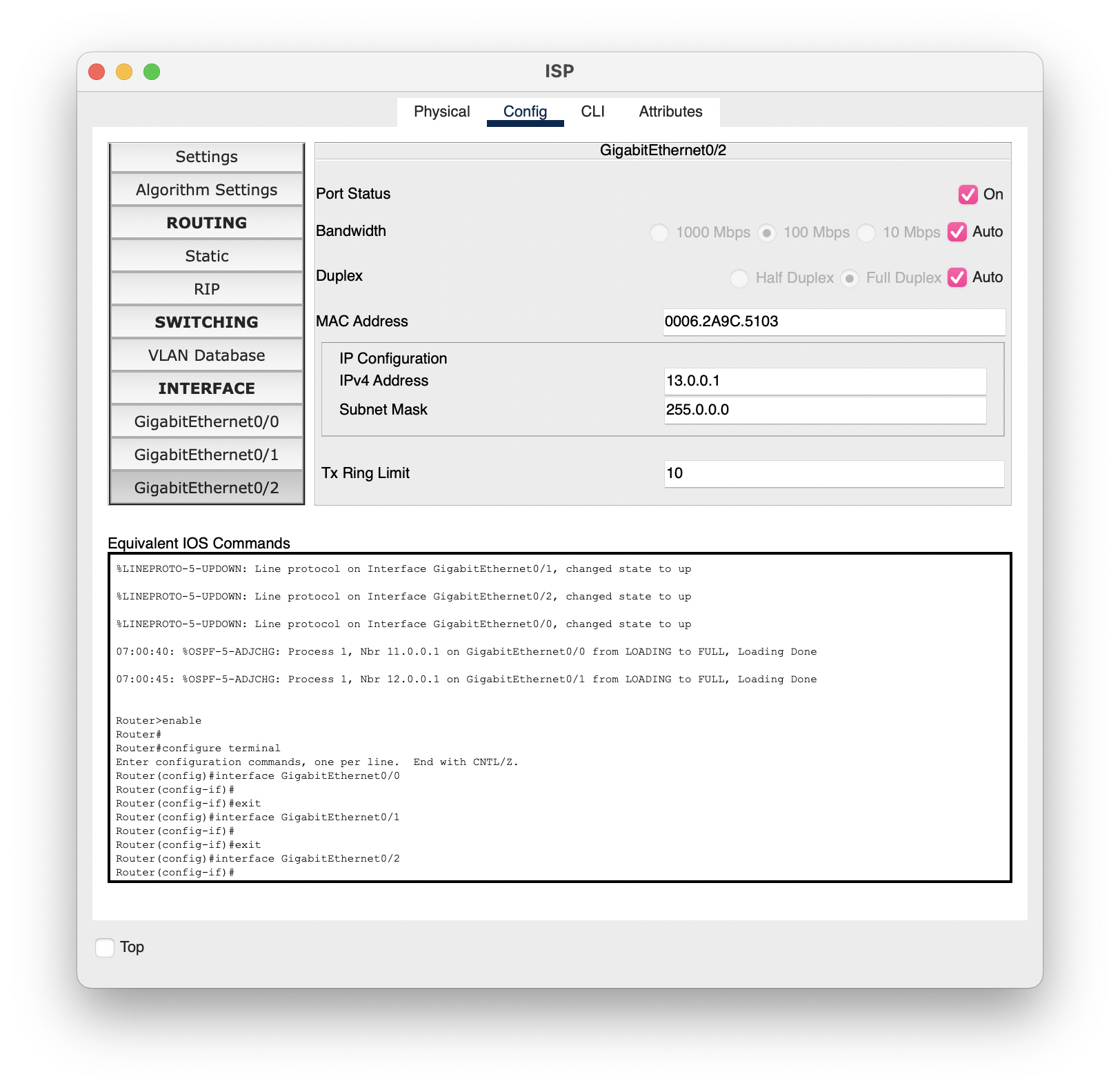
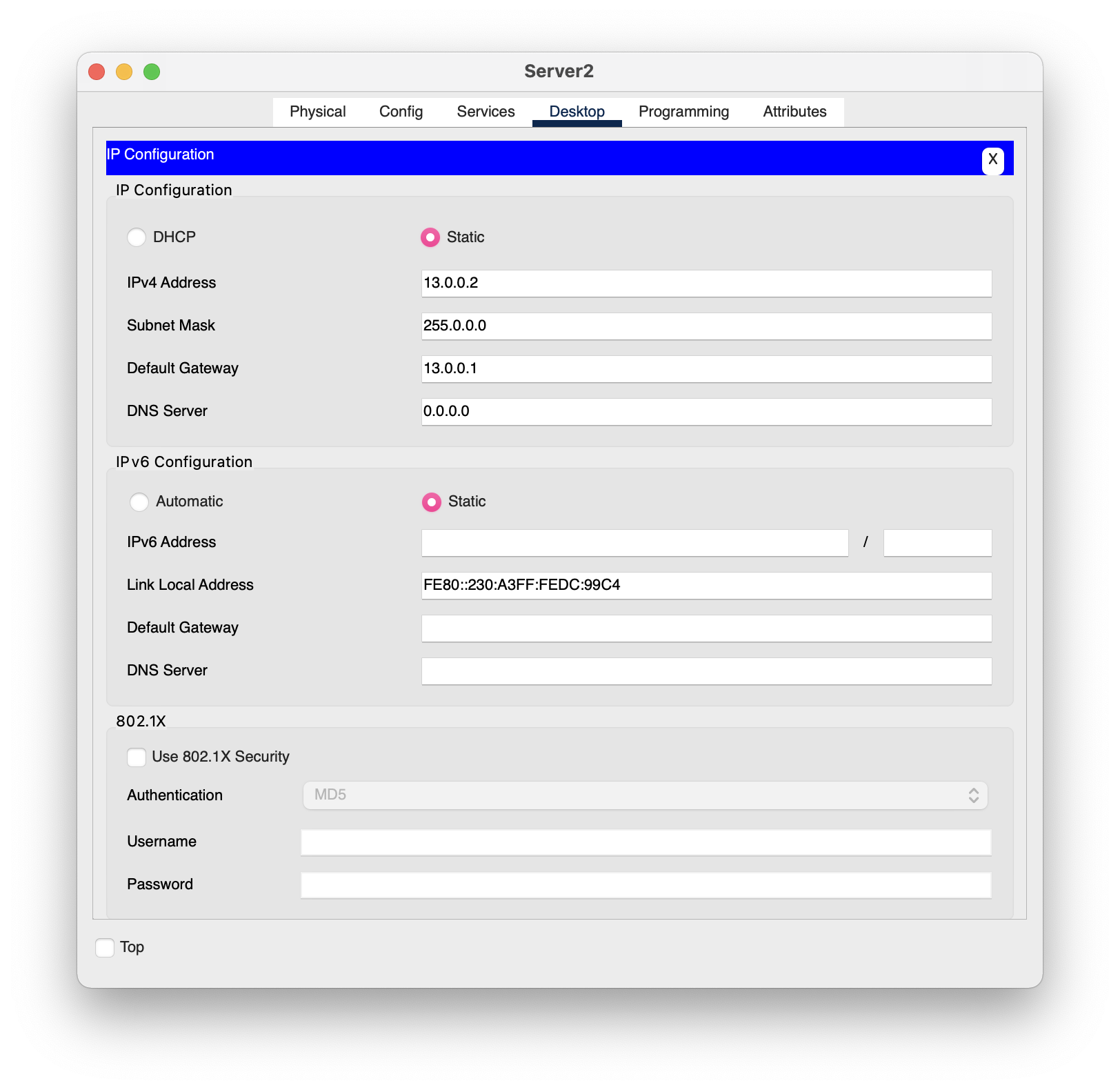
The images above are the ip addresses given
IP Configuration Interface IP Configuration DHCP IPv4 Address Subnet Mask Default Gateway DNS Server IPv6 Configuration Automatic IPv6 Address Link Local Address Default Gateway DNS Server 802.1X Top Authentication Use 802.1X Security Username FastEthernet0 Physical Config Desktop Programming MD5 Static 10.0.0.5 255.0.0.0 10.0.0.3 0.0.0.0 PC1 Static FE80::20D:BDFF:FEA1:411B Attributes X
Step by Step Solution
There are 3 Steps involved in it

Get step-by-step solutions from verified subject matter experts
 Study Help