







Question: The programming language is in Java, must be either JAVA FX or swing for the GUI The GUI The GUI will have four sections: an
The programming language is in Java, must be either JAVA FX or swing for the GUI
The GUI
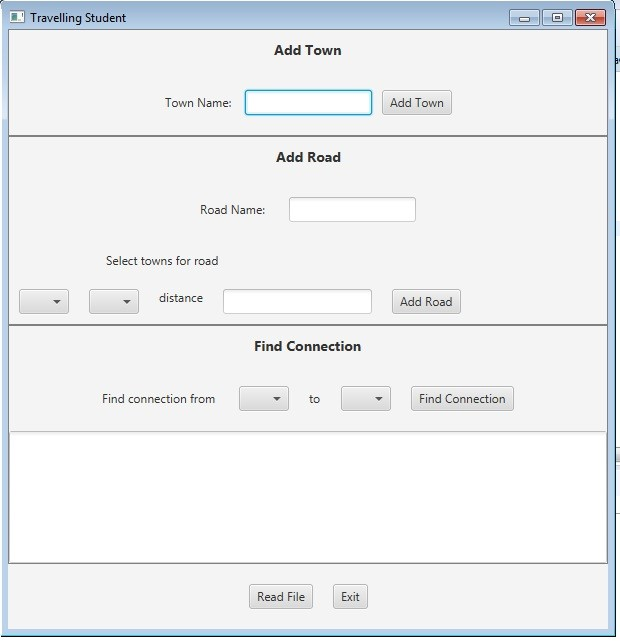
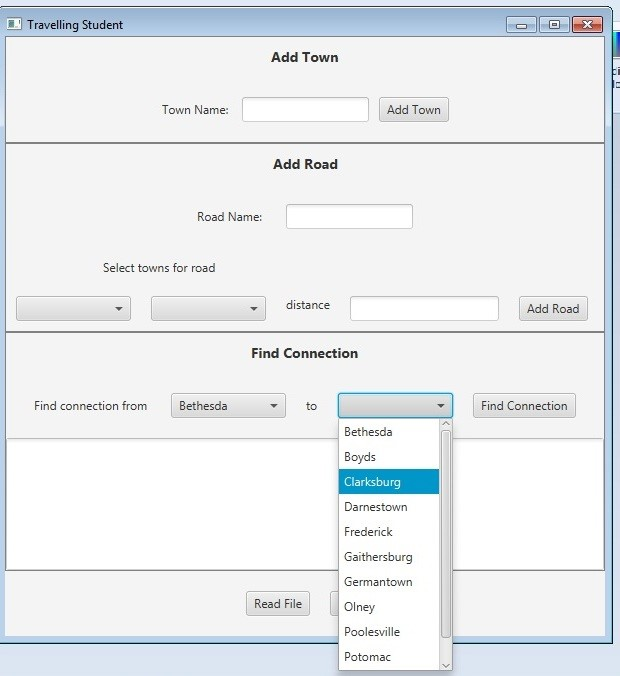
The GUI will have four sections: an Add Town section, an Add Road section, a Find Connection section, and an administration section.There will be four ComboBoxes each containing the same list of Towns.On startup the graph will be empty.
Add a Town Button
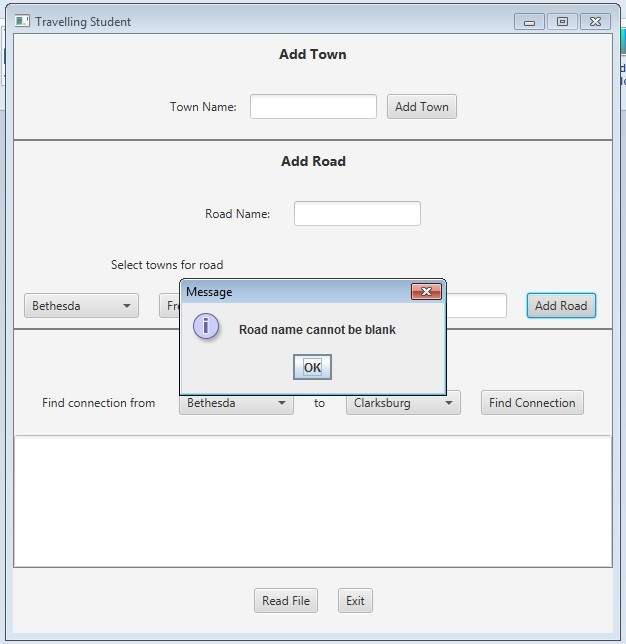
The user may add a new Town by typing its name in the textfield.If the textfield is blank when the Add Town button is selected, the GUI should show an error message.When a new Town is added, the TownGraphManager will add it to the graph, and the Towns name will be added to the four ComboBoxes.
Add a Road Button
To add a road, a town must be selected from each of the two ComboBoxes in the Add Road section, an integer distance entered, and a road name entered. When the Add Road button is selected, the edge is created and entered in the graph.
Find Connection Button
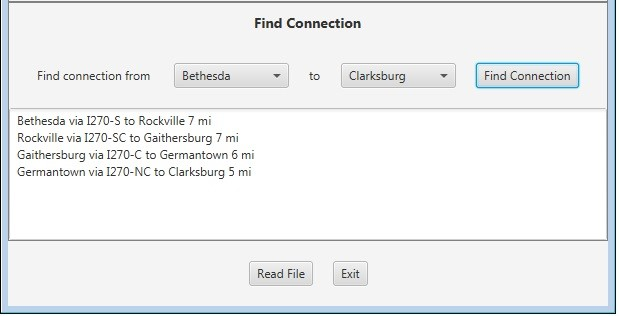
Display all the available towns in the ComboBoxes (in alpha order by name).When the user selects the towns, display the name in the ComboBoxes.When the user selects the Find Connection button, the TownGraphManagers shortestPath method is called.The resulting list of roads connecting towns, and the distance along each road, is displayed in the text area.
If the source town and destination town are the same, or if there is no route between the two, state that in the text area.
Read File Button
The Towns.txt files hold information for individual Towns and Roads, and is in the following format:
road-name,miles;town-name;town-name
For example:
I-94,282;Chicago;Detroit
Notice that the road-name and miles are separated by a comma, while the road information and the two towns are separated by semi-colons.
Exit Button
The program will terminate.
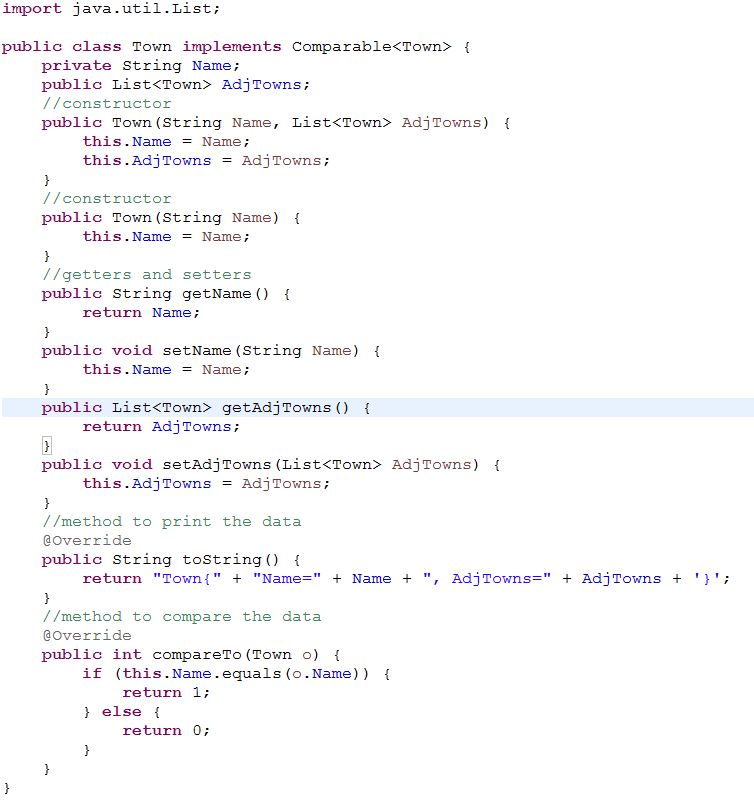
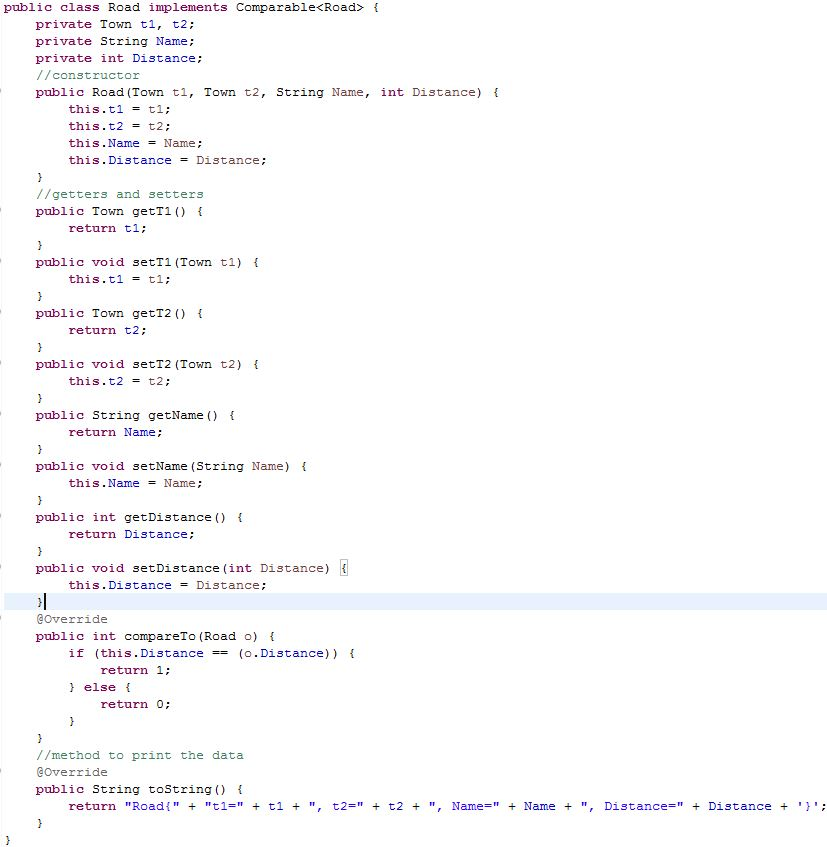
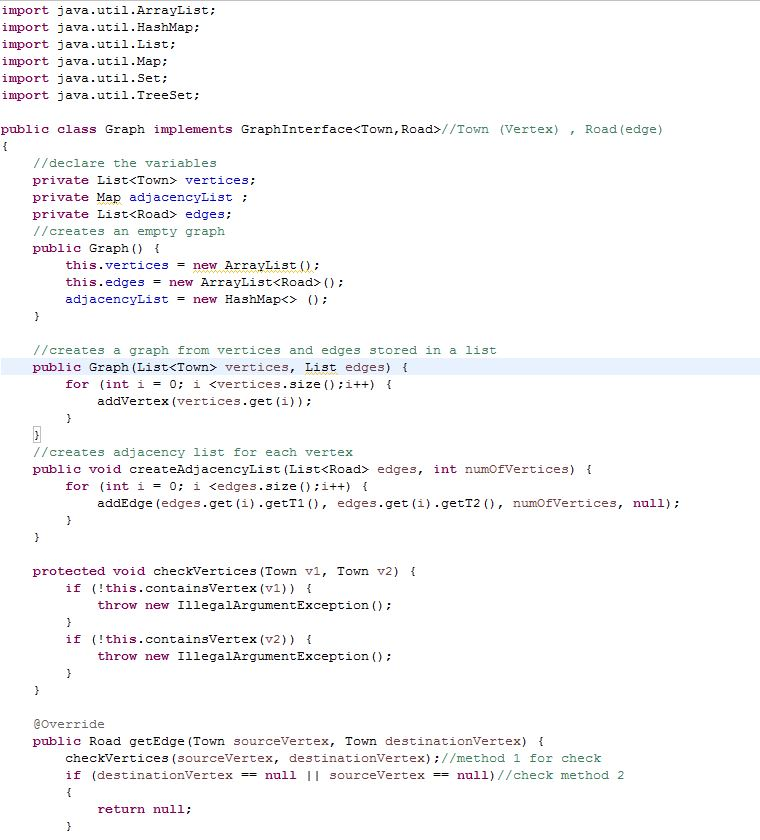
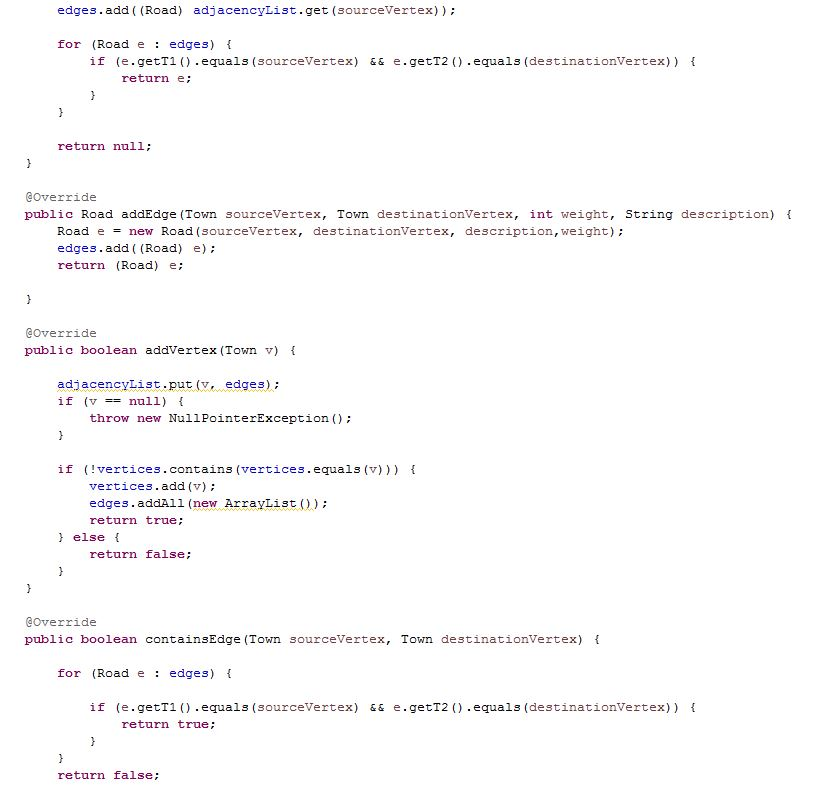
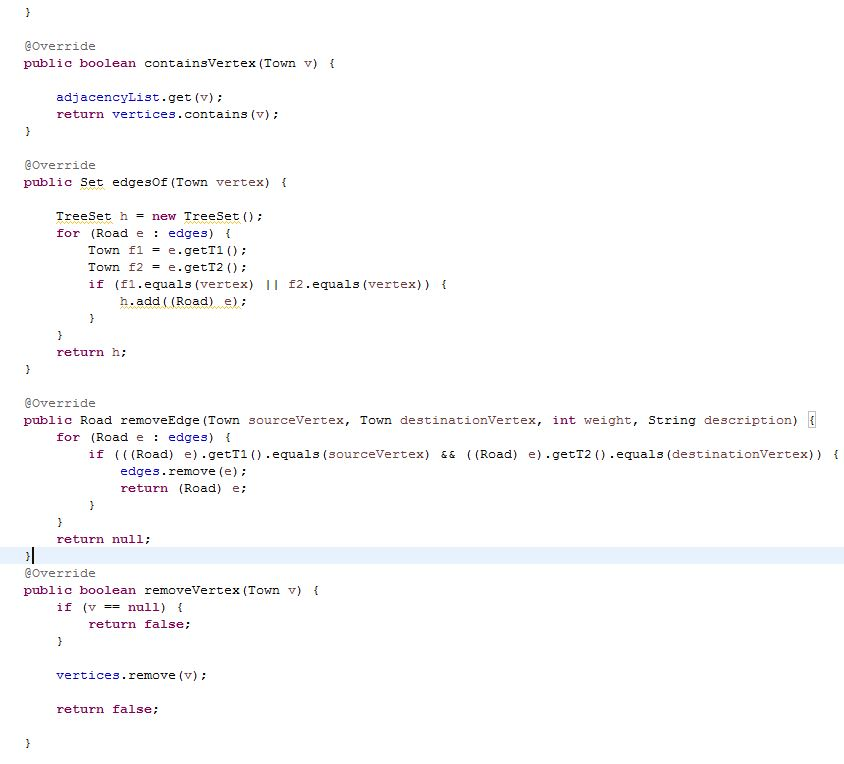
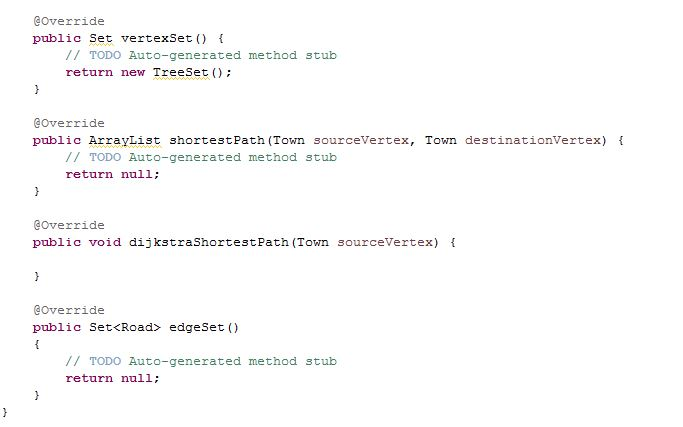
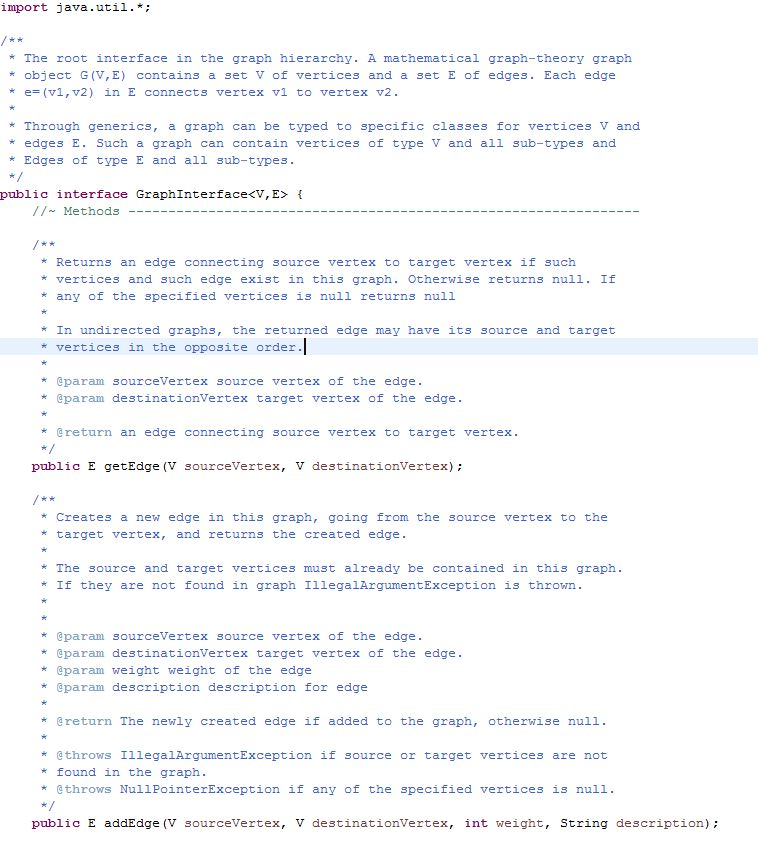
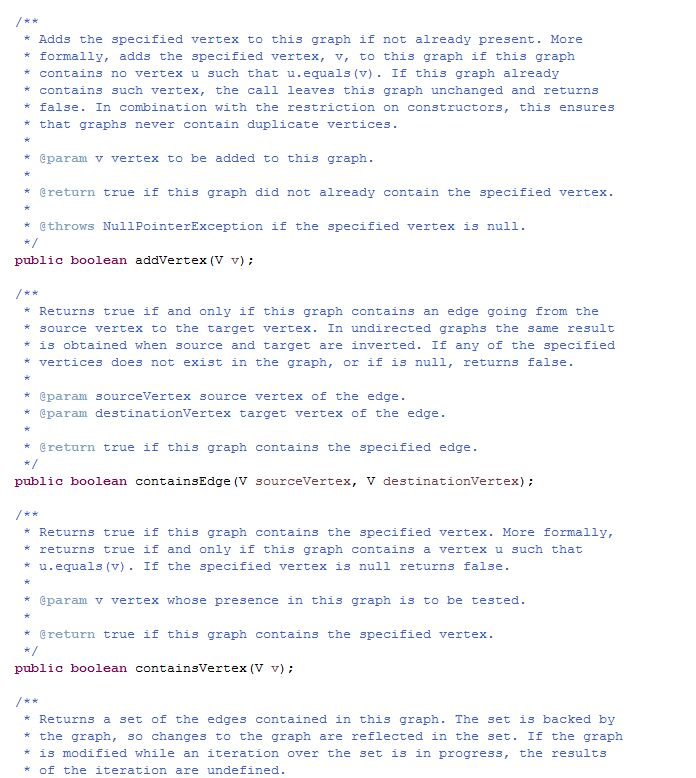
Here are the class
Travelling Student Add Town Town Name: Add Town Add Road Road Name: Select towns for road distance Add Road Find Connection Find connection from to Find Connection Read Fille Exit Travelling Student Add Town Town Name: Add Town Add Road Road Name: Select towns for road distance Add Road Find Connection Find connection from to Find Connection Read Fille Exit
Step by Step Solution
There are 3 Steps involved in it

Get step-by-step solutions from verified subject matter experts
 Study Help