







Question: The Review tab in PowerPoint includes features like Track Changes and Comments for collaborative editing. The Find and Replace feature in PowerPoint can be used
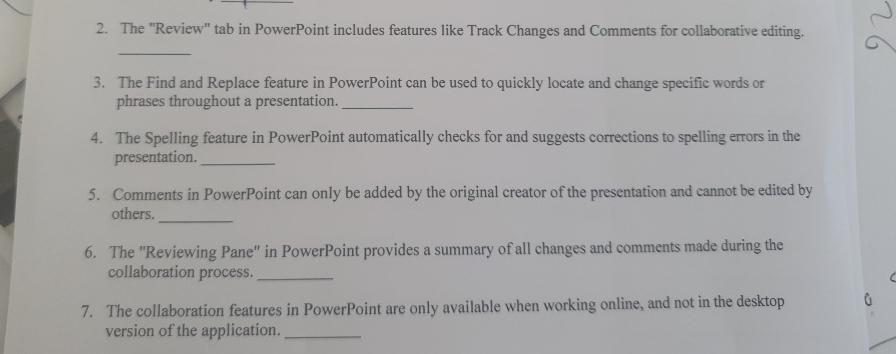
The "Review" tab in PowerPoint includes features like Track Changes and Comments for collaborative editing.
The Find and Replace feature in PowerPoint can be used to quickly locate and change specific words or phrases throughout a presentation.
The Spelling feature in PowerPoint automatically checks for and suggests corrections to spelling errors in the presentation.
Comments in PowerPoint can only be added by the original creator of the presentation and cannot be edited by others.
The "Reviewing Pane" in PowerPoint provides a summary of all changes and comments made during the collaboration process.
The collaboration features in PowerPoint are only available when working online, and not in the desktop version of the application.
Step by Step Solution
There are 3 Steps involved in it
1 Expert Approved Answer
Step: 1 Unlock

Question Has Been Solved by an Expert!
Get step-by-step solutions from verified subject matter experts
Step: 2 Unlock
Step: 3 Unlock
 Study Help