





Question: The Script You're going to create a basic shell script calculator that handles +, -, *, and /. Name it calculator.bash . The input will
 The Script You're going to create a basic shell script calculator

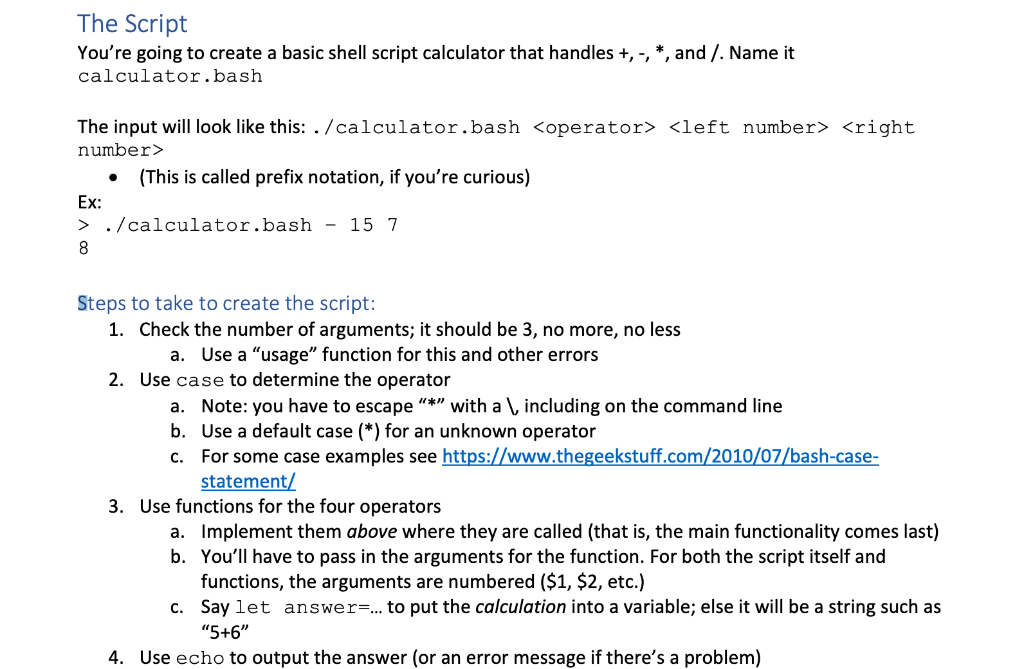
The Script You're going to create a basic shell script calculator that handles +, -, *, and /. Name it calculator.bash . The input will look like this: ./ calculator.bash (This is called prefix notation, if you're curious) Ex: > ./calculator.bash - 15 7 8 Steps to take to create the script: 1. Check the number of arguments; it should be 3, no more, no less a. Use a "usage" function for this and other errors 2. Use case to determine the operator a. Note: you have to escape "*" with a \, including on the command line b. Use a default case (*) for an unknown operator C. For some case examples see https://www.thegeekstuff.com/2010/07/bash-case- statement/ 3. Use functions for the four operators a. Implement them above where they are called (that is, the main functionality comes last) b. You'll have to pass in the arguments for the function. For both the script itself and functions, the arguments are numbered ($1, $2, etc.) C. Say let answers... to put the calculation into a variable; else it will be a string such as "5+6" 4. Use echo to output the answer (or an error message if there's a problem)

Step by Step Solution

There are 3 Steps involved in it

1 Expert Approved Answer
Step: 1 Unlock blur-text-image
Question Has Been Solved by an Expert!

Get step-by-step solutions from verified subject matter experts

Step: 2 Unlock
Step: 3 Unlock

Students Have Also Explored These Related Databases Questions!