







Question: the secound pic is for quistion 6 5. Write a JavaScript and use get day () method that returns the weekday as a number between
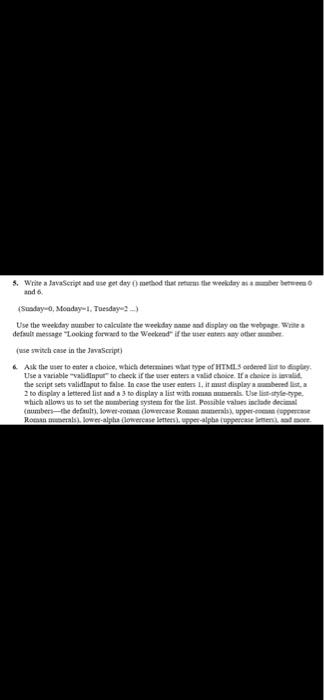
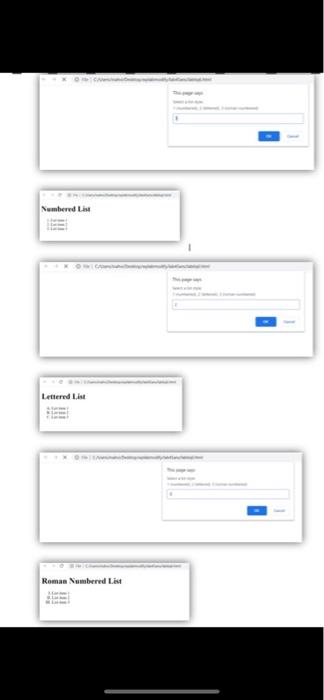
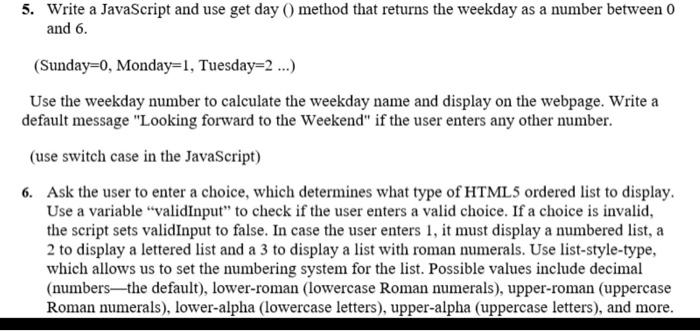
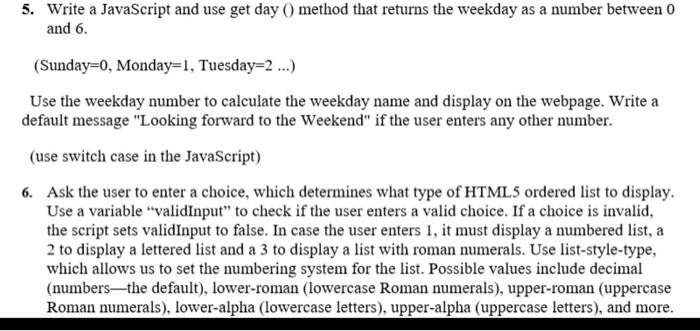
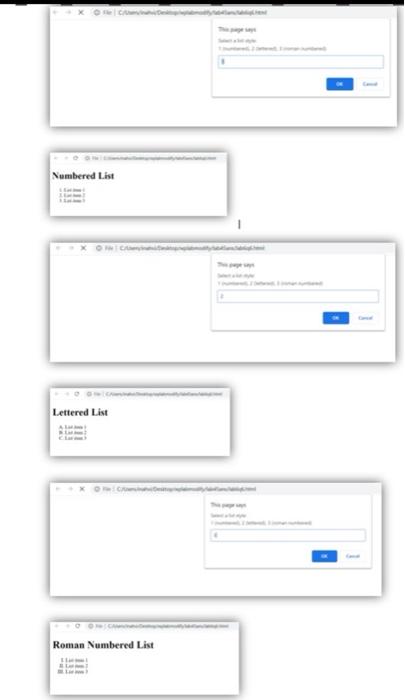
5. Write a JavaScript and use get day () method that returns the weekday as a number between 0 and 6. (Sunday=0, Monday=1, Tuesday=2...) Use the weekday number to calculate the weekday name and display on the webpage. Write a default message "Looking forward to the Weekend" if the user enters any other number. (use switch case in the JavaScript) 6. Ask the user to enter a choice, which determines what type of HTML 5 ordered list to display. Use a variable "validInput" to check if the user enters a valid choice. If a choice is invalid, the script sets validInput to false. In case the user enters 1, it must display a numbered list, a 2 to display a lettered list and a 3 to display a list with roman numerals. Use list-style-type, which allows us to set the numbering system for the list. Possible values include decimal (numbersthe default), lower-roman (lowercase Roman numerals), upper-roman (uppercase Roman numerals), lower-alpha (lowercase letters), upper-alpha (uppercase letters), and more. 5. Write a JavaScript and use get day () method that returns the weekday as a number between 0 and 6. (Sunday=0, Monday=1, Tuesday=2...) Use the weekday number to calculate the weekday name and display on the webpage. Write a default message "Looking forward to the Weekend" if the user enters any other number. (use switch case in the JavaScript) 6. Ask the user to enter a choice, which determines what type of HTML 5 ordered list to display. Use a variable "validInput" to check if the user enters a valid choice. If a choice is invalid, the script sets validInput to false. In case the user enters 1, it must display a numbered list, a 2 to display a lettered list and a 3 to display a list with roman numerals. Use list-style-type, which allows us to set the numbering system for the list. Possible values include decimal (numbersthe default), lower-roman (lowercase Roman numerals), upper-roman (uppercase Roman numerals), lower-alpha (lowercase letters), upper-alpha (uppercase letters), and more. Numbered List Lettered List Roman Numbered List
Step by Step Solution
There are 3 Steps involved in it

Get step-by-step solutions from verified subject matter experts
 Study Help