







Question: The SEND button sends the text typed in the text input view to the second activityIf the text input is empty it should not do
The SEND button sends the text typed in the text input view to the second activityIf the text input is empty it should not do anythingThe second activity receives and displays the textThe second activity also has a text input with a REPLY buttonThe reply button sends the text back to the first activityIf there is no text, it should do nothingAdd a button labeled "Reset" to the main activity. When clicked on it will set the text of the reply TextView ID of textmessagereply to an empty String and set the Visibility to InvisibleIn addition to that, it will clear the EditText and set it to an empty StringIf the button is clicked on and the textView is already Invisible, then display a Toast message saying that there is nothing to resetAdditional RequirementsChange the name of the application to "Activities Homework"The layout and presentation of the buttons is up to you, recommended having it be next to or above the send buttonShow a Toast when the reset button is clicked with the message "Resetting the text"If the text input and the text view are both empty, the toast should say "Nothing to reset"Requirements
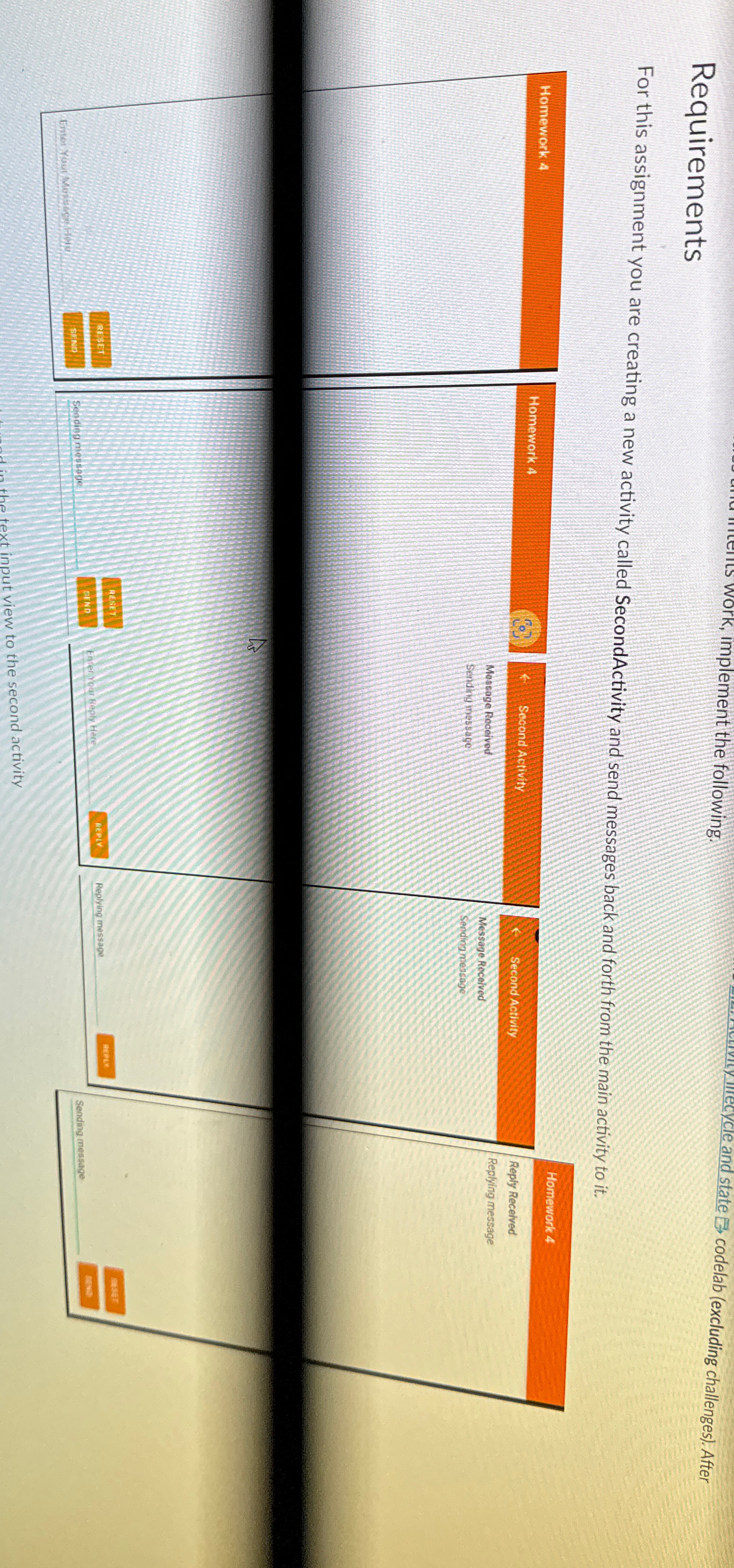
For this assignment you are creating a new activity called SecondActivity and send messages back and forth from the main activity to it
Homework
Reply Recelved
Replying message
Step by Step Solution
There are 3 Steps involved in it
1 Expert Approved Answer
Step: 1 Unlock

Question Has Been Solved by an Expert!
Get step-by-step solutions from verified subject matter experts
Step: 2 Unlock
Step: 3 Unlock
 Study Help